 PluginStats

Pixlift - Copy images from Google Docs users statistics
By studiosaxtra · Chrome Web Store · Workflow & Planning
Pixlift pulls the original, full-resolution images out of a Google Doc and copies them to the clipboard as PNG, or downloads them.
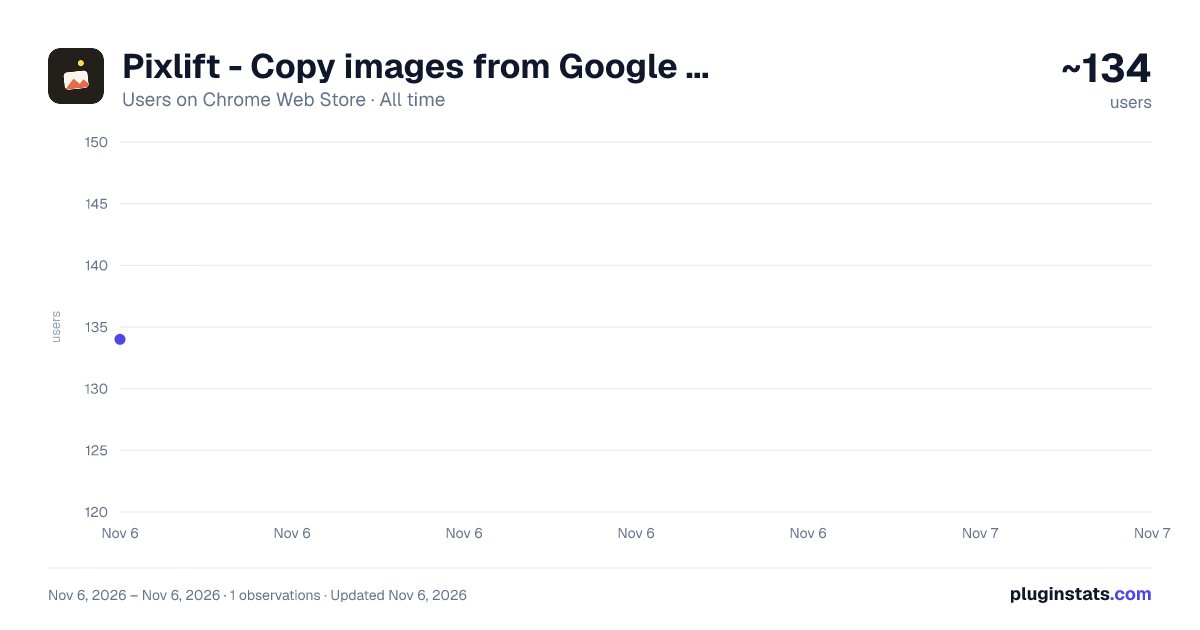
Pixlift - Copy images from Google Docs has approximately 134 recorded users on Chrome Web Store, ranking #6753 of 7,624 tracked listings.
Rating: 5.00 / 5 from 4 ratings
About Pixlift - Copy images from Google Docs
Pixlift pulls the original, full-resolution images out of a Google Doc and copies them to the clipboard as PNG, or downloads them.
Pixlift copies the real images out of a Google Doc. The original, full-resolution files, not a screenshot.
Google Docs paints everything onto a canvas, so there is no image you can right click and save, and a screen grab only gives you a blurry, screen-resolution copy. Pixlift gets the actual embedded image instead.
RIGHT CLICK, RESTORED Right click any image in a Google Doc and you get Copy image and Save image back, exactly like Google never took them away. It copies or saves the original file.
THE GALLERY Open the panel to see every image in the document. Click one to copy it, download one, or grab them all as a single zip.
DOC HEALTH Run a quick checkup on any doc. Pixlift flags duplicate images that bloat the file, oversized pictures, and images missing alt text.
HOW IT WORKS Pixlift requests the document's own export using your existing signed-in session, unzips it locally in your browser, and reads the original images. Everything happens on your machine.
PRIVACY No servers. No account. No tracking. No AI reading your documents. Nothing ever leaves your browser.
NOTES You need view access to the doc. Only embedded images appear. Vector images (EMF/WMF) are offered as download only.
Description from the Chrome Web Store listing.
README badge
Show your rank in a README or on your website. The badge updates automatically.
Charts
Images: 30d · 1y · all time · 1600×900 dark
Adoption over time
7/30/90-day growth
Ranking history
Ratings over time
Listing placement
Listing placement
Filled points are observed values; hollow points come from Internet Archive snapshots of the listing page. Dashed segments span periods with no observations — values between points are not interpolated.
Each band is one page of 20. Users on a linear scale. Placement is projected from users, so it can differ from the marketplace's own sort order. Hover a dot to see the listing.
Recent observations
Full history (1)Similar Chrome Web Store Workflow & Planning plugins
All 20 Pixlift - Copy images from Google Docs alternatives



Data source
Covers every Chrome Web Store extension with at least 100 users, found through the store's public sitemap. User counts are read from public listing pages. The 10% most-used extensions are refreshed daily, the next 40% weekly and the next 40% monthly; the least-used 10% are not refreshed. Google displays rounded user counts (and caps the display at 10,000,000+), so small changes may not be visible. Rating counts above 1,000 are rounded (e.g. 1.6K).
Listing: https://chromewebstore.google.com/detail/pixlift-copy-images-from/anlccnonblpahdekogjgfenmedcgkdaj. First seen Nov 6, 2026; last successful collection Nov 6, 2026. See the methodology.