 PluginStats
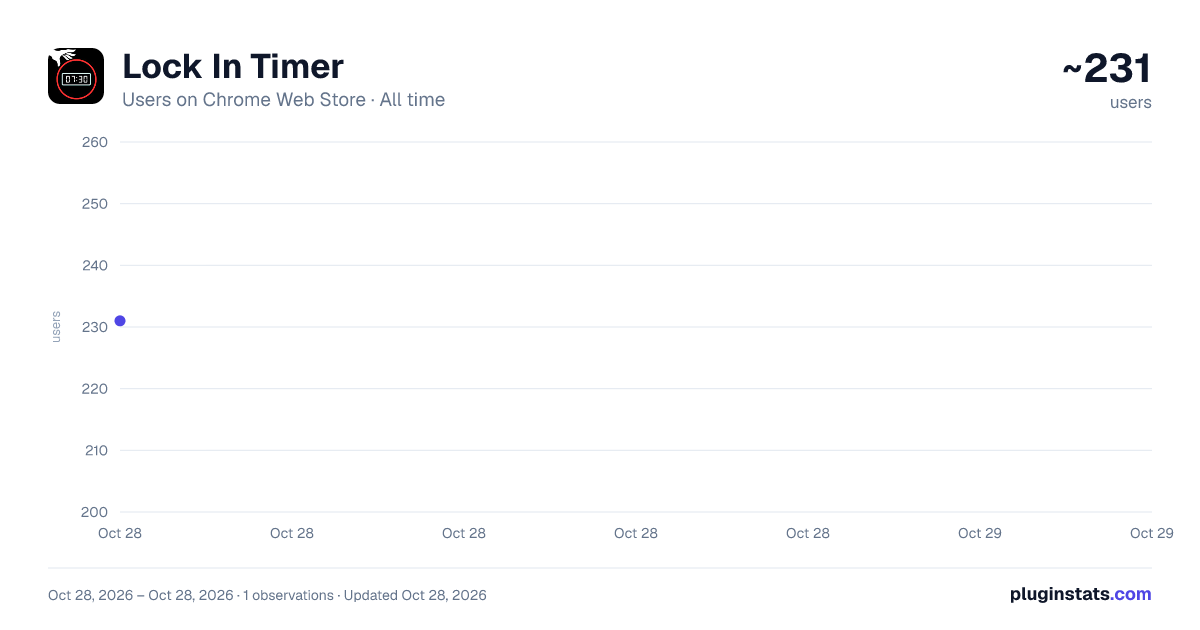
Lock In Timer has approximately 231 recorded users on Chrome Web Store, ranking #3434 of 4,880 tracked listings.
Rating: 5.00 / 5 from 1 ratings
About Lock In Timer
It's time to lock in
Lock In Timer: Focus Timer & Productivity Tracker for Chrome
Stay focused and get more done. Lock In Timer is a sleek side-panel timer that helps you power through work sessions using time-blocking, the Pomodoro Technique, or any focus method that works for you.
Timer Controls Preset durations at 5, 15, 25, 30, 45, and 60 minutes, plus custom timer lengths up to 999 minutes. Pause, resume, and reset at any time. Name your tasks to stay intentional about what you're working on.
Track Your Progress Session stats show total sessions completed, focus minutes logged, and daily streaks. Completed task history with timestamps keeps a record of your work. All data saved automatically — nothing lost when you close the panel.
Never Miss a Timer Audio alert when your session ends. Chrome notification so you notice even from another tab. Visual progress ring counts down in real time.
Designed for Focus Dark interface that stays out of your way. Runs in Chrome's side panel — no popups, no new tabs. Lightweight and fast, zero external dependencies.
Perfect for students, developers, writers, and anyone who wants a distraction-free focus timer built right into their browser. No account required. No ads. Just lock in.
All for Free:
New in v2.0: Pause and resume, reset button, custom timer lengths, persistent state, session stats and streaks, Chrome notifications.
Description from the Chrome Web Store listing.
README badge
Show your rank in a README or on your website. The badge updates automatically.
Charts
Images: 30d · 1y · all time · 1600×900 dark
Adoption over time
7/30/90-day growth
Ranking history
Ratings over time
Listing placement
Listing placement
Filled points are observed values; hollow points come from Internet Archive snapshots of the listing page. Dashed segments span periods with no observations — values between points are not interpolated.
Each band is one page of 20. Users on a linear scale. Placement is projected from users, so it can differ from the marketplace's own sort order. Hover a dot to see the listing.
Recent observations
Full history (1)Similar Chrome Web Store Workflow & Planning plugins
All 20 Lock In Timer alternatives



Data source
Covers every Chrome Web Store extension with at least 100 users, found through the store's public sitemap. User counts are read from public listing pages. The 10% most-used extensions are refreshed daily, the next 40% weekly and the next 40% monthly; the least-used 10% are not refreshed. Google displays rounded user counts (and caps the display at 10,000,000+), so small changes may not be visible. Rating counts above 1,000 are rounded (e.g. 1.6K).
Listing: https://chromewebstore.google.com/detail/lock-in-timer/nmjhpjedhinndpmjodcacapaiaglabbd. First seen Oct 28, 2026; last successful collection Oct 28, 2026. See the methodology.