 PluginStats
Transcriptor: live audio to text FREE. Transcription. users statistics
By sovenov · Chrome Web Store · Workflow & Planning
Convert audio to text via the Web Speech API. Completely free!
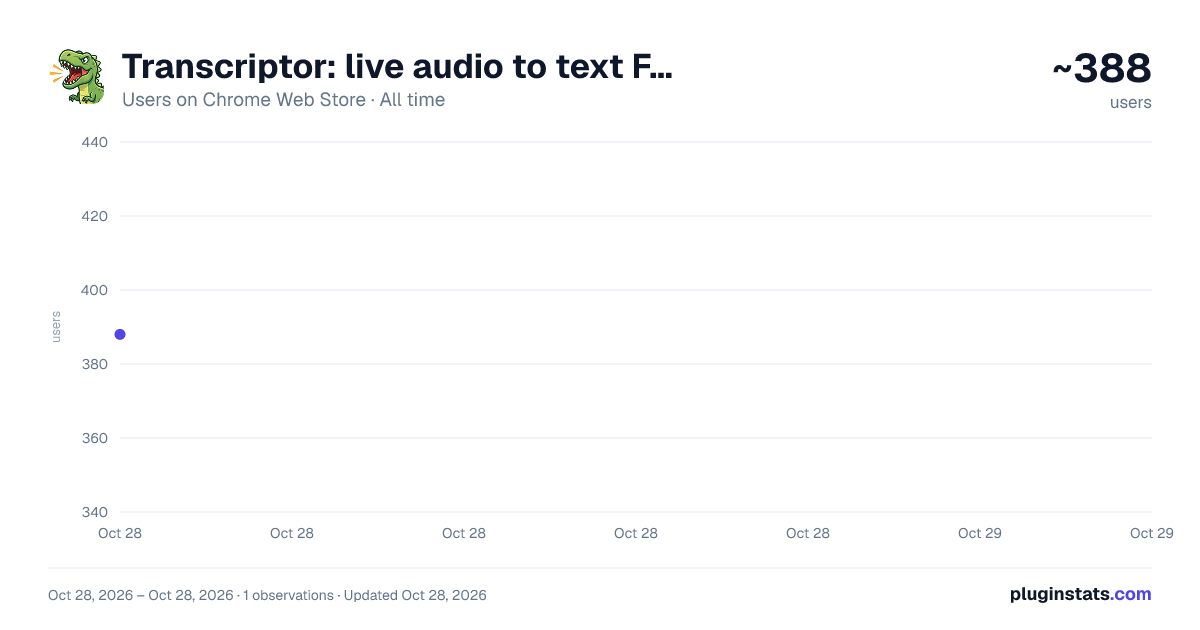
Transcriptor: live audio to text FREE. Transcription. has approximately 388 recorded users on Chrome Web Store, ranking #2730 of 4,880 tracked listings.
Rating: 5.00 / 5 from 2 ratings
About Transcriptor: live audio to text FREE. Transcription.
Convert audio to text via the Web Speech API. Completely free!
The extension recognizes speech and displays the transcript directly in the browser sidebar. Supports multiple sessions, multiple languages, live text, copying and exporting to .txt.
Ideal for transcribing calls and creating meeting summaries.
The extension can recognize sound either directly from a browser tab or through a virtual microphone.
-- To recognize audio in the “Sound from Tab” mode, you don’t need to install anything additional: go to the site, open the extension, select the recognition language, and press the “start” button.
Recognition in virtual cable mode.
The advantage of this mode is that the web speech api continues to work as usual, but in parallel you can use other transcription programs that will also take audio from the virtual microphone and process it. (Whisper, soniox and so on. There are also microphone buttons in Perplexity, ChatGPT, AliceAi, well, in general, you can figure out how to use it yourself. Those who understand, understand😉)
In this mode, the Web Speech API recognizes sound from the microphone, which is specified in the browser as the default microphone for sites. To recognize sound from a call, video or tab, you need to “wrap” it into a virtual microphone using a free program for a virtual cable like VB-CABLE (or similar). This is done once:
-
Download and install VB-CABLE (VB-Audio Virtual Cable). After installation, virtual devices “CABLE Input” (speaker) and “CABLE Output” (microphone) will appear in the system. Restart your computer if the installer asks.
-
Enable listening to the VB-CABLE microphone. Open "Sound Options" → "Sound Control Panel" → "Recording" tab → select "CABLE Output" → "Properties" → "Listen" tab → check "Listen from this device" and select your actual headphones/speakers. This way you will hear the sound that goes into the virtual cable.
-
Select the VB-CABLE virtual speaker in the extension. Open the side panel of the extension, expand the "Speaker-Microphone" block and select "CABLE Input (VB-Audio Virtual Cable)" in the list of output devices. The extension will route the current tab's audio into a virtual cable.
-
In a chrome-like browser, open Settings → Privacy and Security → Microphone. Select your virtual cable (CABLE Output or Virtual Audio Cable, etc.) as the main microphone. You can go directly to this settings section using the link: chrome://settings/content/microphone
-
Click "Start" and allow access to the microphone. The extension will begin to recognize the sound coming through the virtual cable and display text in the panel.
Bottom line: tab sound → virtual speaker VB-CABLE → virtual microphone → speech recognition → text in the panel. At the same time, you continue to hear the sound thanks to the enabled listening (from step 2).
FEATURES ZOOM, CONTOUR.TALK (ktalk), YANDEX.TELEMOST, GOOGLE MEET
In such services, selecting an audio output device through an extension may not work - these applications and sites themselves control which speaker the audio is output to. In this case, select the virtual speaker "CABLE Input (VB-Audio Virtual Cable)" manually in the settings of the application or website itself (section "Sound" / "Speaker"). After this, the extension continues to work correctly and recognizes speech - it is only necessary that the sound be output to the VB-CABLE virtual speaker, and how it is directed there (through the extension or through the application/website itself) does not matter.
Privacy: transcripts and settings are stored locally in the browser. No matter how pretentious it may sound, this is the only extension for live transcription that does not require registration or payment.
Description from the Chrome Web Store listing.
README badge
Show your rank in a README or on your website. The badge updates automatically.
Charts
Images: 30d · 1y · all time · 1600×900 dark
Adoption over time
7/30/90-day growth
Ranking history
Ratings over time
Listing placement
Listing placement
Filled points are observed values; hollow points come from Internet Archive snapshots of the listing page. Dashed segments span periods with no observations — values between points are not interpolated.
Each band is one page of 20. Users on a linear scale. Placement is projected from users, so it can differ from the marketplace's own sort order. Hover a dot to see the listing.
Recent observations
Full history (1)Similar Chrome Web Store Workflow & Planning plugins
All 20 Transcriptor: live audio to text FREE. Transcription. alternatives



Data source
Covers every Chrome Web Store extension with at least 100 users, found through the store's public sitemap. User counts are read from public listing pages. The 10% most-used extensions are refreshed daily, the next 40% weekly and the next 40% monthly; the least-used 10% are not refreshed. Google displays rounded user counts (and caps the display at 10,000,000+), so small changes may not be visible. Rating counts above 1,000 are rounded (e.g. 1.6K).
Listing: https://chromewebstore.google.com/detail/transcriptor-live-audio-t/fpgdnlmjjocgihdlfkamjogknmbpaoma. First seen Oct 28, 2026; last successful collection Oct 28, 2026. See the methodology.