 PluginStats
Ad Library:Google Ad Video Save Tool users statistics
By Adslibrary.ai (3 listings) · Chrome Web Store · Tools
Batch select and download ad videos, share with your team anytime, and support category management.
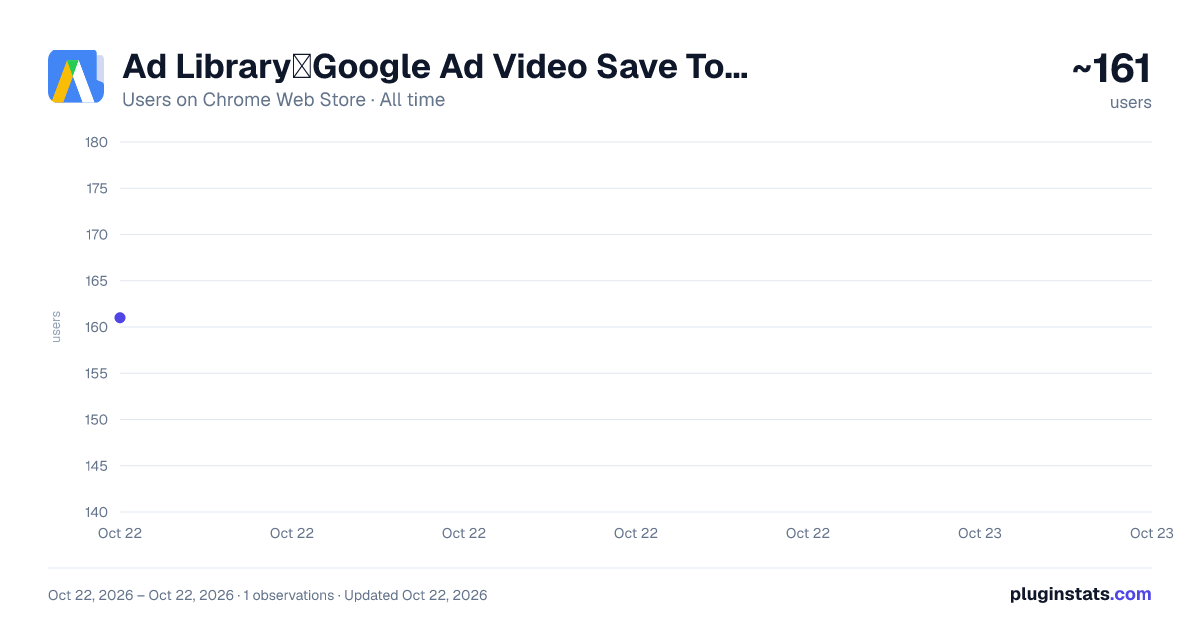
Ad Library:Google Ad Video Save Tool has approximately 161 recorded users on Chrome Web Store, ranking #3150 of 3,853 tracked listings.
Rating: 1.00 / 5 from 1 ratings
About Ad Library:Google Ad Video Save Tool
Batch select and download ad videos, share with your team anytime, and support category management.
Ad Library is a powerful tool that provides ad marketers and ad content creators with a range of practical features to improve their efficiency and professionalism in Google ad.
Here are some unique features of the ad library: ➡️Mass download function: The ad library allows users to batch download selected Google and TikTok ad videos, greatly saving time and effort in downloading ad one by one and improving organizational efficiency. ➡️Integrated sharing: This tool makes ad video sharing easy and fast. Users can seamlessly share ad video content with team members or other partners, promoting ad creativity and team collaboration. ➡️Data statistics function: The ad library has a built-in real-time ad data statistics tool. Users can explore the ocean of ad video data in depth, use ad tagging and ad comment functions to understand the true impact of each ad, and better formulate and adjust ad strategies. ➡️Classification management: In order to help users better organize and manage the ad video content downloaded by ad, the ad library provides classification management function, so that users' creative treasure trove is orderly. ➡️Minimalist user interface: The design of the ad library focuses on User Experience, and the interface is simple and easy to use, even for users who are not familiar with ad digital tools.
In addition, the Ad Library may also have other useful features, such as quick access to the toolbar, direct access to the Facebook ad interface, etc., which makes it easier and more efficient to use the Ad Library for ad campaigns.
Please note that with the continuous development and updates of the TikTok and Google platforms, the functions of the Ad Library may also change or add new functions. Therefore, it is recommended that users consult the latest official materials or related tutorials before use to understand the latest functions and operation methods of the Ad Library tool.
Description from the Chrome Web Store listing.
README badge
Show your rank in a README or on your website. The badge updates automatically.
Charts
Images: 30d · 1y · all time · 1600×900 dark
Adoption over time
7/30/90-day growth
Ranking history
Ratings over time
Listing placement
Listing placement
Filled points are observed values; hollow points come from Internet Archive snapshots of the listing page. Dashed segments span periods with no observations — values between points are not interpolated.
Each band is one page of 20. Users on a linear scale. Placement is projected from users, so it can differ from the marketplace's own sort order. Hover a dot to see the listing.
Recent observations
Full history (1)Similar Chrome Web Store Tools plugins
All 20 Ad Library:Google Ad Video Save Tool alternatives



Data source
Covers every Chrome Web Store extension with at least 100 users, found through the store's public sitemap. User counts are read from public listing pages. The 10% most-used extensions are refreshed daily, the next 40% weekly and the next 40% monthly; the least-used 10% are not refreshed. Google displays rounded user counts (and caps the display at 10,000,000+), so small changes may not be visible. Rating counts above 1,000 are rounded (e.g. 1.6K).
Listing: https://chromewebstore.google.com/detail/ad-library:google-ad-vide/gbidnhnimimnfppeobjfidfgfblodgfl. First seen Oct 22, 2026; last successful collection Oct 22, 2026. See the methodology.