 PluginStats
Site Storage Backup users statistics
By balvin.perrie · Chrome Web Store · Developer Tools
Backup your website and PWA local storage and cookies and restore them to another browser
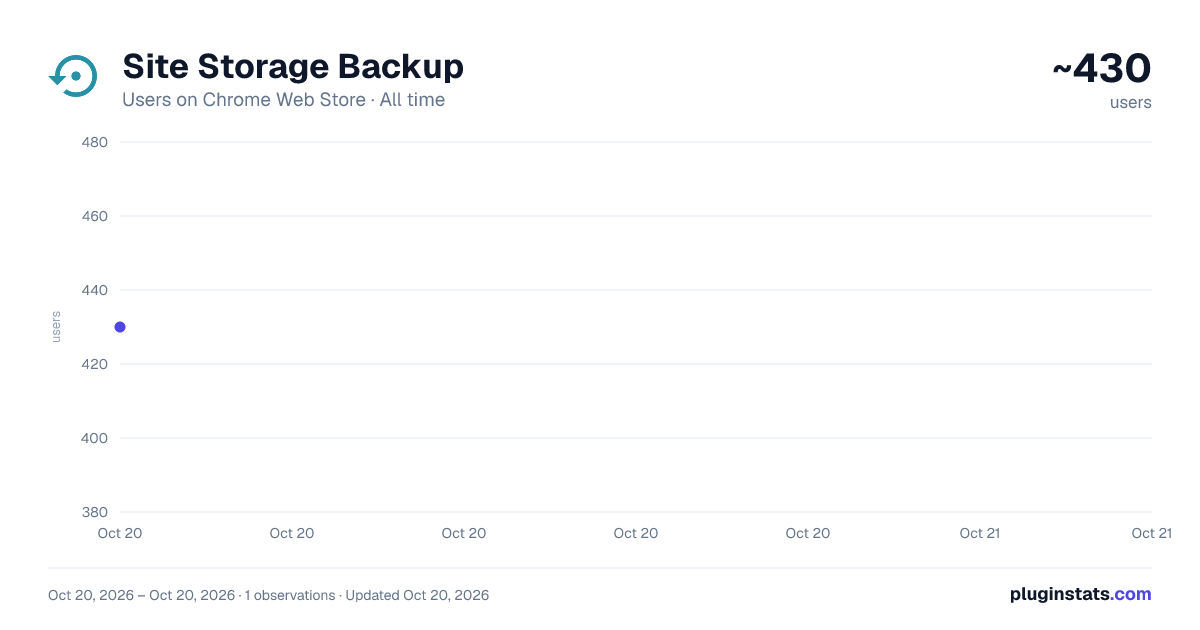
Site Storage Backup has approximately 430 recorded users on Chrome Web Store, ranking #1581 of 2,952 tracked listings.
About Site Storage Backup
Backup your website and PWA local storage and cookies and restore them to another browser
This extension securely backs up a website's cookies and local storage into an encrypted file, allowing later recovery. It's a convenient tool for preserving a website's state post-login, enabling easy restoration after the browser refreshes or switches to a new profile. Additionally, the encrypted data can restore the state of a PWA application.
Features:
- The extension offers storage options in the browser's synced storage or local files.
- Uses SHA256 encryption to secure the stored data.
- For security purposes, if the password is forgotten, data recovery is impossible.
- Note that the success of restoration depends on the type of storage the website employs for local data. Testing restoration in a clean profile ensures the site's recoverability.
How to Use: To back up a website, open it in a browser tab, proceed with login, and access the action button (which might be hidden in the extensions bar). Set and confirm a password, then click the backup button. The file, saved in ".enc" format, will be stored in your browser's default download directory.
For recovery, open the same website in a new browser or profile. Click the action button to access the interface, then select the recover option and browse for the "*.enc" file. The extension restores all cookies and local storage data and provides the option to redirect the page to its state at the time of backup. If you have been redirected to the login page, permit this action.
Privacy: This extension operates entirely offline, ensuring that no data is sent or received from any server whatsoever.
Description from the Chrome Web Store listing.
README badge
Show your rank in a README or on your website. The badge updates automatically.
Charts
Images: 30d · 1y · all time · 1600×900 dark
Adoption over time
7/30/90-day growth
Ranking history
Ratings over time
Listing placement
Listing placement
Filled points are observed values; hollow points come from Internet Archive snapshots of the listing page. Dashed segments span periods with no observations — values between points are not interpolated.
Each band is one page of 20. Users on a linear scale. Placement is projected from users, so it can differ from the marketplace's own sort order. Hover a dot to see the listing.
Recent observations
Full history (1)Similar Chrome Web Store Developer Tools plugins
All 20 Site Storage Backup alternatives



Data source
Covers every Chrome Web Store extension with at least 100 users, found through the store's public sitemap. User counts are read from public listing pages. The 10% most-used extensions are refreshed daily, the next 40% weekly and the next 40% monthly; the least-used 10% are not refreshed. Google displays rounded user counts (and caps the display at 10,000,000+), so small changes may not be visible. Rating counts above 1,000 are rounded (e.g. 1.6K).
Listing: https://chromewebstore.google.com/detail/site-storage-backup/ljnlplamogokadgbnfjldcjfekckmdnd. First seen Oct 20, 2026; last successful collection Oct 20, 2026. See the methodology.