 PluginStats
Chinese to Pinyin users statistics
See chinese characters to pinyin and english instantly on hover — smart chinese to pinyin converter for every chinese page and text.
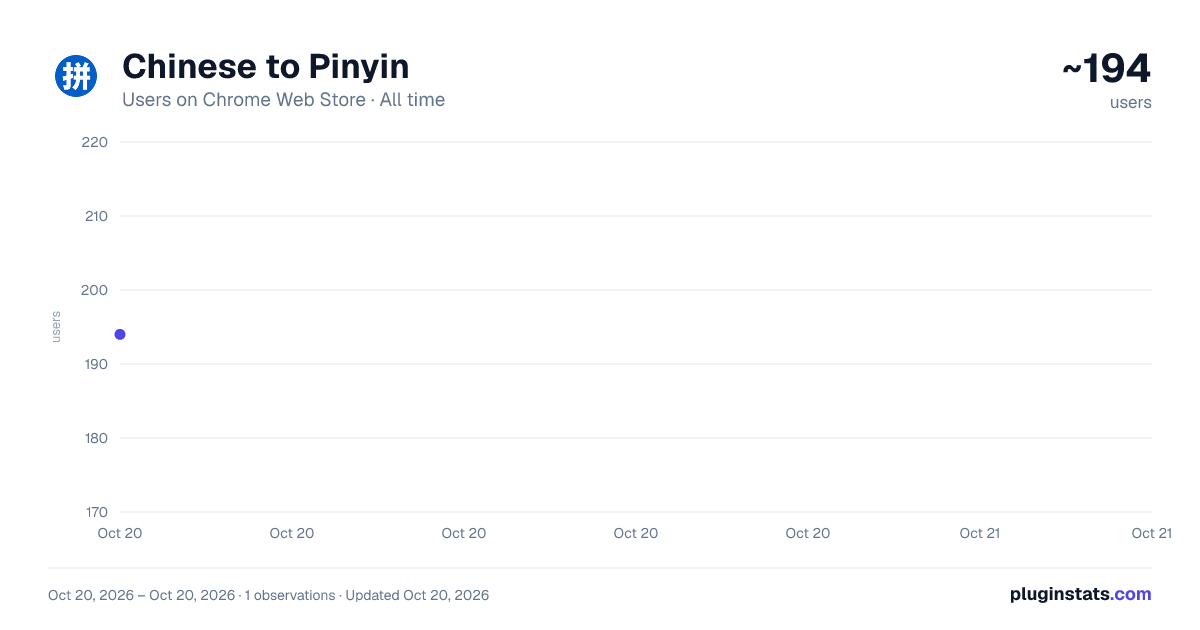
Chinese to Pinyin has approximately 194 recorded users on Chrome Web Store, ranking #2899 of 3,853 tracked listings.
About Chinese to Pinyin
See chinese characters to pinyin and english instantly on hover — smart chinese to pinyin converter for every chinese page and text.
Read Chinese on Any Webpage — Hover for Instant Phonetics and Meaning Understanding written Mandarin is hard when you cannot read the characters. This extension overlays pronunciation and meaning directly on the page: hover over any hanzi and a tooltip shows the romanized reading and translation.
🔍 How the Extension Works The chinese to pinyin converter runs entirely inside your browser. Hover over a character and it displays the phonetic reading with tone marks above the text. Switch to full-page mode to annotate every word on screen simultaneously. 1️⃣ Install and open any page written in Mandarin 2️⃣ Hover over a character — the chinese to pinyin reading and meaning appear instantly 3️⃣ Press the toolbar button to annotate the entire page in one step 4️⃣ Toggle the english gloss on or off based on whether you need translation or pure phonetics
🎯 Features at a Glance The chinese to pinyin extension covers the full reading workflow: ➤ Hover-over phonetics — shows pronunciation and english meaning for every character, word, or phrase you point at, making it a practical chinese to pinyin and english guide ➤ Full-page annotation — converts chinese characters to pinyin across the whole page simultaneously ➤ Mandarin and hanyu pinyin — correct tone marks for all four tones plus neutral tone, compatible with chinese to mandarin pinyin standard ➤ Word-level lookup — works as a chinese character to pinyin and chinese words to pinyin reference for single hanzi or full compound words ➤ Minimal footprint — runs after page load so browsing speed is unaffected
📌 Who Benefits Most Students learning Mandarin use this extension during reading practice, building vocabulary in context rather than through isolated study. ▸ HSK exam candidates working through authentic reading passages ▸ Travelers browsing local menus, maps, or transit sites online ▸ Heritage speakers reconnecting with written Chinese through phonetic annotation ▸ Teachers creating annotated handouts from web content ▸ Translators using it as a pinyin translator to verify pronunciation of rare terms
🌐 Supported Content The tool engine handles standard websites, news portals, social platforms, e-commerce pages, and Google Docs in Chrome. It detects dynamically loaded content and annotates new text as it appears, acting as a live hanyu pinyin input aid. Simplified and Traditional Chinese are both supported, including chinese hanzi to pinyin conversion for classical and modern text. This chinese to pinyin tool also works on infinite-scroll feeds and single-page applications.
⚡ Why Use This Instead of an Online Tool Paste-and-translate websites break your workflow — you lose context and layout. This chinese to pinyin tool keeps you on the page. The chinese writing to pinyin overlay appears in-place so you read left to right naturally. Hover over any chinese word to pinyin and tone marks appear instantly via the built-in converter.
🛡️ Privacy and Permissions This extension reads page text only to display phonetic annotations. It does not collect, transmit, or store personal data. The requests only the minimum permissions required to overlay readings on the active tab. No account is needed and no data leaves your device.
- No account or login required
- No data transmitted to external servers
- Works offline — dictionary and chinese pinyin to characters index are bundled locally
- Only accesses the tab you are actively viewing
❓ Frequently Asked Questions ❓ What output modes are available — only phonetics or also translation? 💡 You can view chinese pinyin to english output (phonetics plus meaning) or switch to phonetics-only mode for distraction-free reading. ❓ Does it handle Traditional Chinese as well as Simplified? 💡 Yes. The chinese to pinyin engine recognizes both scripts and outputs correct phonetics for each character regardless of which standard is used. ❓ Can I use it as a hanyu pinyin generator for typing practice? 💡 This tool focuses on reading assistance. For composing text, pair it with your operating system's built-in IME, which handles input for typing. ❓ Can it convert pinyin to chinese characters? 💡 This extension annotates existing text on the page — it maps all text on hover. For composing text from romanized input, use a standard IME — it handles that natively. ❓ Does the english to mandarin work too? 💡 The primary function is annotating Mandarin pages. For conversion of your own text, use a dedicated romanization tool alongside this extension. ❓ Does it slow down my browser? 💡 No. The annotation engine runs asynchronously after the page finishes loading, so browsing speed is unaffected.
Description from the Chrome Web Store listing.
README badge
Show your rank in a README or on your website. The badge updates automatically.
Charts
Images: 30d · 1y · all time · 1600×900 dark
Adoption over time
7/30/90-day growth
Ranking history
Ratings over time
Listing placement
Listing placement
Filled points are observed values; hollow points come from Internet Archive snapshots of the listing page. Dashed segments span periods with no observations — values between points are not interpolated.
Each band is one page of 20. Users on a linear scale. Placement is projected from users, so it can differ from the marketplace's own sort order. Hover a dot to see the listing.
Recent observations
Full history (1)Similar Chrome Web Store Education plugins
All 20 Chinese to Pinyin alternatives



Data source
Covers every Chrome Web Store extension with at least 100 users, found through the store's public sitemap. User counts are read from public listing pages. The 10% most-used extensions are refreshed daily, the next 40% weekly and the next 40% monthly; the least-used 10% are not refreshed. Google displays rounded user counts (and caps the display at 10,000,000+), so small changes may not be visible. Rating counts above 1,000 are rounded (e.g. 1.6K).
Listing: https://chromewebstore.google.com/detail/chinese-to-pinyin/ljjmbedihaoacgeedgbkmakoibkekimn. First seen Oct 20, 2026; last successful collection Oct 20, 2026. See the methodology.