 PluginStats
Tokenizer Live Token and Cost Monitor users statistics
Chrome Web Store · Developer Tools
Real-time token counts, costs & energy usage on ChatGPT, Claude, Gemini, Grok, DeepSeek + 25 more. Free, open source.
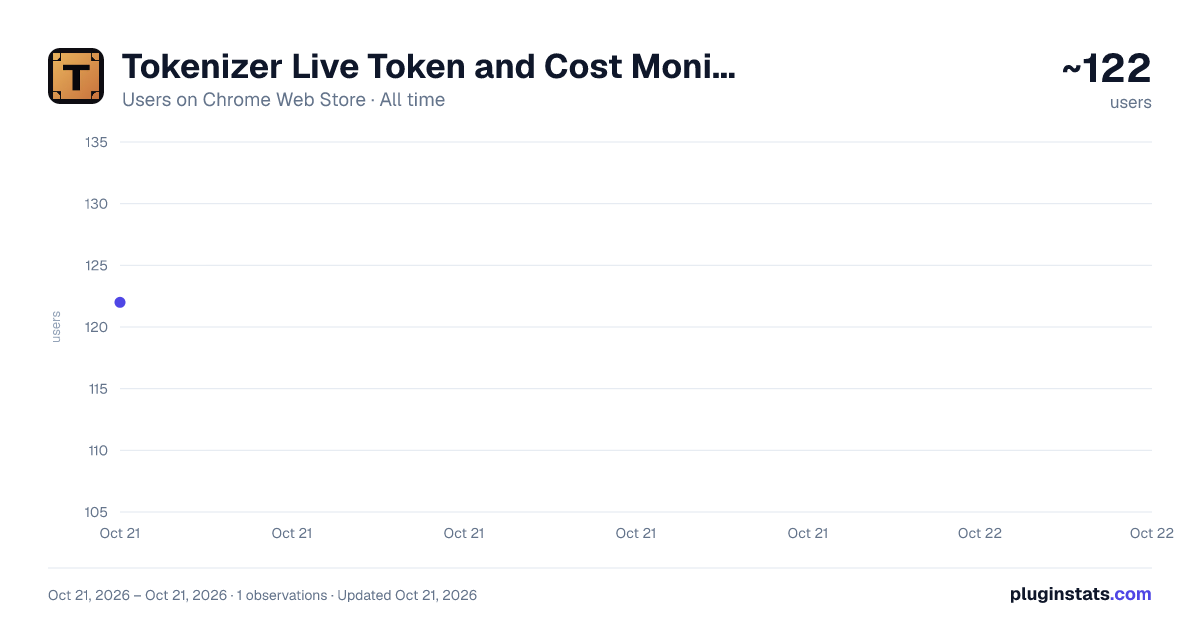
Tokenizer Live Token and Cost Monitor has approximately 122 recorded users on Chrome Web Store, ranking #2727 of 2,952 tracked listings.
Rating: 5.00 / 5 from 2 ratings
About Tokenizer Live Token and Cost Monitor
Real-time token counts, costs & energy usage on ChatGPT, Claude, Gemini, Grok, DeepSeek + 25 more. Free, open source.
Know exactly what every AI message costs — before you hit send.
Tokenizer adds a small, non-intrusive overlay to your favorite AI chat interfaces. As you type, it shows a live token count, dollar cost estimate (input and output), and a running session total. No setup required — just install and start chatting.
KEY FEATURES
Live token counter that updates with every keystroke, so you always know the size of your prompt before sending it.
Cost estimates based on current model pricing, broken down by input tokens, output tokens, and cumulative session spend.
Cross-model comparison lets you see what the same prompt would cost across different AI models side by side.
Word-level token breakdown with color-coded chips showing which words use the most tokens — helpful for optimizing long prompts.
Energy usage estimates showing approximate watt-hours and CO2 per prompt, for users who care about the environmental impact of AI.
Works with local AI tools running on localhost, including popular self-hosted setups.
PRIVACY
Everything runs 100% locally in your browser. There is no data collection, no accounts, no external servers. All token counting happens entirely on your device.
Open source under the MIT License at github.com/gyeningcorp/tokenizer
Description from the Chrome Web Store listing.
README badge
Show your rank in a README or on your website. The badge updates automatically.
Charts
Images: 30d · 1y · all time · 1600×900 dark
Adoption over time
7/30/90-day growth
Ranking history
Ratings over time
Listing placement
Listing placement
Filled points are observed values; hollow points come from Internet Archive snapshots of the listing page. Dashed segments span periods with no observations — values between points are not interpolated.
Each band is one page of 20. Users on a linear scale. Placement is projected from users, so it can differ from the marketplace's own sort order. Hover a dot to see the listing.
Recent observations
Full history (1)Similar Chrome Web Store Developer Tools plugins
All 20 Tokenizer Live Token and Cost Monitor alternatives



Data source
Covers every Chrome Web Store extension with at least 100 users, found through the store's public sitemap. User counts are read from public listing pages. The 10% most-used extensions are refreshed daily, the next 40% weekly and the next 40% monthly; the least-used 10% are not refreshed. Google displays rounded user counts (and caps the display at 10,000,000+), so small changes may not be visible. Rating counts above 1,000 are rounded (e.g. 1.6K).
Listing: https://chromewebstore.google.com/detail/tokenizer-live-token-and/epokekkmgfeegphmkhjfgdddknaodkom. First seen Oct 21, 2026; last successful collection Oct 21, 2026. See the methodology.