 PluginStats
Udemy Media Control users statistics
By adamstools.dev · Chrome Web Store · Education
Control Udemy video playback with media keys (F7, F8, F9)
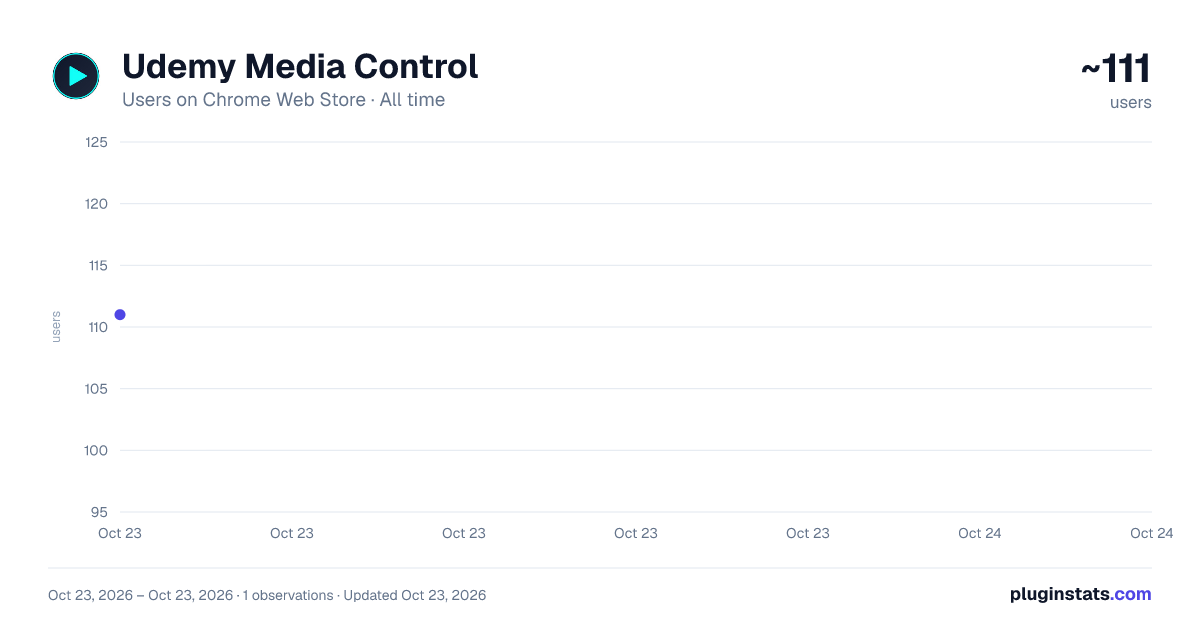
Udemy Media Control has approximately 111 recorded users on Chrome Web Store, ranking #3700 of 3,853 tracked listings.
Rating: 5.00 / 5 from 4 ratings
About Udemy Media Control
Control Udemy video playback with media keys (F7, F8, F9)
Transform your Udemy learning experience with native keyboard shortcuts that actually work!
🔑 THE PROBLEM: Udemy doesn't support media keys by default. Your F7, F8, and F9 keys do nothing, forcing you to constantly reach for your mouse to control video playback.
✨ THE SOLUTION: This extension enables native media key support on Udemy, giving you seamless video control without interrupting your learning flow.
⚠️ NEW EXTENSION NOTICE: Chrome may show a security warning during install. This is normal for new extensions - just click "Continue to install". Fully safe and Google-approved!
🎯 WHAT IT DOES: • F7 - Seek backward 10 seconds (perfect for replaying concepts) • F8 - Play/pause video instantly • F9 - Seek forward 10 seconds (skip repetitive parts) • Works automatically on all Udemy courses • No configuration needed - install and use immediately
💻 CROSS-PLATFORM COMPATIBILITY: • Windows: All three keys (F7/F8/F9) work perfectly • Mac: All three keys (F7/F8/F9) • No flickering or conflicts with Udemy's player
🚀 WHY YOU NEED THIS: ✓ Learn faster with fluid video navigation ✓ Stay focused without mouse interruptions ✓ Review difficult concepts effortlessly ✓ Professional-grade media control experience ✓ Works with any Udemy course instantly ✓ Smart tab detection - works even with multiple Udemy courses open
🔒 PRIVACY & PERMISSIONS EXPLAINED: This extension requires "tabs" permission to track which Udemy tab you're currently using, ensuring media keys control the right video when you have multiple tabs open. We ONLY access Udemy.com tabs - never your browsing history or other websites. The extension is completely local and collects zero personal data.
• ✓ Only works on Udemy.com (nowhere else) • ✓ No data collection or tracking • ✓ No external servers or analytics • ✓ Tabs permission used solely for multi-tab media control • ✓ Open source and transparent functionality
Perfect for students, professionals, and lifelong learners who want efficient, distraction-free video control during online courses.
Install now and experience Udemy the way it should work!
Description from the Chrome Web Store listing.
README badge
Show your rank in a README or on your website. The badge updates automatically.
Charts
Images: 30d · 1y · all time · 1600×900 dark
Adoption over time
7/30/90-day growth
Ranking history
Ratings over time
Listing placement
Listing placement
Filled points are observed values; hollow points come from Internet Archive snapshots of the listing page. Dashed segments span periods with no observations — values between points are not interpolated.
Each band is one page of 20. Users on a linear scale. Placement is projected from users, so it can differ from the marketplace's own sort order. Hover a dot to see the listing.
Recent observations
Full history (1)Similar Chrome Web Store Education plugins
All 20 Udemy Media Control alternatives



Data source
Covers every Chrome Web Store extension with at least 100 users, found through the store's public sitemap. User counts are read from public listing pages. The 10% most-used extensions are refreshed daily, the next 40% weekly and the next 40% monthly; the least-used 10% are not refreshed. Google displays rounded user counts (and caps the display at 10,000,000+), so small changes may not be visible. Rating counts above 1,000 are rounded (e.g. 1.6K).
Listing: https://chromewebstore.google.com/detail/udemy-media-control/fkhiblkpdjaahnpncpgkjlfboejkcnnl. First seen Oct 23, 2026; last successful collection Oct 23, 2026. See the methodology.