 PluginStats

Mobile View Extension - View website as mobile users statistics
Use Mobile View Extension for testing mobile websites with a responsive website checker, a responsive design test, and previews.
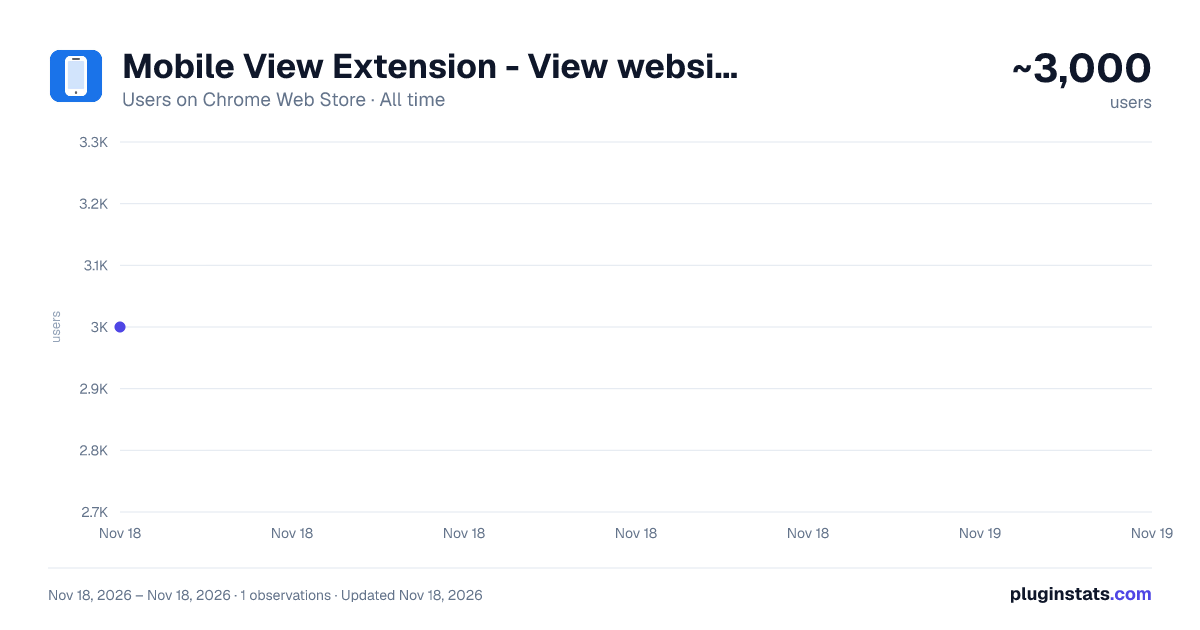
Mobile View Extension - View website as mobile has approximately 3,000 recorded users on Chrome Web Store, ranking #2230 of 10,523 tracked listings.
Rating: 4.70 / 5 from 11 ratings
About Mobile View Extension - View website as mobile
Use Mobile View Extension for testing mobile websites with a responsive website checker, a responsive design test, and previews.
📱 Mobile View Extension shows the website in your current tab inside a phone or tablet frame, so you can check a mobile layout without leaving your desktop browser. Pick a device, choose portrait or landscape, and review the page right where you are working. You can also place two devices side by side and compare them at the same time.
🚀 How to start 1️⃣ Open the website you want to check. 2️⃣ Turn on mobile view for the current tab from the toolbar icon. 3️⃣ Choose a device or enter a custom resolution, then pick an orientation. Nothing changes after installation until you turn the preview on, and you can switch it off for the tab at any moment.
👯 Two devices at once Turn on "Select multiple devices" in the device settings and add a second profile. Both frames appear next to each other, for example an iPhone next to a Galaxy tablet, or the same phone in portrait and landscape. Each device can be rotated or removed on its own. This makes it quick to see where a menu, a form, or a banner behaves differently on a narrow and a wide screen.
📲 Device profiles Preset frames cover popular phones, tablets and foldable devices. Custom viewport uses a generic frame instead of a specific model.
📐 Custom resolutions Enter any physical width and height from 240 to 8192 pixels and keep or change the device pixel ratio. The extension converts physical pixels into CSS viewport size and shows the result in the generic frame, which helps with compact phones, large tablets, or screens that are not in the preset list.
⚙️ What the preview changes Inside the frame, the page receives: ✅ a device-specific user agent and supported client hints; ✅ a viewport of the selected size, so width-based CSS breakpoints apply; ✅ JavaScript screen size, orientation, pixel ratio and touch-point values for the chosen device; ✅ a visible browser area that matches the device, including simulated browser controls. That is enough for a practical responsive design test of navigation, forms, sticky headers, dialogs and horizontal overflow.
🧰 Floating toolbar On regular websites a small toolbar lets you change the device, rotate it, take a screenshot or open settings. Drag it anywhere, collapse it, or hide it completely. Tooltips explain every button, so the mobile view switcher stays out of the way of the page you are reviewing.
📸 Screenshots and navigation Save a PNG screenshot of the framed viewport with one click, ready to attach to a bug report or share with a client. The preview stays active when you open another address in the same tab, and the extension remembers your device, orientation, custom resolution and toolbar position.
👥 Who uses it 💻 Front-end developers who need a fast responsive website checker while they edit CSS. 🧪 QA engineers testing mobile websites before a release: forms, menus, fixed elements and pop-ups. 🎨 Designers comparing spacing, hierarchy and orientation changes across two screens. 📣 Marketers who want a mobile phone website preview of a landing page before it goes live. 🏠 Site owners who simply want to test my website on mobile without picking up a phone.
⚠️ Honest limits This is an iframe-based preview, not native Chrome DevTools or CDP emulation. If you are looking for a way to emulate mobile Chrome exactly, keep in mind: 🖱️ clicks stay mouse clicks; real touch events are not generated; 🔍 the pixel ratio is provided through JavaScript, not native DPR emulation; 📏 width-based media queries follow the frame, while pixel ratio, pointer and hover media queries are not fully emulated; 🌐 the extension works only on regular HTTP and HTTPS pages, not on browser or store pages. For a final check, nothing replaces a real device. For everyday work, a quick mobile view in the Chrome browser saves a lot of switching.
❓ Frequently asked questions 💬 Can I view a site on two devices at the same time? 💡 Yes. Enable multiple selection in device settings and add a second device. Up to two frames are shown side by side.
💬 Does it work as a mobile friendly website test? 💡 It shows how the layout responds to a phone or tablet viewport. It does not score a page or replace search-engine testing tools.
💬 Is my data sent anywhere? 💡 No. The preview is built locally for the tab you choose, page content is not sent to any server, and settings are kept in local Chrome storage.
👉 Install Mobile View Extension, open any page and see how it looks on a phone and a tablet in a few seconds.
Description from the Chrome Web Store listing.
README badge
Show your rank in a README or on your website. The badge updates automatically.
Charts
Images: 30d · 1y · all time · 1600×900 dark
Adoption over time
7/30/90-day growth
Ranking history
Ratings over time
Listing placement
Listing placement
Filled points are observed values; hollow points come from Internet Archive snapshots of the listing page. Dashed segments span periods with no observations — values between points are not interpolated.
Each band is one page of 20. Users on a linear scale. Placement is projected from users, so it can differ from the marketplace's own sort order. Hover a dot to see the listing.
Recent observations
Full history (1)Similar Chrome Web Store Tools plugins
All 20 Mobile View Extension - View website as mobile alternatives



Data source
Covers every Chrome Web Store extension with at least 100 users, found through the store's public sitemap. User counts are read from public listing pages. The 10% most-used extensions are refreshed daily, the next 40% weekly and the next 40% monthly; the least-used 10% are not refreshed. Google displays rounded user counts (and caps the display at 10,000,000+), so small changes may not be visible. Rating counts above 1,000 are rounded (e.g. 1.6K).
Listing: https://chromewebstore.google.com/detail/mobile-view-extension-vie/ofeinfcnoppapldldibhimodgkemjpla. First seen Nov 18, 2026; last successful collection Nov 18, 2026. See the methodology.