 PluginStats

Full Page Screenshot - Screen Capture & Editor users statistics
Full page screen capture in one click. Scrolling screenshot, snip, annotate, blur. Export PNG, JPG, WebP, PDF. 100% private.
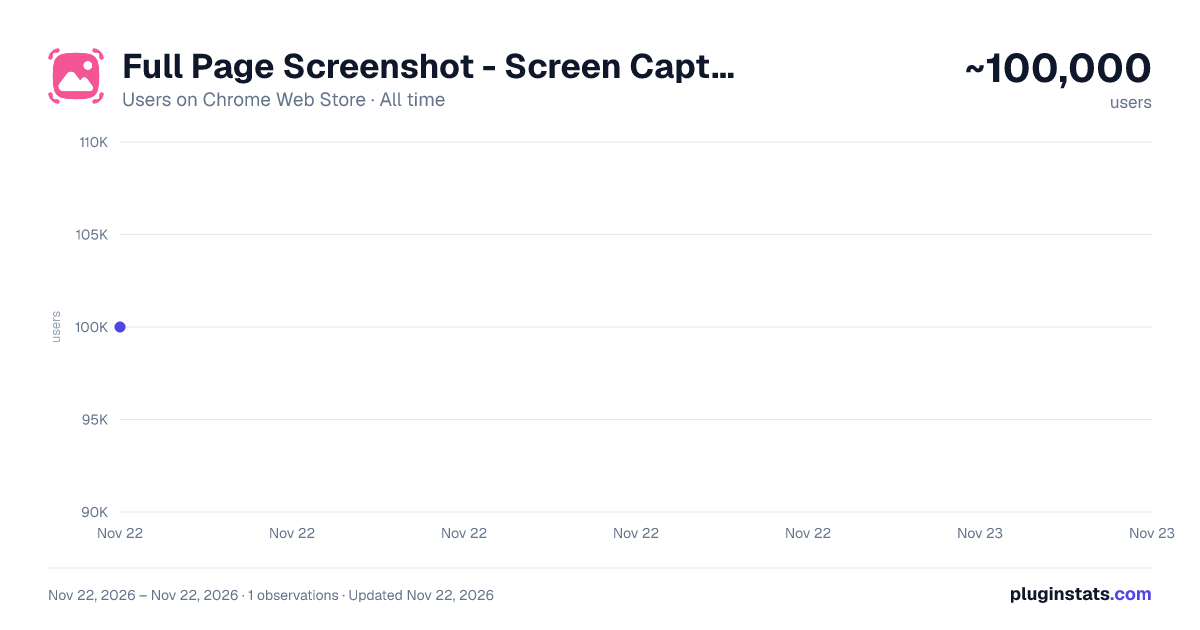
Full Page Screenshot - Screen Capture & Editor has approximately 100,000 recorded users on Chrome Web Store, ranking #295 of 10,523 tracked listings.
Rating: 5.00 / 5 from 811 ratings
About Full Page Screenshot - Screen Capture & Editor
Full page screen capture in one click. Scrolling screenshot, snip, annotate, blur. Export PNG, JPG, WebP, PDF. 100% private.
📸 Full page screen capture in one click - grab any webpage from top to bottom.
Ever needed to screenshot an entire webpage, not just the part on your screen, but the whole page from top to bottom? Full Page Screenshot does exactly that. Click the icon once and it glides down the page for you, capturing everything into one seamless, full length image. Your image then opens in a friendly built in editor where you can highlight, blur, crop, frame, and save it, all in the same tab.
No accounts. No uploads. Everything stays on your computer, always.
📸 THREE WAYS TO CAPTURE ANY PAGE
• 🖥️ Visible Area: an instant page snapshot of exactly what is on your screen right now • ✂️ Snip & Capture: drag a box over any part of the screen and grab just that piece, like a snipping tool that lives inside Chrome • 📜 Full Page: a complete scrolling screenshot of the whole webpage, from the header to the very last line of the footer
Whichever you choose, your result opens instantly in the editor, ready to polish and share.
⚡ THE WHOLE PAGE, IN ONE CLICK
Long articles, receipts, dashboards, chat threads, product pages: they never fit on one screen, and taking five snapshots and lining them up by hand is nobody's idea of fun. This screenshot extension scrolls the entire page for you and delivers one perfect long screenshot. Sticky menus appear just once, pop ups and cookie banners get out of the way, and images that load as you scroll are waited for, so the finished picture looks exactly like the page itself.
Whether you need a full page screen capture of a landing page, a scrolling screenshot of a chat thread, or a tall receipt saved as a single image, it is one click either way.
✏️ EDIT WITHOUT LEAVING THE TAB
Everything you need to mark up an image is already inside:
• 🖊️ Draw freehand to underline or circle anything • 📝 Add text labels and callouts, from tiny footnotes to headline sized, with bold and italic styles • ▭ Boxes and ⭕ circles to highlight the important parts • ➡️ Arrows that point at exactly the right spot • 🧽 Two erasers: sweep away a whole shape in one go, or gently rub out just part of a stroke. They only ever remove your own markings, never the image underneath
Best of all, your edits stay editable. Nothing is stamped permanently onto the picture. Come back to an image days later and you can still move that arrow, fix a typo in a label, or remove a box entirely. Change the color or size of anything you have already drawn just by selecting it. And if you change your mind, undo and redo have your back.
🔐 BLUR THAT KEEPS SECRETS SECRET
Need to share an image that shows an email address, a price, a name, or an account number? Paint over it with the blur tool and it is truly gone: what you hide on screen stays hidden in the saved file, guaranteed. Share invoices, dashboards, and support tickets with total peace of mind.
🖼️ MAKE IT PRESENTATION READY
Turn a plain shot into something that looks great in a slide, a blog post, or a social media update:
• 🎨 Add breathing room, a soft shadow, and rounded corners • 🌈 Choose from six beautiful backdrops, from calm gradients to clean solid colors, or pick any color you like • 🪟 Wrap your image in a realistic browser window, Mac or Windows style, complete with the page's web address • 🗓️ Stamp the capture date on the frame if you want a record
What you see in the preview is exactly what you get in the saved file.
🔍 COMFORTABLE TO WORK IN
Zoom right in for fine detail or pull back to see the whole page at once. Pan around big tall images with a drag. Crop to just the part you need, and your annotations come along correctly. Flip between your edited version and the untouched original with one switch, or revert completely if you want a fresh start. Prefer dark mode? The editor follows your system theme, with a one click toggle. Handy keyboard shortcuts speed up everything from zooming to undo.
📥 SAVE IT YOUR WAY
• PNG for crisp, perfect quality • JPG for smaller, easy to share files • WebP for modern, compact images • PDF for turning a webpage into a tidy document • 📋 Or skip saving entirely: one shortcut copies the finished image, frame and all, straight to your clipboard for pasting into chats, emails, and docs
Filenames are created for you from the website name and time, or type your own. And the saved file always includes your latest edits, never an older version.
📋 YOUR CAPTURE HISTORY
Every shot is kept safely on your device and easy to find again:
• Browse your recent captures in a tidy visual grid • See where and when each one was taken at a glance • Attach notes so future you knows why it mattered • Re download any file, in any format, any time • Select several at once and download them together • Choose how many recent captures to keep, and older ones tidy themselves away
💡 QUICK TIPS
• Blur first, share second: it is the safe way to send images with personal details • Add a note to important shots so they are easy to spot in history • Try the browser window frame before your next presentation. It makes them look instantly professional
Free, friendly, and respectful of your privacy. Just a full page screen capture tool that works, an editor that feels good to use, and files that never leave your computer.
Description from the Chrome Web Store listing.
README badge
Show your rank in a README or on your website. The badge updates automatically.
Charts
Images: 30d · 1y · all time · 1600×900 dark
Adoption over time
7/30/90-day growth
Ranking history
Ratings over time
Listing placement
Listing placement
Filled points are observed values; hollow points come from Internet Archive snapshots of the listing page. Dashed segments span periods with no observations — values between points are not interpolated.
Each band is one page of 20. Users on a linear scale. Placement is projected from users, so it can differ from the marketplace's own sort order. Hover a dot to see the listing.
Recent observations
Full history (1)Similar Chrome Web Store Tools plugins
All 20 Full Page Screenshot - Screen Capture & Editor alternatives



Data source
Covers every Chrome Web Store extension with at least 100 users, found through the store's public sitemap. User counts are read from public listing pages. The 10% most-used extensions are refreshed daily, the next 40% weekly and the next 40% monthly; the least-used 10% are not refreshed. Google displays rounded user counts (and caps the display at 10,000,000+), so small changes may not be visible. Rating counts above 1,000 are rounded (e.g. 1.6K).
Listing: https://chromewebstore.google.com/detail/full-page-screenshot-scre/ijidfpoenjmfdabnmchmdoopghmjnjij. First seen Nov 22, 2026; last successful collection Nov 22, 2026. See the methodology.