 PluginStats

MYPOSMAN users statistics
Add your Taobao and 1688 purchases to MYPOSMAN in one click: tracking number, name and price.
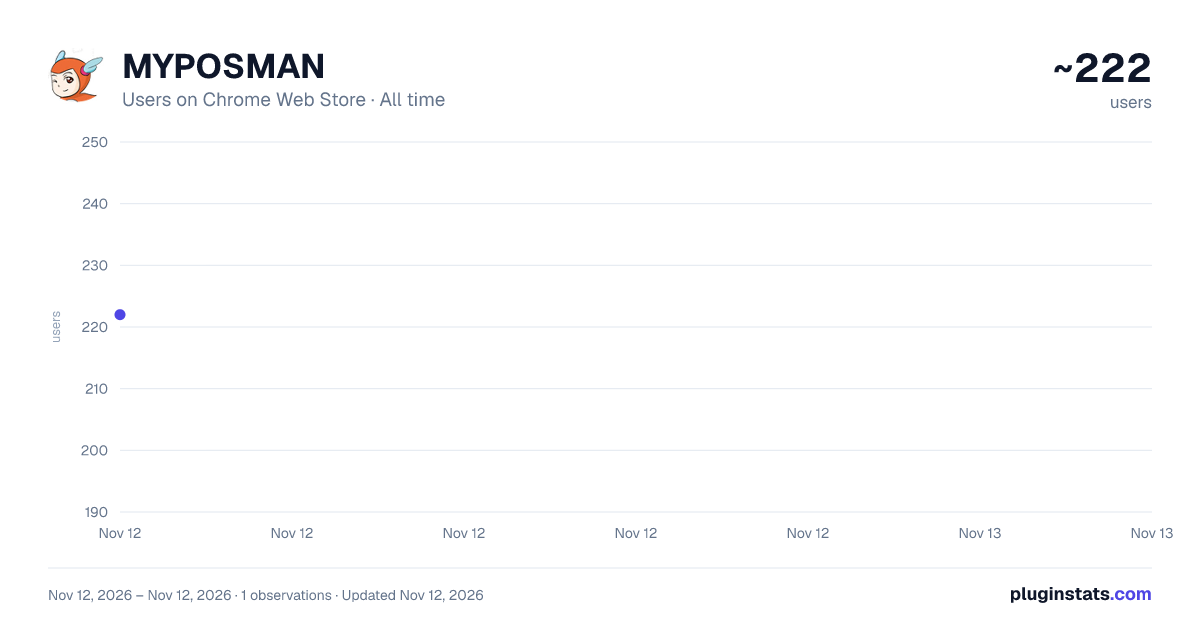
MYPOSMAN has approximately 222 recorded users on Chrome Web Store, ranking #7466 of 10,388 tracked listings.
Rating: 5.00 / 5 from 3 ratings
About MYPOSMAN
Add your Taobao and 1688 purchases to MYPOSMAN in one click: tracking number, name and price.
MYPOSMAN for Chrome adds the parcels you bought on Taobao and 1688 to your MYPOSMAN account, right from your order list. No more copying tracking numbers by hand.
HOW IT WORKS
- Log in once with your MYPOSMAN account (click the MYPOSMAN icon in the toolbar).
- Open Taobao "已买到的宝贝" or 1688 "我的采购单".
- Each shipped order gets a small MYPOSMAN box with its tracking number. Choose Normal or Sensitive and the warehouse, then click Add.
- Several at once: "Add shipped orders…" (bottom right) lists the shipped orders not yet in MYPOSMAN. Tick the ones coming to MYPOSMAN, then confirm.
WHAT'S NEW IN 2.0
- Works with Taobao's new and old order pages, and the new 1688.
- Much faster: one check for the whole page.
- Tracking numbers found automatically, and remembered. ↻ looks one up again.
- Shows at a glance which orders are already in MYPOSMAN or in an order.
- Long product names are shortened automatically in MYPOSMAN (the full name is kept).
After updating from version 1, please log in once in the extension.
——
MYPOSMAN 插件:在淘宝"已买到的宝贝"和1688"我的采购单"页面,一键把已发货的包裹(运单号、商品名称、价格)添加到您的 MYPOSMAN 账户。
- 点击工具栏的 MYPOSMAN 图标,登录一次。
- 打开淘宝或1688的订单页面。
- 每个已发货的订单旁会出现 MYPOSMAN 框:选择普货/敏感货和仓库,点击"添加"。
- 批量添加:点击右下角"批量添加",只勾选寄到 MYPOSMAN 的包裹,再确认。 2.0 新版:支持淘宝新旧页面和新版1688,速度更快,自动获取并记住运单号。从旧版升级后请重新登录一次。
Description from the Chrome Web Store listing.
README badge
Show your rank in a README or on your website. The badge updates automatically.
Charts
Images: 30d · 1y · all time · 1600×900 dark
Adoption over time
7/30/90-day growth
Ranking history
Ratings over time
Listing placement
Listing placement
Filled points are observed values; hollow points come from Internet Archive snapshots of the listing page. Dashed segments span periods with no observations — values between points are not interpolated.
Each band is one page of 20. Users on a linear scale. Placement is projected from users, so it can differ from the marketplace's own sort order. Hover a dot to see the listing.
Recent observations
Full history (1)Similar Chrome Web Store Shopping plugins
All 20 MYPOSMAN alternatives



Data source
Covers every Chrome Web Store extension with at least 100 users, found through the store's public sitemap. User counts are read from public listing pages. The 10% most-used extensions are refreshed daily, the next 40% weekly and the next 40% monthly; the least-used 10% are not refreshed. Google displays rounded user counts (and caps the display at 10,000,000+), so small changes may not be visible. Rating counts above 1,000 are rounded (e.g. 1.6K).
Listing: https://chromewebstore.google.com/detail/myposman/anhedjmkociieheecidmpohndhpfcjoe. First seen Nov 12, 2026; last successful collection Nov 12, 2026. See the methodology.