 PluginStats

Make PDF look scanned users statistics
Quickly turn a file into a scanned copy. Make PDF look scanned with paper texture, noise, shadows & creases — get scanned PDF fast.
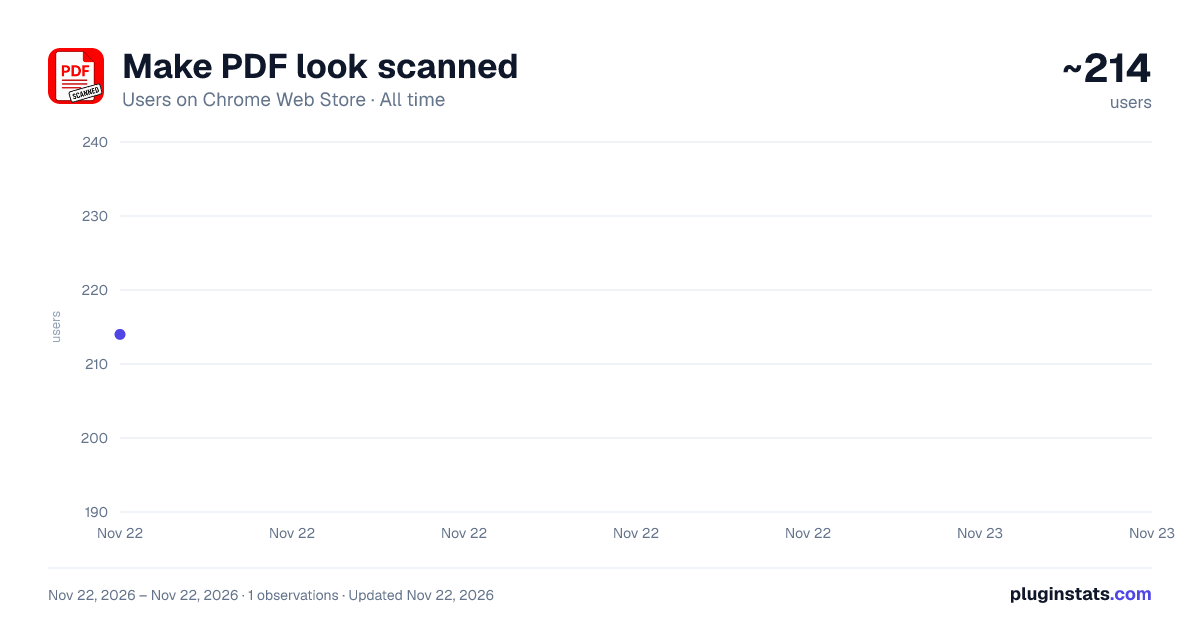
Make PDF look scanned has approximately 214 recorded users on Chrome Web Store, ranking #7672 of 10,523 tracked listings.
Rating: 5.00 / 5 from 3 ratings
About Make PDF look scanned
Quickly turn a file into a scanned copy. Make PDF look scanned with paper texture, noise, shadows & creases — get scanned PDF fast.
🔍 Make PDF look scanned — give clean digital files an authentic paper feel
Need a document that resembles something off an office scanner? Sometimes a crisp digital file feels too perfect, and you want something that passes as real scanner output. This Chrome extension solves exactly that: drop in any file and instantly add realistic scanner-style artifacts — texture, noise, fold marks, edge shadows. Whether sending a contract, submitting a form, or printing paperwork that should pass as hand-processed, the tool delivers in seconds without any design skills.
🚀 How to use Make PDF look scanned:
1️⃣ Click the extension icon in your Chrome toolbar 2️⃣ Upload your file or drag it into the window 3️⃣ Pick the intensity — light, medium, or heavy 4️⃣ Add paper texture, noise, shadows, creases or rotation 5️⃣ Download the result in one click
Built for everyday Chrome users who do not want bulky desktop software, this tool runs fully in your browser. The engine processes every page locally, adds subtle scanner noise, gentle skew, edge shadows, fold marks and random smudges. Make a PDF look scanned with just a few clicks — no Photoshop, no uploads to sketchy websites, no waiting in queues.
🌟 Why choose Make PDF look scanned:
◆ Realistic output — pages get noise, shadows, slight rotation and paper grain ◆ Multi-page support — long documents work the same way as single pages ◆ Privacy by design — everything happens inside your browser ◆ Three intensity presets plus manual fine-tuning controls ◆ Instant preview before you save the final result
People use this extension daily to turn polished digital files into something that feels like real paperwork. From freelancers sending agreements to owners printing invoices, the routine stays the same: open the doc, apply a scan effect, download. If you have ever wondered how to make a PDF document look scanned, this tool is the simple answer.
🔍 Popular searches we cover: how to make a PDF look like it was scanned, make PDF file look scanned, make PDF look scanned online, and make a PDF look like a scan — one slider handles them all.
🔎 What Make PDF look scanned can do:
- Add paper texture and grain to every page
- Simulate scanner noise and compression marks
- Insert subtle page rotation between 0.5° and 3°
- Apply edge shadows and corner fold creases
- Convert color pages to black and white for a copier feel
- Add coffee stains, smudges and random spots
- Adjust contrast and brightness to match aged paper
The whole workflow takes under a minute, and the tool remembers your favorite settings between sessions. Even an image to scanned PDF request runs through the same slider — no separate steps.
💼 Perfect for everyone:
➤ Freelancers preparing client paperwork ➤ Students submitting signed forms ➤ Small business owners sending invoices ➤ Anyone who needs a quick scan effect for casual files ➤ People who want PDF to scanned conversion without OCR
Underneath the simple interface sits a careful pipeline. Each page is rasterized, then layered with noise, shadow gradients and rotation transforms. Make PDF look like a scan with control over every artifact — strong creases, light dust, heavy contrast, gentle warp.
🔒 Privacy-first:
🔹 No uploads to any server — everything stays on your computer 🔹 No account, no signup, no tracking 🔹 Works offline once installed 🔹 Your file never leaves the Chrome window
📊 Features at a glance:
① Drag-and-drop ② Three preset intensities ③ Manual sliders ④ Live preview ⑤ Multi-page batch processing ⑥ Color and grayscale modes ⑦ Custom rotation angle ⑧ One-click download
Thousands of Chrome users switched from desktop apps to Make PDF look scanned: faster than online converters, safer than uploading to random websites, more flexible than camera apps. Many also search how to make my PDF look like scanned document or wonder how others get that authentic feel.
❓ FAQ
Q: How do I fake a scan without a real scanner? A: Install Make PDF look scanned, drop in your file, choose intensity, and download. No hardware needed.
Q: Is the result believable? A: Yes — the engine combines paper texture, noise, rotation, shadows and creases. It passes a casual visual inspection on screen and in print.
Q: Does it work on multi-page documents? A: Each page gets independent rotation and noise so the document feels natural across all pages.
Q: Is my data safe? A: Your file never leaves the browser. No upload, no server, no tracking.
Q: Can I use it with images? A: Yes — drop in an image, the tool converts it first, then applies the scan effect.
🚀 Install Make PDF look scanned today and turn any file into a believable copy in seconds. Simple, private, browser-based.
Description from the Chrome Web Store listing.
README badge
Show your rank in a README or on your website. The badge updates automatically.
Charts
Images: 30d · 1y · all time · 1600×900 dark
Adoption over time
7/30/90-day growth
Ranking history
Ratings over time
Listing placement
Listing placement
Filled points are observed values; hollow points come from Internet Archive snapshots of the listing page. Dashed segments span periods with no observations — values between points are not interpolated.
Each band is one page of 20. Users on a linear scale. Placement is projected from users, so it can differ from the marketplace's own sort order. Hover a dot to see the listing.
Recent observations
Full history (1)Similar Chrome Web Store Tools plugins
All 20 Make PDF look scanned alternatives



Data source
Covers every Chrome Web Store extension with at least 100 users, found through the store's public sitemap. User counts are read from public listing pages. The 10% most-used extensions are refreshed daily, the next 40% weekly and the next 40% monthly; the least-used 10% are not refreshed. Google displays rounded user counts (and caps the display at 10,000,000+), so small changes may not be visible. Rating counts above 1,000 are rounded (e.g. 1.6K).
Listing: https://chromewebstore.google.com/detail/make-pdf-look-scanned/ijhpnlcipgiokgignkbbbgkobdmdoila. First seen Nov 22, 2026; last successful collection Nov 22, 2026. See the methodology.