 PluginStats

QR Code Scanner users statistics
Scan QR codes on web pages and through your camera. Open links and copy text. Recognition works offline.
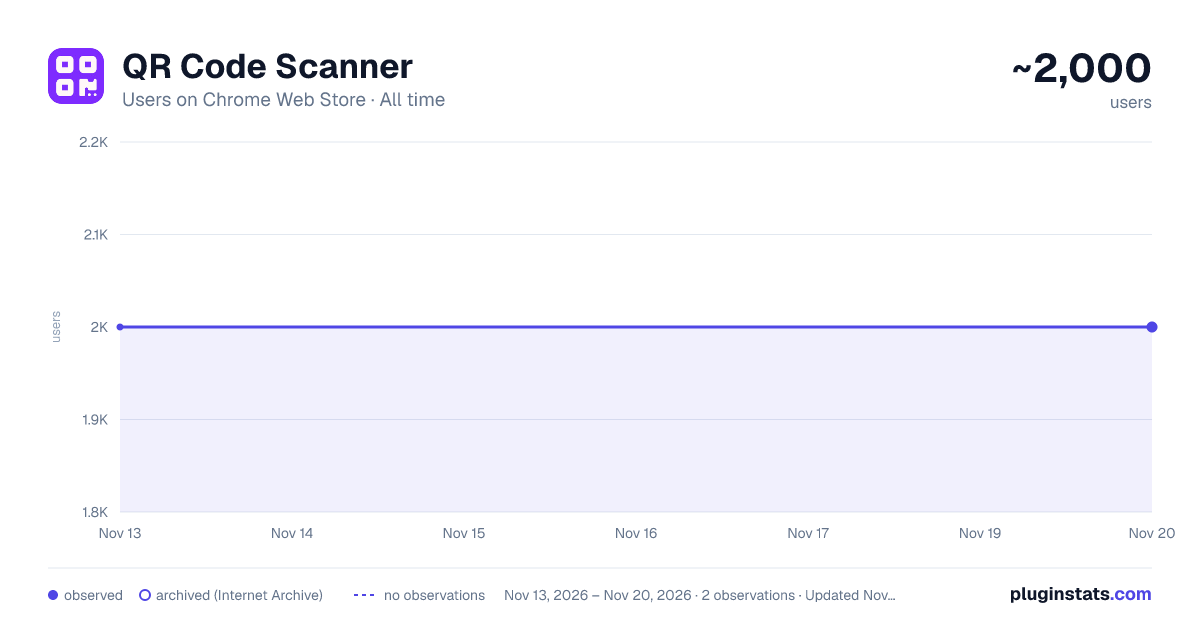
QR Code Scanner has approximately 2,000 recorded users on Chrome Web Store, a change of 0.0% over the past 7 days, ranking #2677 of 10,523 tracked listings.
Rating: 3.80 / 5 from 13 ratings
About QR Code Scanner
Scan QR codes on web pages and through your camera. Open links and copy text. Recognition works offline.
QR code scanner for Chrome - fast recognition on the page and through the camera
Scan QR codes directly on your computer screen—no screenshots, file downloads, or phone required. Select the code on an open web page or point your laptop camera at it, and the extension will show the result.
How to scan a QR code on a page
- Click on the extension icon.
- Select Select QR Code from Tab.
- Select the area of the page where the QR code is located.
- Receive decoded content.
If the page was opened before installing or updating the extension and requires a reload, a corresponding notification will appear directly in the popup. On Chrome service pages, scanning is limited to the browser itself.
Scanning through the camera
Click "Scan with Camera", allow Chrome access to the camera and point it at the QR code. The scan will open in a separate window that does not close when asking for permission.
If you have multiple cameras connected to your computer, you can select the device you need—for example, a laptop's built-in camera, an external USB camera, or a virtual camera.
What can you get from a QR code?
🔹 Links - open in a new tab with one click. 🔹 Plain text - copy to clipboard. 🔹 Contact information, Wi-Fi settings and other text content - view and copy.
Why is this convenient?
✅ Two scanning modes - web page area and camera. ✅ Supports multiple cameras with selectable options. ✅ Recognition occurs locally in the browser. ✅ No internet connection required to decode QR code. ✅ Content is not sent to an external recognition server. ✅ Links open and text is copied with one click. ✅ Clear messages if the page needs to be reloaded or access to the camera is denied.
QR codes in videos, broadcasts and presentations
The extension is suitable not only for static images. If the code appears in a video, broadcast, presentation or online course, pause the playback and highlight the area with the QR code.
This is convenient for:
🔹 videos on YouTube and other video services; 🔹 online courses, webinars and presentations; 🔹 publications and advertising materials on social networks; 🔹 electronic documents and PDF files opened in the browser; 🔹 links to events, products, forms and contact details.
Work without an external recognition server
Decoding is performed directly on the device. The Internet may only be needed to open the found link and download the recommended interface content - QR code recognition itself is available offline.
Click on the extension icon, choose a convenient scanning method and get the contents of the QR code in a few seconds.
Description from the Chrome Web Store listing.
README badge
Show your rank in a README or on your website. The badge updates automatically.
Charts
Images: 30d · 1y · all time · 1600×900 dark
Adoption over time
7/30/90-day growth
Ranking history
Ratings over time
Listing placement
Listing placement
Filled points are observed values; hollow points come from Internet Archive snapshots of the listing page. Dashed segments span periods with no observations — values between points are not interpolated.
Each band is one page of 20. Users on a linear scale. Placement is projected from users, so it can differ from the marketplace's own sort order. Hover a dot to see the listing.
Recent observations
Full history (2)Similar Chrome Web Store Tools plugins
All 20 QR Code Scanner alternatives



Data source
Covers every Chrome Web Store extension with at least 100 users, found through the store's public sitemap. User counts are read from public listing pages. The 10% most-used extensions are refreshed daily, the next 40% weekly and the next 40% monthly; the least-used 10% are not refreshed. Google displays rounded user counts (and caps the display at 10,000,000+), so small changes may not be visible. Rating counts above 1,000 are rounded (e.g. 1.6K).
Listing: https://chromewebstore.google.com/detail/qr-code-scanner/bmmijckmnmobacnkcnpklachglloojlp. First seen Nov 13, 2026; last successful collection Nov 20, 2026. See the methodology.