 PluginStats

Spending Calculator for Swiggy™ and Zomato™ users statistics
Zomato™ and Swiggy™ spending calculator to keep track of food expenses.
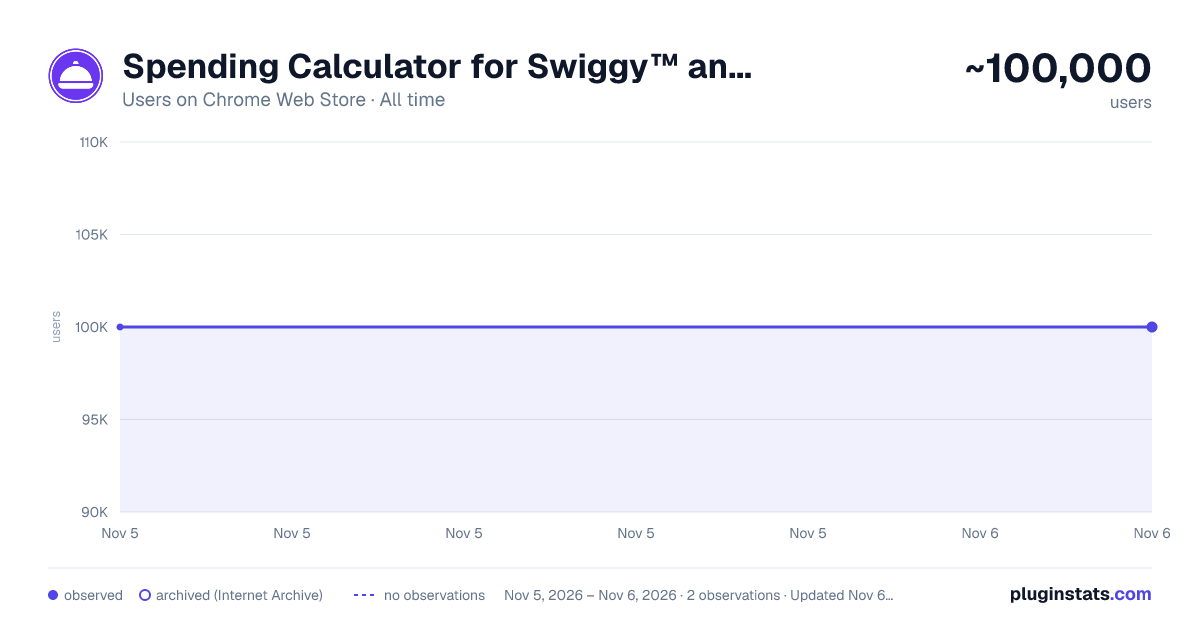
Spending Calculator for Swiggy™ and Zomato™ has approximately 100,000 recorded users on Chrome Web Store, ranking #218 of 7,342 tracked listings.
Rating: 1.90 / 5 from 244 ratings
About Spending Calculator for Swiggy™ and Zomato™
Zomato™ and Swiggy™ spending calculator to keep track of food expenses.
In 2026, tracking your food expenses has never been easier! Track Food Expenses on Swiggy™ & Zomato™ Instantly!
The Spending Calculator for Swiggy™ and Zomato™ is a handy Chrome extension for Swiggy expenses and food order tracker extension designed to help you monitor your food spending on India’s top food delivery platforms. Whether you’re looking to track food spending online, calculate your Swiggy™ expenses, or get insights into your total spending on Zomato™, this tool has got you covered. With just one click, you can calculate your expenditure, view year-wise data, and even uncover your top food orders. Perfect for those who want to budget food expenses and better understand their spending habits, this extension makes managing food expenses easy and transparent.
Key Features:
Calculate Total Spending: Instantly get a summary of all your orders and calculate Swiggy expenses or your total spending on Zomato.
Top Orders Insight: Displays the top 5 orders you’ve spent the most on using the Swiggy and Zomato expense calculator.
Year-wise Analysis: View spending trends by year to understand how your food habits evolve with this food expense tracker.
Real-Time Recalculation: Recalculate your spending total anytime for up-to-date information.
How to Use for Swiggy™:
Install & Pin: Add the Swiggy spending tracker extension and pin it to your Chrome browser.
Visit Swiggy™: Log in and navigate to the “My Orders” section.
Scroll: Scroll to load all orders or as many as you want.
Calculate: Click the extension icon and select “Find Total Spending” to use the Swiggy and Zomato expense calculator.
How to Use for Zomato™:
Install & Pin: Add the extension and pin it to Chrome.
Visit Zomato™: Log in and click “Find Total Spending” in the extension to use the Zomato spending calculator.
Wait a Moment: The calculation time depends on your order history volume.
This extension is a must-have for anyone looking to track food spending online, budget food expenses, or stay informed about their Swiggy™ and Zomato™ orders. Install now to take control of your spending habits.
FAQs:
- What does the Spending Calculator for Swiggy™ & Zomato™ do?
This tool calculates your total spending on food orders made through Swiggy™ and Zomato™, offering insights into your expenses over time.
- Does this extension work with other food delivery platforms?
Currently, it is designed specifically for Swiggy™ and Zomato™.
- Is my spending data stored or shared?
No, all calculations are performed locally on your browser and are not stored or shared.
- Does it work with the mobile versions of Swiggy™ and Zomato™?
No, this extension is compatible only with the desktop browser version.
Description from the Chrome Web Store listing.
README badge
Show your rank in a README or on your website. The badge updates automatically.
Charts
Images: 30d · 1y · all time · 1600×900 dark
Adoption over time
7/30/90-day growth
Ranking history
Ratings over time
Listing placement
Listing placement
Filled points are observed values; hollow points come from Internet Archive snapshots of the listing page. Dashed segments span periods with no observations — values between points are not interpolated.
Each band is one page of 20. Users on a linear scale. Placement is projected from users, so it can differ from the marketplace's own sort order. Hover a dot to see the listing.
Recent observations
Full history (1)Similar Chrome Web Store Shopping plugins
All 20 Spending Calculator for Swiggy™ and Zomato™ alternatives



Data source
Covers every Chrome Web Store extension with at least 100 users, found through the store's public sitemap. User counts are read from public listing pages. The 10% most-used extensions are refreshed daily, the next 40% weekly and the next 40% monthly; the least-used 10% are not refreshed. Google displays rounded user counts (and caps the display at 10,000,000+), so small changes may not be visible. Rating counts above 1,000 are rounded (e.g. 1.6K).
Listing: https://chromewebstore.google.com/detail/spending-calculator-for-s/dbbbhmnphepimpameepigkpjjnlpmjeg. First seen Nov 5, 2026; last successful collection Nov 5, 2026. See the methodology.