 PluginStats

Blazor Developer Tools users statistics
By joe-gregory · Chrome Web Store · Developer Tools
Developer tools for debugging Blazor applications
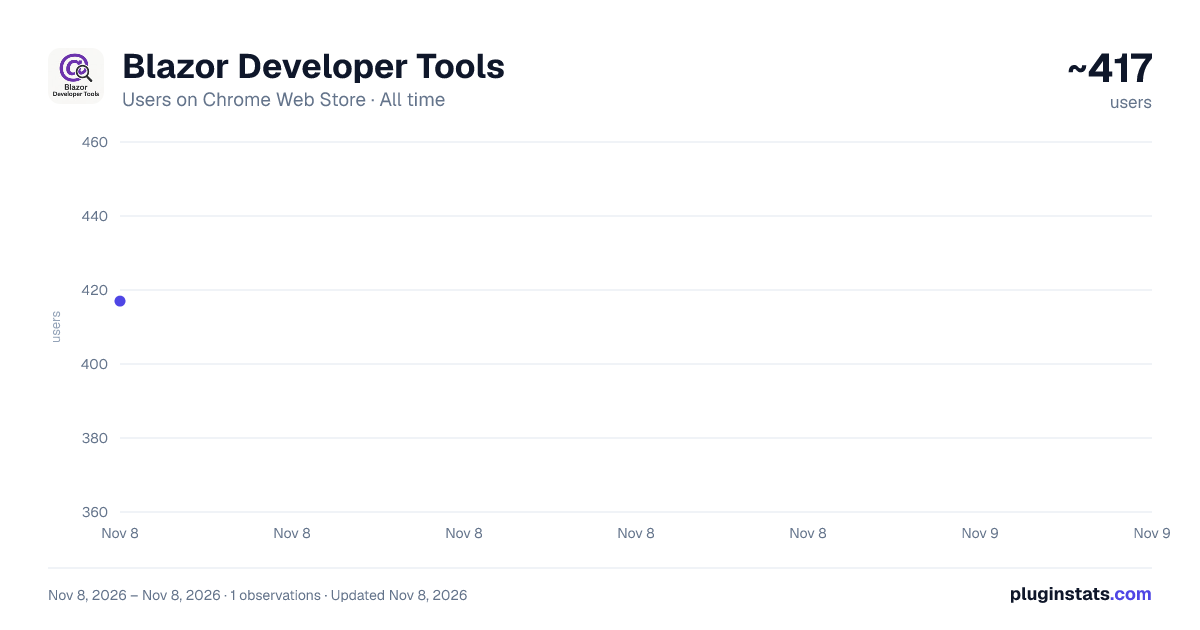
Blazor Developer Tools has approximately 417 recorded users on Chrome Web Store, ranking #4449 of 8,189 tracked listings.
Rating: 5.00 / 5 from 3 ratings
About Blazor Developer Tools
Developer tools for debugging Blazor applications
Blazor Developer Tools
The first visual DevTools for Blazor. See your component tree, profile renders, understand why components re-render. No more console.log debugging.
NEW IN v1.0.0-beta.5 — Highlight Updates: toggle the sparkle button and watch components flash on the page as they re-render — wasted renders become visible in real time. Plus the Element Picker (new in beta.4): click any element on the page to identify and inspect its Blazor component.
FEATURES
Component Tree — Visualize your entire Blazor component hierarchy Element Picker — Hover to highlight component boundaries on the page, click to select the component in the tree (works on disabled controls and static content too) Highlight Updates — Flash components on the page as they re-render, React DevTools style: instantly spot components re-rendering when they shouldn't Live Details — Parameter values, render stats, and internal state update in real time as you use your app Timeline Profiler — Record and analyze component renders over time Three Timeline Views — Sequence (subway-map style), Time (proportional), and Time with idle gaps collapsed Flamegraph Swimlanes — Per-component lanes with zoom, pan, and color-coded lifecycle events "Why Did This Render?" — See exactly what triggered each render: parameter changes, StateHasChanged, EventCallbacks, and more Ranked View — Find your slowest and most frequently rendering components at a glance Works With Any Component — No code changes required for basic tracking Enhanced Metrics — Opt-in base class for deep lifecycle timing (OnInitialized, ShouldRender rates, render efficiency)
INSTALLATION You need 2 components:
- This browser extension
- The NuGet package: BlazorDeveloperTools
dotnet add package BlazorDeveloperTools
Then register it in Program.cs:
builder.Services.AddBlazorDevTools();
Note: the beta currently supports Blazor Server / InteractiveAuto (Server) render mode. WebAssembly-only support is planned.
USAGE
- Run your Blazor app
- Open DevTools (F12)
- Navigate to the "Blazor" tab
- Explore Components, pick an element on the page, or record a Timeline profile
TIMELINE PROFILER
- Click Record, interact with your app, click Stop
- Switch between Events, Ranked, and Flamegraph views
- Pick your time axis: Sequence for readable event flow, or Time for wall-clock accuracy
- Click any event to see its timing and why it rendered
100% free and open source (Apache 2.0). No data collection — everything stays in your browser.
Documentation and live demo: www.blazordevelopertools.com GitHub: github.com/joe-gregory/blazor-devtools
Description from the Chrome Web Store listing.
README badge
Show your rank in a README or on your website. The badge updates automatically.
Charts
Images: 30d · 1y · all time · 1600×900 dark
Adoption over time
7/30/90-day growth
Ranking history
Ratings over time
Listing placement
Listing placement
Filled points are observed values; hollow points come from Internet Archive snapshots of the listing page. Dashed segments span periods with no observations — values between points are not interpolated.
Each band is one page of 20. Users on a linear scale. Placement is projected from users, so it can differ from the marketplace's own sort order. Hover a dot to see the listing.
Recent observations
Full history (1)Similar Chrome Web Store Developer Tools plugins
All 20 Blazor Developer Tools alternatives



Data source
Covers every Chrome Web Store extension with at least 100 users, found through the store's public sitemap. User counts are read from public listing pages. The 10% most-used extensions are refreshed daily, the next 40% weekly and the next 40% monthly; the least-used 10% are not refreshed. Google displays rounded user counts (and caps the display at 10,000,000+), so small changes may not be visible. Rating counts above 1,000 are rounded (e.g. 1.6K).
Listing: https://chromewebstore.google.com/detail/blazor-developer-tools/pfddbenemjnlceffaemllejnjbobadhp. First seen Nov 8, 2026; last successful collection Nov 8, 2026. See the methodology.