 PluginStats

Bilibili Video Downloader - 4K & Anime users statistics
By luokexiaoguo · Chrome Web Store · Tools
Download Bilibili videos in 4K/1080P. Batch download anime collections, resume support, local FFmpeg merge.
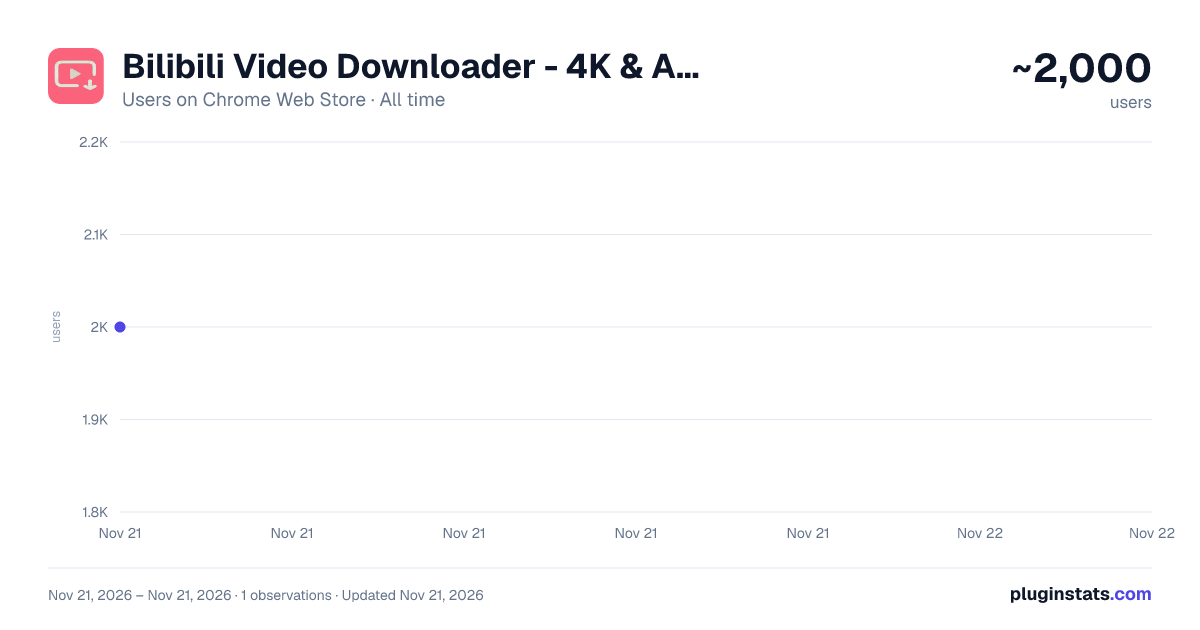
Bilibili Video Downloader - 4K & Anime has approximately 2,000 recorded users on Chrome Web Store, ranking #2737 of 10,523 tracked listings.
Rating: 4.50 / 5 from 13 ratings
About Bilibili Video Downloader - 4K & Anime
Download Bilibili videos in 4K/1080P. Batch download anime collections, resume support, local FFmpeg merge.
BiliDown is a one-click Bilibili video downloader for Chrome and Microsoft Edge. Open any Bilibili video, anime (bangumi) or movie page and click the Download button in the player control bar — no link copying, no extra software to install.
KEY FEATURES • In-player download button — sits in the player control bar, so you don't have to hunt for the toolbar icon. Download the current episode or the whole collection. • High quality — automatically picks the highest resolution your account can access, up to 4K / 1080P+. • Quality modes — choose SDR for maximum compatibility, or HDR / Dolby Vision for screens that support it. • Batch collection download — lists every episode of an anime season, UGC collection, video series or multi-part upload; pick the ones you want and they download one after another into a single folder. • Resume support — pause when the network drops and continue later. • Local merge — a built-in WebAssembly FFmpeg combines audio and video into a standard MP4 inside your own browser. Nothing is uploaded and no third-party server is involved. • Smart naming — files are named from the video title, with emoji and illegal characters removed automatically. • Download compatibility — completes the required Referer header automatically, retries backup addresses on 403 responses, and works across Bilibili CDN nodes. • Stream save — a direct-to-disk track save for the rare cases where a merge is not possible.
SUPPORTED CONTENT Bilibili video pages (/video), bangumi anime and movies (/bangumi), UGC collections, multi-part uploads and video series.
PRIVACY Everything runs locally in your browser. No plugin account required, no browsing history collected, no files or data uploaded anywhere.
COMPATIBILITY Works on Microsoft Edge and Google Chrome, on Windows, macOS and Linux. Completely free, no ads.
HOW TO USE
- Install the extension from the store.
- Open any Bilibili video, anime or movie page.
- Click the Download button on the right side of the player control bar, or the extension icon in the toolbar.
- Pick a quality, then choose "This episode" or "Whole collection".
- Select a save location and wait for it to finish.
DISCLAIMER This extension is provided for personal study and technical research. Please respect the copyright of Bilibili and content creators. Downloaded content is for personal offline viewing only — do not use it commercially or redistribute it.
Description from the Chrome Web Store listing.
README badge
Show your rank in a README or on your website. The badge updates automatically.
Charts
Images: 30d · 1y · all time · 1600×900 dark
Adoption over time
7/30/90-day growth
Ranking history
Ratings over time
Listing placement
Listing placement
Filled points are observed values; hollow points come from Internet Archive snapshots of the listing page. Dashed segments span periods with no observations — values between points are not interpolated.
Each band is one page of 20. Users on a linear scale. Placement is projected from users, so it can differ from the marketplace's own sort order. Hover a dot to see the listing.
Recent observations
Full history (1)Similar Chrome Web Store Tools plugins
All 20 Bilibili Video Downloader - 4K & Anime alternatives



Data source
Covers every Chrome Web Store extension with at least 100 users, found through the store's public sitemap. User counts are read from public listing pages. The 10% most-used extensions are refreshed daily, the next 40% weekly and the next 40% monthly; the least-used 10% are not refreshed. Google displays rounded user counts (and caps the display at 10,000,000+), so small changes may not be visible. Rating counts above 1,000 are rounded (e.g. 1.6K).
Listing: https://chromewebstore.google.com/detail/b站离线舱-番剧电影下载器/ofbbghlmmeflcpddebdhoobpfjgeehjo. First seen Nov 21, 2026; last successful collection Nov 21, 2026. See the methodology.