 PluginStats
AssisT: Adaptive Augmentative Tool users statistics
Chrome Web Store · Accessibility
Adaptive learning tools with Text-to-Speech, AI assistance, and accessibility features for all learners
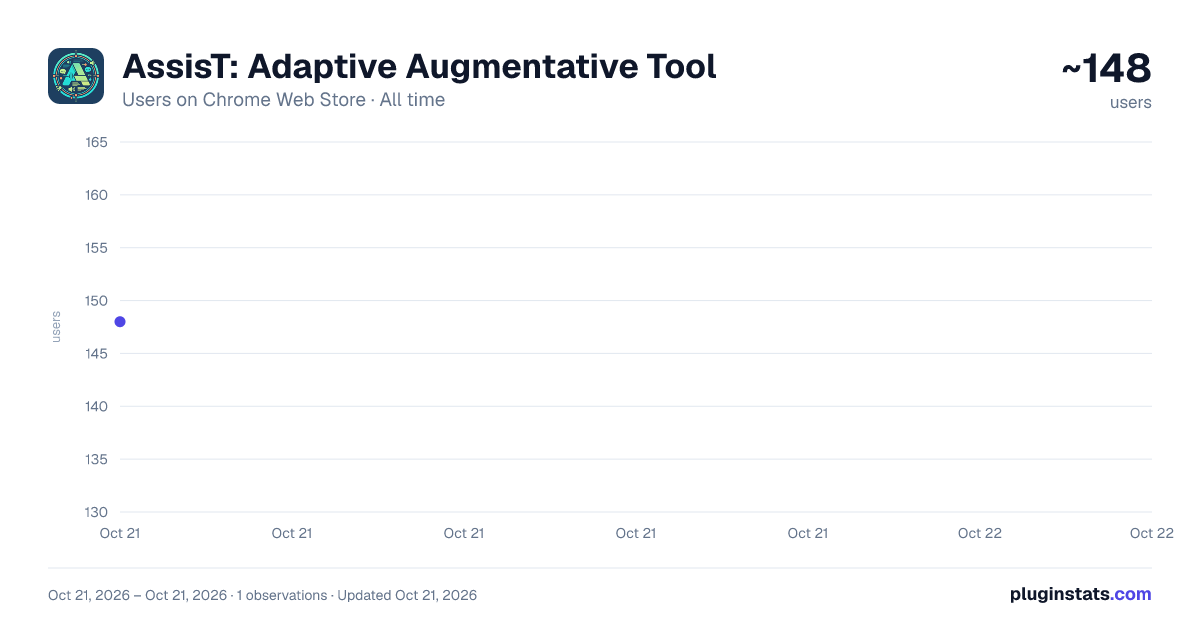
AssisT: Adaptive Augmentative Tool has approximately 148 recorded users on Chrome Web Store, ranking #2516 of 2,952 tracked listings.
About AssisT: Adaptive Augmentative Tool
Adaptive learning tools with Text-to-Speech, AI assistance, and accessibility features for all learners
AssisT is a free, open-source reading and writing toolkit for students, built for neurodivergent learners and anyone who finds long pages hard going. It works inside Canvas, Moodle and Google Classroom, and on any other site you choose to allow.
READ
- Read Aloud with each word highlighted as it is spoken
- Reading Mode, Reading Guide, Reading Progress and Word by Word
- Dyslexia Mode, text spacing and font controls, colour overlays and Focus Mode
- Read from Images (OCR) for text in pictures and scanned PDFs
- Maths Support that reads equations aloud
WRITE
- Speech-to-Text dictation into course text boxes
- Citations: save sources as you read and copy them in common referencing styles
- Mind Map: plan an essay as an outline or a map, entirely from the keyboard if you like
- Sticky Notes and highlights that stay on the page
UNDERSTAND
- Look up a word, translate a page, or have a passage summarised or put into plainer words
- Lecture captions: live captions and notes from your microphone, on any lecture page
- AI features are off until you switch them on. You choose: AI running on your own computer, AI in the browser, or a cloud service with your own key
YOUR DATA STAYS WITH YOU AssisT has no accounts, no tracking and no adverts. Your settings and notes are stored in your browser. Nothing you select on a page is sent to any online service until you say yes, and AssisT asks about each service by name the first time it would be used. You can change your mind in the popup at any time.
ACCESSIBLE BY DESIGN Built against WCAG 2.2 AA. Every control works from the keyboard, and the settings you pick are kept between visits.
KNOWN LIMITATION Google Docs, Sheets and Slides draw their documents in a way extensions cannot read, so selecting words and word-by-word highlighting do not work inside those editors. We are looking for a fix. Google Classroom pages are not affected.
Privacy policy: https://fiavaion.com/products/assist/privacy Source code: https://github.com/Fiavaion/AssisT
Description from the Chrome Web Store listing.
README badge
Show your rank in a README or on your website. The badge updates automatically.
Charts
Images: 30d · 1y · all time · 1600×900 dark
Adoption over time
7/30/90-day growth
Ranking history
Ratings over time
Listing placement
Listing placement
Filled points are observed values; hollow points come from Internet Archive snapshots of the listing page. Dashed segments span periods with no observations — values between points are not interpolated.
Each band is one page of 20. Users on a linear scale. Placement is projected from users, so it can differ from the marketplace's own sort order. Hover a dot to see the listing.
Recent observations
Full history (1)Similar Chrome Web Store Accessibility plugins
All 20 AssisT: Adaptive Augmentative Tool alternatives



Data source
Covers every Chrome Web Store extension with at least 100 users, found through the store's public sitemap. User counts are read from public listing pages. The 10% most-used extensions are refreshed daily, the next 40% weekly and the next 40% monthly; the least-used 10% are not refreshed. Google displays rounded user counts (and caps the display at 10,000,000+), so small changes may not be visible. Rating counts above 1,000 are rounded (e.g. 1.6K).
Listing: https://chromewebstore.google.com/detail/assist-adaptive-augmentat/dkekfjomoacmhbkekjkngmpbdlljjfhi. First seen Oct 21, 2026; last successful collection Oct 21, 2026. See the methodology.