 PluginStats
WebPage Performance Analyzer users statistics
By DriftCode · Chrome Web Store · Developer Tools
Developer productivity tool for analyzing page performance, bundle size, images, JavaScript, CSS, and DOM efficiency.
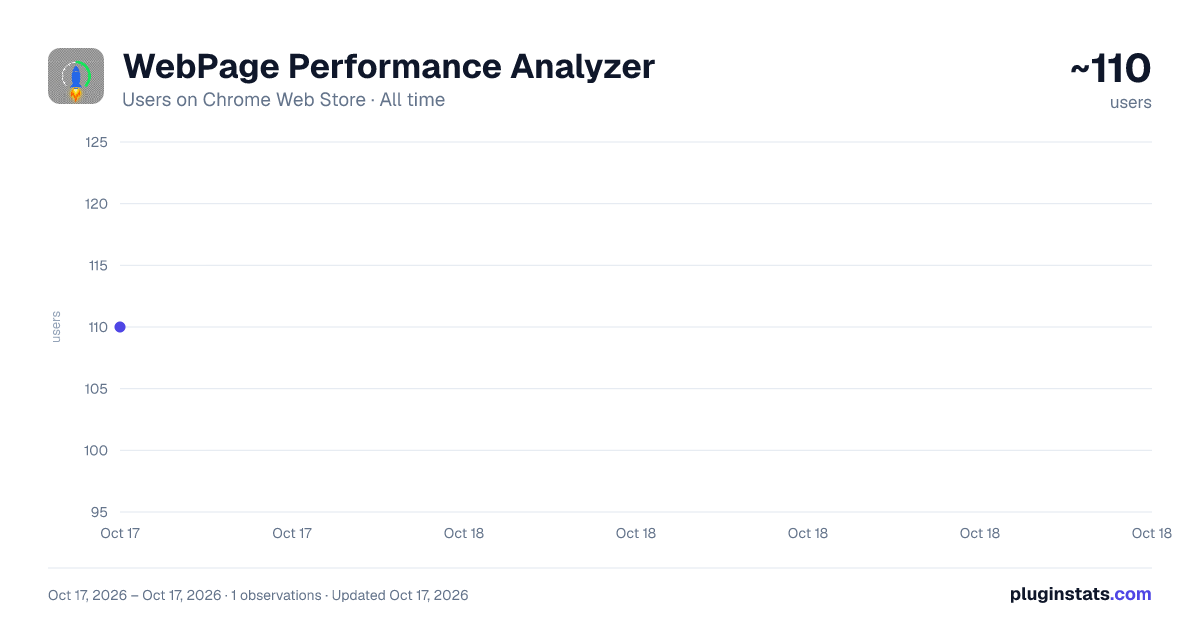
WebPage Performance Analyzer has approximately 110 recorded users on Chrome Web Store, ranking #1969 of 2,033 tracked listings.
Rating: 5.00 / 5 from 1 ratings
About WebPage Performance Analyzer
Developer productivity tool for analyzing page performance, bundle size, images, JavaScript, CSS, and DOM efficiency.
WebPage Performance Analyzer is a developer-first Chrome extension that analyzes live webpages and detects performance optimization opportunities in real time.
Built for frontend developers, performance engineers, and technical teams who care about fast, lightweight, and scalable web experiences.
🔍 What it Analyzes 🖼 Image Optimization
• Large image files • Missing lazy loading • Missing width/height attributes • Non-modern formats (WebP/AVIF suggestions) • Total image weight
⚙ JavaScript Performance
• Total JS files & size • Blocking scripts in head • Inline script detection • Async/defer suggestions • Basic unused JS detection
🎨 CSS Optimization
• Total CSS files • Large stylesheets • Inline styles • Minification suggestions • Unused CSS indicators
🧱 DOM & Layout Health
• Total DOM nodes • Deep nesting detection • Layout shift indicators • Reflow risk warnings
📊 Performance Metrics
• Page Load Time • DOMContentLoaded • First Contentful Paint • Total Page Weight • Request Count
🎯 Why this?
Modern web performance is complex. It gives you instant, developer-focused feedback without needing external tools.
No external API calls. No tracking. No marketing fluff. Just actionable performance insights.
🟢 Who Is It For?
• Frontend developers • React / Vue / Next.js developers • Shopify developers • WordPress developers • Web agencies • Performance engineers
🔐 Privacy First
It runs locally in your browser. It does not collect, store, or transmit any user data.
⚡ Build Faster. Ship Lighter.
Speed Is a Feature.
Description from the Chrome Web Store listing.
README badge
Show your rank in a README or on your website. The badge updates automatically.
Charts
Images: 30d · 1y · all time · 1600×900 dark
Adoption over time
7/30/90-day growth
Ranking history
Ratings over time
Listing placement
Listing placement
Filled points are observed values; hollow points come from Internet Archive snapshots of the listing page. Dashed segments span periods with no observations — values between points are not interpolated.
Each band is one page of 20. Users on a linear scale. Placement is projected from users, so it can differ from the marketplace's own sort order. Hover a dot to see the listing.
Recent observations
Full history (1)Similar Chrome Web Store Developer Tools plugins
All 20 WebPage Performance Analyzer alternatives



Data source
Covers every Chrome Web Store extension with at least 100 users, found through the store's public sitemap. User counts are read from public listing pages. The 10% most-used extensions are refreshed daily, the next 40% weekly and the next 40% monthly; the least-used 10% are not refreshed. Google displays rounded user counts (and caps the display at 10,000,000+), so small changes may not be visible. Rating counts above 1,000 are rounded (e.g. 1.6K).
Listing: https://chromewebstore.google.com/detail/webpage-performance-analy/mbcoogibiajabiobaahdelcgbnnjemgo. First seen Oct 17, 2026; last successful collection Oct 17, 2026. See the methodology.