 PluginStats

Monday.com Inspector users statistics
Chrome Web Store · Developer Tools
Inspect, query, edit & bulk-manage monday.com boards: GraphQL editor, schema viewer, CSV import, bulk update, Excel image upload.
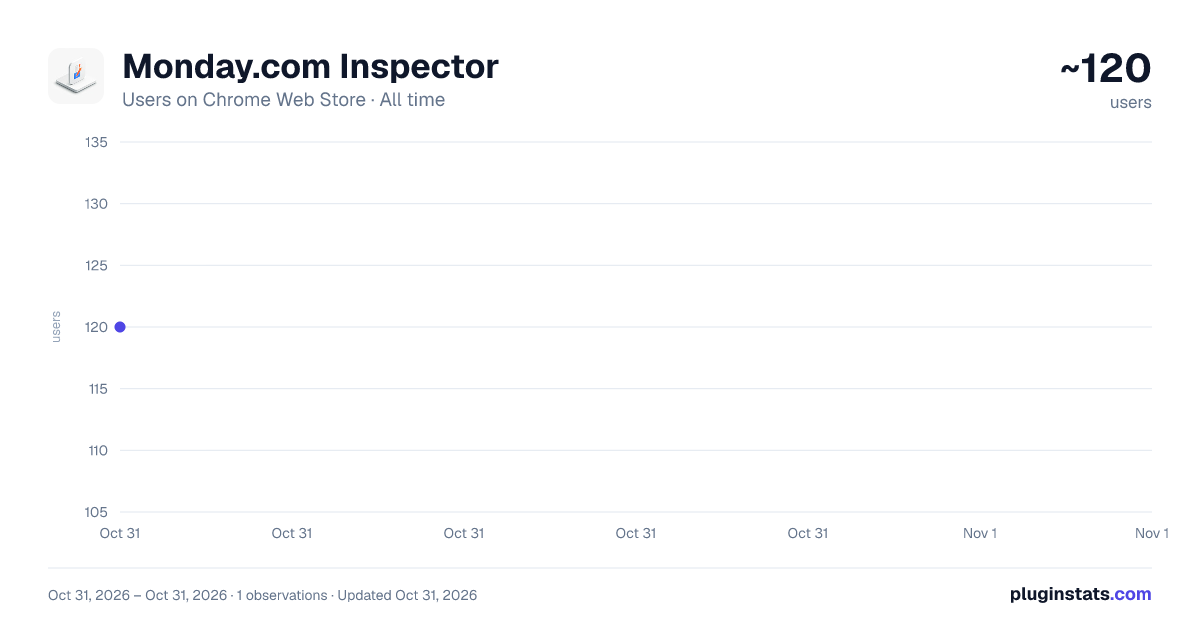
Monday.com Inspector has approximately 120 recorded users on Chrome Web Store, ranking #6805 of 7,342 tracked listings.
About Monday.com Inspector
Inspect, query, edit & bulk-manage monday.com boards: GraphQL editor, schema viewer, CSV import, bulk update, Excel image upload.
Monday.com Inspector is the free power-user toolkit for monday.com. It adds the features monday.com never shipped — bulk import, image upload, a GraphQL workspace, a schema viewer, and bulk editing — right next to your boards. No account, no row limits, and your API token never leaves your browser.
━━━━━━━━━━━━━━━━━━━━━━━━━━━━ WHAT YOU CAN DO ━━━━━━━━━━━━━━━━━━━━━━━━━━━━
📥 IMPORT FROM CSV & EXCEL • Import items AND subitems from a single CSV or Excel file — something monday's native import can't do. • Re-import a monday.com board export (.xlsx) and keep the full hierarchy: groups, parents, subitems, and all column values. • Map your sheet columns to any of 18+ writable column types — status, people, date, timeline, dropdown, numbers, link, email, phone, rating, country, and more. • No row limit. Automatic batching and rate-limit handling for thousands of rows.
🖼️ BULK IMAGE UPLOAD FROM EXCEL (the feature monday.com never built) • Drop an .xlsx with images pasted into cells — every image is extracted, anchored to its row, and uploaded to a File column. • Two modes: attach images to existing items (match by name or id), OR create brand-new items from each row with the image attached. • Works directly on monday.com's "Export to Excel" output and on hand-built spreadsheets.
🛟 SMART ERROR RECOVERY • If an import has errors, a recovery banner names the column(s) most likely causing them and offers a one-click "Skip these columns & re-run". • Per-row error messages show monday.com's exact response. "Copy all errors" puts the full list on your clipboard. • A single bad column never blocks the rest of your data.
⚡ BULK UPDATE • Update hundreds of items across multiple columns in one pass — from a CSV of item IDs and new values. Works on parents and subitems.
🔍 GRAPHQL QUERY INSPECTOR • A full-page GraphQL workspace inspired by Salesforce Inspector. 14 ready-made query templates, a saved-query library, table + JSON results, a complexity-budget meter, and CSV/JSON export. No coding required.
🗂 SCHEMA INSPECTOR • Explore every column — type, id, settings — for parents and subitems. Auto-detects classic vs multi-level boards (monday API 2026-04). One-click copy of column IDs.
━━━━━━━━━━━━━━━━━━━━━━━━━━━━ PRIVACY ━━━━━━━━━━━━━━━━━━━━━━━━━━━━ • Your monday.com API token is stored locally in your browser (chrome.storage) and is sent only to api.monday.com over HTTPS. • No analytics, no telemetry, no third-party servers, no data collection. • Open source: https://github.com/sametivon/monday.inspector
━━━━━━━━━━━━━━━━━━━━━━━━━━━━ WHO IT'S FOR ━━━━━━━━━━━━━━━━━━━━━━━━━━━━ monday.com admins, consultants, agencies, and developers who need to move faster than the native UI allows — board migrations, bulk data loads, image catalogues, and API exploration.
Built by Fruition Services. Free & open source. Website: https://mondayinspector.eu
---

## What's new (version notes for v1.6.4)
v1.6.4 — Correct import dates + errors you can actually see • Dates now import on the right day: ambiguous dates like 03/04 default to UK day/month (3 April) — matching monday's D/M/YYYY export format — and Excel date serials convert directly to ISO, so 3 Nov no longer flips to 11 Mar. • Import failures are always visible: failing rows show live during the run and stay on screen after, in a scrollable list with a copy-all button. Rows where monday returns no message now say so. • The Importer auto-creates missing groups on the target board (in source order), so items land in the right group instead of the default one. • Handles monday's 2026 export format: the marketing cells monday now embeds in board/group rows no longer confuse the parser. • Builds on v1.6.3 (native-column-only imports) and v1.6.2 (smart import error recovery).
Description from the Chrome Web Store listing.
README badge
Show your rank in a README or on your website. The badge updates automatically.
Charts
Images: 30d · 1y · all time · 1600×900 dark
Adoption over time
7/30/90-day growth
Ranking history
Ratings over time
Listing placement
Listing placement
Filled points are observed values; hollow points come from Internet Archive snapshots of the listing page. Dashed segments span periods with no observations — values between points are not interpolated.
Each band is one page of 20. Users on a linear scale. Placement is projected from users, so it can differ from the marketplace's own sort order. Hover a dot to see the listing.
Recent observations
Full history (1)Similar Chrome Web Store Developer Tools plugins
All 20 Monday.com Inspector alternatives



Data source
Covers every Chrome Web Store extension with at least 100 users, found through the store's public sitemap. User counts are read from public listing pages. The 10% most-used extensions are refreshed daily, the next 40% weekly and the next 40% monthly; the least-used 10% are not refreshed. Google displays rounded user counts (and caps the display at 10,000,000+), so small changes may not be visible. Rating counts above 1,000 are rounded (e.g. 1.6K).
Listing: https://chromewebstore.google.com/detail/mondaycom-inspector/kmmmfnkjdcmemcmjipidodnipidadaeg. First seen Oct 31, 2026; last successful collection Oct 31, 2026. See the methodology.