 PluginStats
Grok Chat Exporter — Save to PDF, MD & More users statistics
Export Grok chats to PDF, Markdown, Text, CSV... Free and fully customizable. Supports code, math & thinking.
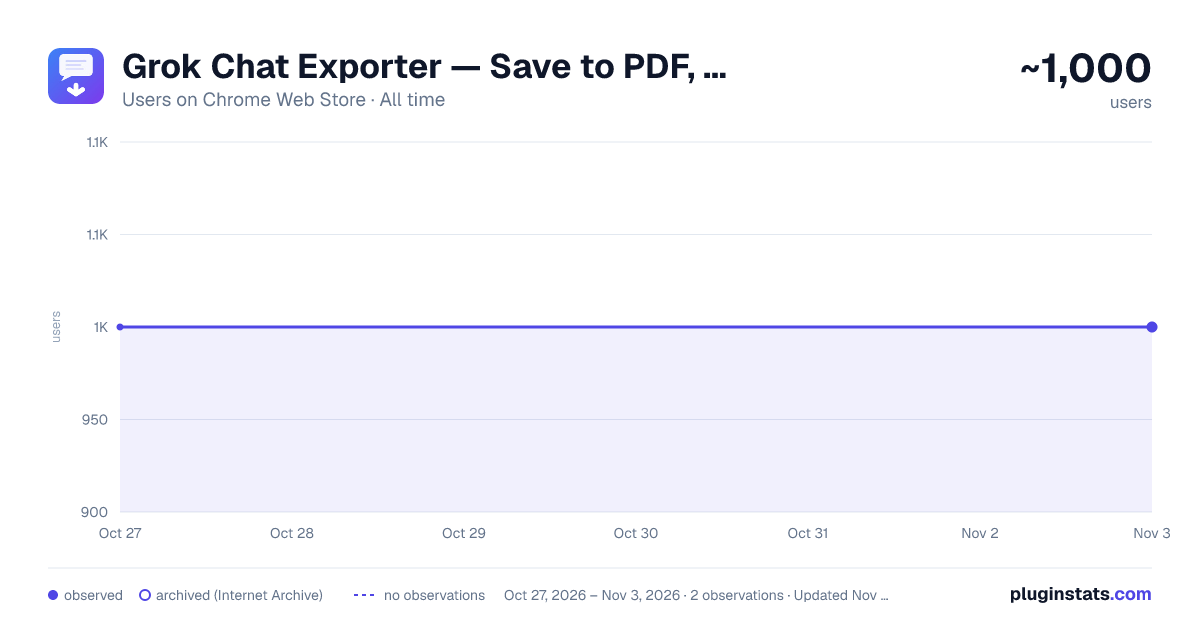
Grok Chat Exporter — Save to PDF, MD & More has approximately 1,000 recorded users on Chrome Web Store, ranking #1731 of 4,880 tracked listings.
Rating: 4.60 / 5 from 11 ratings
About Grok Chat Exporter — Save to PDF, MD & More
Export Grok chats to PDF, Markdown, Text, CSV... Free and fully customizable. Supports code, math & thinking.
Grok Chat Exporter — the easiest way to export Grok chats to PDF, Markdown, Text, CSV, and more. Save Grok conversations, download entire chat histories, or convert Grok chat to PDF for sharing, archiving, and offline reading. A free Grok exporter for Chrome that keeps your code, math, images, and reasoning steps fully intact.
Whether you need Grok to PDF for a client, a notes archive, analysis-ready data, or developer workflows — this Chrome extension exports your conversation in one click.
💼 Main Features
With Grok Chat Exporter, every feature you need is one click away.
📋 Multiple Export Formats — Pick What Fits
- PDF — perfect for printing, sharing with clients, archiving conversations, or creating clean reference documents
- Markdown — drop straight into Notion, Obsidian, Bear, Logseq, or any note-taking app without reformatting
- Text — the universal format that works absolutely everywhere
- CSV — ideal for data analysis, spreadsheets, and feeding chats into BI tools
- JSON — structured output for developers, scripting, and custom pipelines
⚙️ Powerful Customization Make every export look exactly the way you want:
- Smart message selection — pick exact questions and answers with filter modes (all / questions / answers / none)
- Per-message timestamps and export/creation/update dates
- Custom filename prefixes
- Full PDF layout control: A4 / Letter / Legal, portrait or landscape, page margins, font family and size
- Light or dark theme for PDF
- Page numbers, content title, conversation link, user info — toggle on or off
- Page break per message (cleaner for long chats)
- Optional branding removal (Pro plans)
- Date and time format: MDY, DMY, YMD, 12h or 24h
🧩 Advanced Content Preservation Grok Chat Exporter captures everything in your conversations with perfect fidelity:
- Plain text with full formatting preserved
- Code blocks with syntax highlighting across 80+ languages
- Mathematical formulas and LaTeX equations
- Tables, lists, and quotes
- Images generated by Grok Imagine
- Thinking and reasoning steps from Grok's Think mode and DeepSearch
- Inline citations and source links from web search results
- File attachments metadata
🌍 Multi-Language Support Full UI and marketing translated into 30+ languages, with right-to-left layout support for Arabic and Hebrew. Grok chats in any supported language render beautifully in every export format.
🔗 Works With Any Grok Chat
- Your own conversations at grok.com
- Shared chat links from others
- Long chat histories (pagination handled automatically)
- Latest Grok models supported out of the box
👍 Two-Click Simplicity No account needed for basic use. No complex setup. Install, visit grok.com, click Export — that's it.
🔍 How to Use Grok Chat Exporter
- Install the extension from the Chrome Web Store
- Visit grok.com and open any conversation (yours or a shared one)
- Two buttons appear next to Grok's input bar: Export and Select
- Click Select to pick specific messages (or skip to export everything)
- Choose your format
- Click Export — your file downloads automatically
That's the whole flow. Every setting (format, margins, fonts, timestamps) is remembered for next time.
💰 Free and Paid Plans
Generous free tier:
- 3 free PDF exports per day
- Unlimited MD, TXT, and other non-PDF exports — always free, forever
We offer paid plans for users who need more PDF capacity. All other export formats stay free forever — no subscription required.
🎯 Built for Every Use Case
- Developers — archive code explanations, debug sessions, and technical discussions with preserved syntax highlighting
- Writers & researchers — save long-form conversations, notes, and citations with clean Markdown output
- Teams & consultants — share client-ready PDFs with custom branding and layout
- Content creators — export chat transcripts and PNG snapshots for videos, articles, and social posts
❓ Frequently Asked Questions
Is Grok Chat Exporter free? Yes. Free tier gives you 3 PDFs per day plus unlimited exports in every other format. Paid plans add more PDF capacity and extras.
Do I need an account? Not for the free tier. Just install and export. Accounts are needed only for paid plans and syncing settings across devices.
Does it work with Grok mobile apps? No — it's a Chrome browser extension, so it works with the web version of Grok at grok.com, not the iOS or Android apps.
Will my formatting be preserved? Yes. It preserves code blocks, math equations, tables and other rich content exactly as they appear in Grok.
Is there a limit on conversation length? No hard limit. Very long chats may take slightly longer to process, especially as PDF, but everything exports.
Does it work with the latest version of Grok? Yes. We monitor Grok updates closely and ship compatibility patches quickly — including full support for Grok 3, Grok 4, Think mode, DeepSearch, and Grok Imagine.
Can I customize how my exports look? Absolutely — see "Powerful Customization" above for the full list. Fonts, page size, margins and other layout options are tunable.
Will this work with other AI chats? Right now it's Grok-specific. Other AI chat extensions are in our pipeline.
What about my privacy? Your data stays yours. We follow strict industry-standard security practices, never sell or share your data, and minimize what we process. Your exports and settings remain fully under your control. Full details in our Privacy Policy at grokchatexporter.com/privacy.
📞 Support and Contact
Questions, feature requests, or found a bug? We'd love to hear from you.
- Email: support@grokchatexporter.com
- Website: grokchatexporter.com
⚠️ Disclaimer
Grok Chat Exporter is an independent third-party tool and is not affiliated with, endorsed by, or sponsored by X.AI Corp. "Grok" is a trademark of X.AI Corp. X is a trademark of X Corp.
Description from the Chrome Web Store listing.
README badge
Show your rank in a README or on your website. The badge updates automatically.
Charts
Images: 30d · 1y · all time · 1600×900 dark
Adoption over time
7/30/90-day growth
Ranking history
Ratings over time
Listing placement
Listing placement
Filled points are observed values; hollow points come from Internet Archive snapshots of the listing page. Dashed segments span periods with no observations — values between points are not interpolated.
Each band is one page of 20. Users on a linear scale. Placement is projected from users, so it can differ from the marketplace's own sort order. Hover a dot to see the listing.
Recent observations
Full history (1)Similar Chrome Web Store Tools plugins
All 20 Grok Chat Exporter — Save to PDF, MD & More alternatives



Data source
Covers every Chrome Web Store extension with at least 100 users, found through the store's public sitemap. User counts are read from public listing pages. The 10% most-used extensions are refreshed daily, the next 40% weekly and the next 40% monthly; the least-used 10% are not refreshed. Google displays rounded user counts (and caps the display at 10,000,000+), so small changes may not be visible. Rating counts above 1,000 are rounded (e.g. 1.6K).
Listing: https://chromewebstore.google.com/detail/grok-chat-exporter-—-save/dnhohfbgkgmgnclebboelmklfbaiefcc. First seen Oct 27, 2026; last successful collection Oct 27, 2026. See the methodology.