 PluginStats
SoundLift - Volume Booster & Studio EQ users statistics
Chrome Web Store · Accessibility
Boost volume up to 600% across all browser tabs with a 10-band DAW equalizer, punchy studio compressor, and sub-bass enhancer.
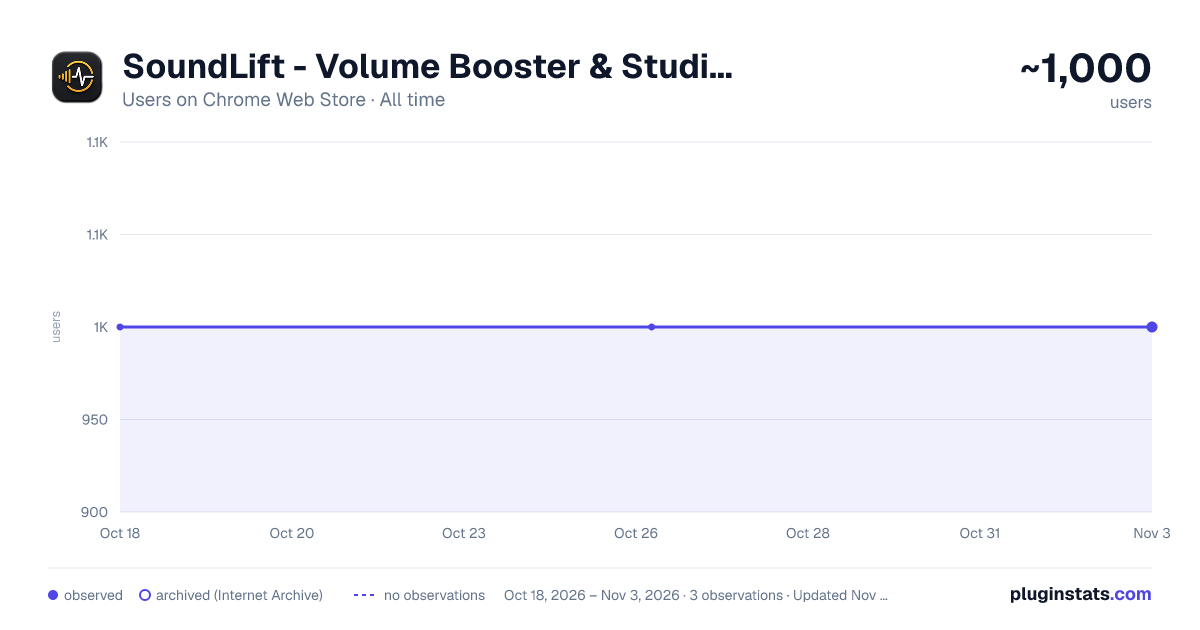
SoundLift - Volume Booster & Studio EQ has approximately 1,000 recorded users on Chrome Web Store, ranking #1046 of 3,404 tracked listings.
Rating: 3.00 / 5 from 2 ratings
About SoundLift - Volume Booster & Studio EQ
Boost volume up to 600% across all browser tabs with a 10-band DAW equalizer, punchy studio compressor, and sub-bass enhancer.
Boost Your Sound Beyond Limits
SoundLift is a powerful browser extension designed to give you complete control over your audio experience. Increase volume up to 600% and enhance sound quality with advanced audio tools—all directly within your browser.
Whether you're watching videos, attending meetings, or listening to music, SoundLift ensures your audio is always clear, balanced, and optimized.
Key Features
High-Power Volume Boost Increase audio levels up to 600% and make even the quietest media clearly audible.
Per-Tab Audio Control Manage volume and audio settings independently for each tab.
Advanced Audio Engine Maintain clarity and reduce distortion, even at higher volume levels.
Equalizer & Presets Use a 10-band equalizer or quickly switch between presets like Bass Boost, Vocal Boost, Treble Boost, and Balanced mode.
New in Latest Update
Reverb Control Adjust room, decay, and mix to create depth and space in your audio.
Compressor Balance loud and quiet sounds for a more consistent listening experience.
Spatial Audio (Spatial FX) Enhance stereo width and improve audio immersion.
Advanced Controls 10-Band Equalizer Volume Gain Control (0% – 600%) Reverb Settings Compressor Controls Spatial Audio Enhancements Real-time audio adjustments without reloading Works Across All Platforms
Compatible with YouTube, Netflix, Twitch, online courses, web music players, and all HTML5 audio/video platforms.
How It Works Click the SoundLift icon in your browser toolbar Play audio or video in any tab Adjust volume or apply audio enhancements Enjoy improved sound instantly Ideal For Low-volume devices and laptops Online meetings and classes Music and streaming Podcasts and voice content Privacy
SoundLift processes audio locally in your browser. No personal data is collected or transmitted.Boost Your Sound Beyond Limits
SoundLift is a powerful browser extension designed to give you complete control over your audio experience. Increase volume up to 600% and enhance sound quality with advanced audio tools—all directly within your browser.
Whether you're watching videos, attending meetings, or listening to music, SoundLift ensures your audio is always clear, balanced, and optimized.
Key Features
High-Power Volume Boost Increase audio levels up to 600% and make even the quietest media clearly audible.
Per-Tab Audio Control Manage volume and audio settings independently for each tab.
Advanced Audio Engine Maintain clarity and reduce distortion, even at higher volume levels.
Equalizer & Presets Use a 10-band equalizer or quickly switch between presets like Bass Boost, Vocal Boost, Treble Boost, and Balanced mode.
New in Latest Update
Reverb Control Adjust room, decay, and mix to create depth and space in your audio.
Compressor Balance loud and quiet sounds for a more consistent listening experience.
Spatial Audio (Spatial FX) Enhance stereo width and improve audio immersion.
Advanced Controls 10-Band Equalizer Volume Gain Control (0% – 600%) Reverb Settings Compressor Controls Spatial Audio Enhancements Real-time audio adjustments without reloading Works Across All Platforms
Compatible with YouTube, Netflix, Twitch, online courses, web music players, and all HTML5 audio/video platforms.
How It Works Click the SoundLift icon in your browser toolbar Play audio or video in any tab Adjust volume or apply audio enhancements Enjoy improved sound instantly Ideal For Low-volume devices and laptops Online meetings and classes Music and streaming Podcasts and voice content Privacy
SoundLift processes audio locally in your browser. No personal data is collected or transmitted.
Description from the Chrome Web Store listing.
README badge
Show your rank in a README or on your website. The badge updates automatically.
Charts
Images: 30d · 1y · all time · 1600×900 dark
Adoption over time
7/30/90-day growth
Ranking history
Ratings over time
Listing placement
Listing placement
Filled points are observed values; hollow points come from Internet Archive snapshots of the listing page. Dashed segments span periods with no observations — values between points are not interpolated.
Each band is one page of 20. Users on a linear scale. Placement is projected from users, so it can differ from the marketplace's own sort order. Hover a dot to see the listing.
Recent observations
Full history (1)Similar Chrome Web Store Accessibility plugins
All 20 SoundLift - Volume Booster & Studio EQ alternatives



Data source
Covers every Chrome Web Store extension with at least 100 users, found through the store's public sitemap. User counts are read from public listing pages. The 10% most-used extensions are refreshed daily, the next 40% weekly and the next 40% monthly; the least-used 10% are not refreshed. Google displays rounded user counts (and caps the display at 10,000,000+), so small changes may not be visible. Rating counts above 1,000 are rounded (e.g. 1.6K).
Listing: https://chromewebstore.google.com/detail/soundlift-volume-booster/nagbkenfkpmjpiaieopbjljkkbdlnfkh. First seen Oct 18, 2026; last successful collection Oct 18, 2026. See the methodology.