 PluginStats
Tab Folders users statistics
Organize your browser tabs into named folders for easy navigation.
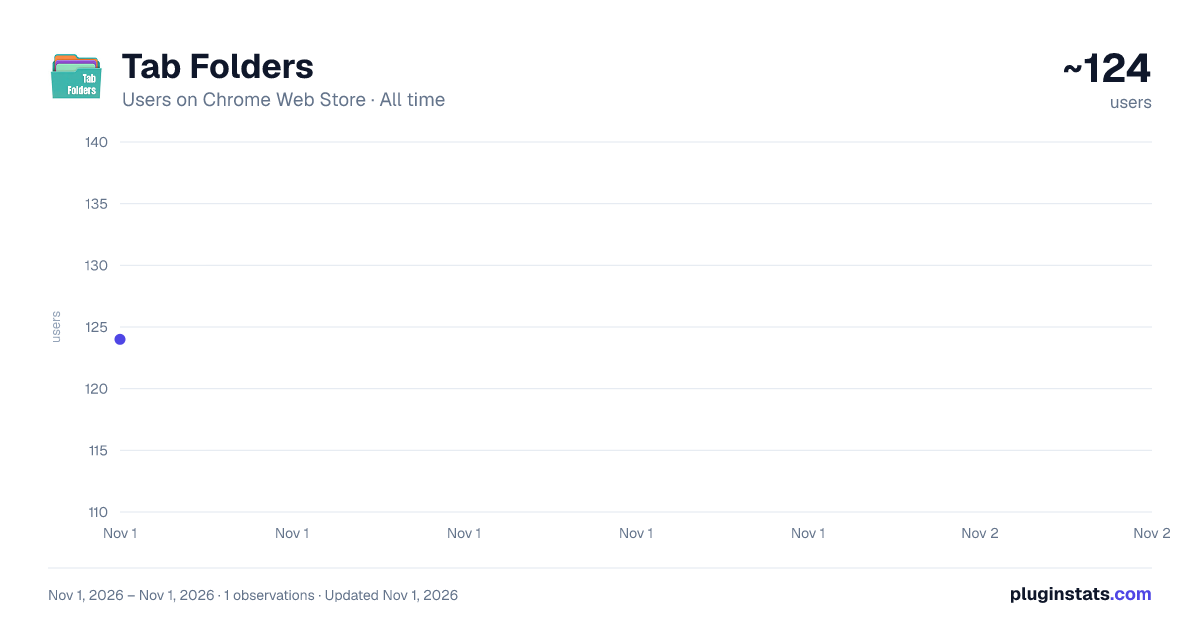
Tab Folders has approximately 124 recorded users on Chrome Web Store, ranking #5764 of 6,300 tracked listings.
About Tab Folders
Organize your browser tabs into named folders for easy navigation.
Tired of drowning in tabs?
Tab Folders gives you a simple way to organize all your open browser tabs into named folders — across every window — so you can always find what you're looking for.
If you've ever had so many tabs open that you can't read their titles, or so many windows that you've lost track of what's where, Tab Folders fixes that. Open the popup, see everything, and jump to any tab in one click.
How it works:
Create folders with names that make sense to you — "Work," "Research," "Shopping," whatever fits your workflow. Then assign tabs to those folders by clicking the folder icon on any tab or by dragging and dropping. Click a folder to expand it and see all the tabs inside. Click any tab to instantly switch to it, even if it's in another window.
Features:
— Create, rename, and delete custom folders to match how you think — Assign any open tab to a folder with one click or drag-and-drop — Expand a folder to see a full tab tree with titles, favicons, and URLs — Click any tab to jump straight to it, switching windows automatically — Search across all your tabs by title or URL instantly — Unfiled Tabs section shows every tab you haven't organized yet — Color-coded folders for fast visual scanning — Highlights your currently active tab — Folders persist between sessions so your setup is always there — Works in Chrome and Brave — All data stays on your device — nothing is sent anywhere
Your tabs, your folders, your way.
Tab Folders doesn't track you, collect your data, or phone home. Everything is stored locally on your machine. No account required, no sign-up, no cloud sync, no analytics. Just a clean, fast tool that does one thing well.
Brought to you by Crypto Crow and DirtyLeopard.com
Description from the Chrome Web Store listing.
README badge
Show your rank in a README or on your website. The badge updates automatically.
Charts
Images: 30d · 1y · all time · 1600×900 dark
Adoption over time
7/30/90-day growth
Ranking history
Ratings over time
Listing placement
Listing placement
Filled points are observed values; hollow points come from Internet Archive snapshots of the listing page. Dashed segments span periods with no observations — values between points are not interpolated.
Each band is one page of 20. Users on a linear scale. Placement is projected from users, so it can differ from the marketplace's own sort order. Hover a dot to see the listing.
Recent observations
Full history (1)Similar Chrome Web Store Tools plugins
All 20 Tab Folders alternatives



Data source
Covers every Chrome Web Store extension with at least 100 users, found through the store's public sitemap. User counts are read from public listing pages. The 10% most-used extensions are refreshed daily, the next 40% weekly and the next 40% monthly; the least-used 10% are not refreshed. Google displays rounded user counts (and caps the display at 10,000,000+), so small changes may not be visible. Rating counts above 1,000 are rounded (e.g. 1.6K).
Listing: https://chromewebstore.google.com/detail/tab-folders/emgiidielpdhpdjnphhkicnjpicmfapj. First seen Nov 1, 2026; last successful collection Nov 1, 2026. See the methodology.