 PluginStats

Codia AI Canva2Figma: Export Canva Design to Figma users statistics
By codia · Chrome Web Store · Developer Tools
Simplify Your Design Workflow with the Canva to Editable Figma Plugin
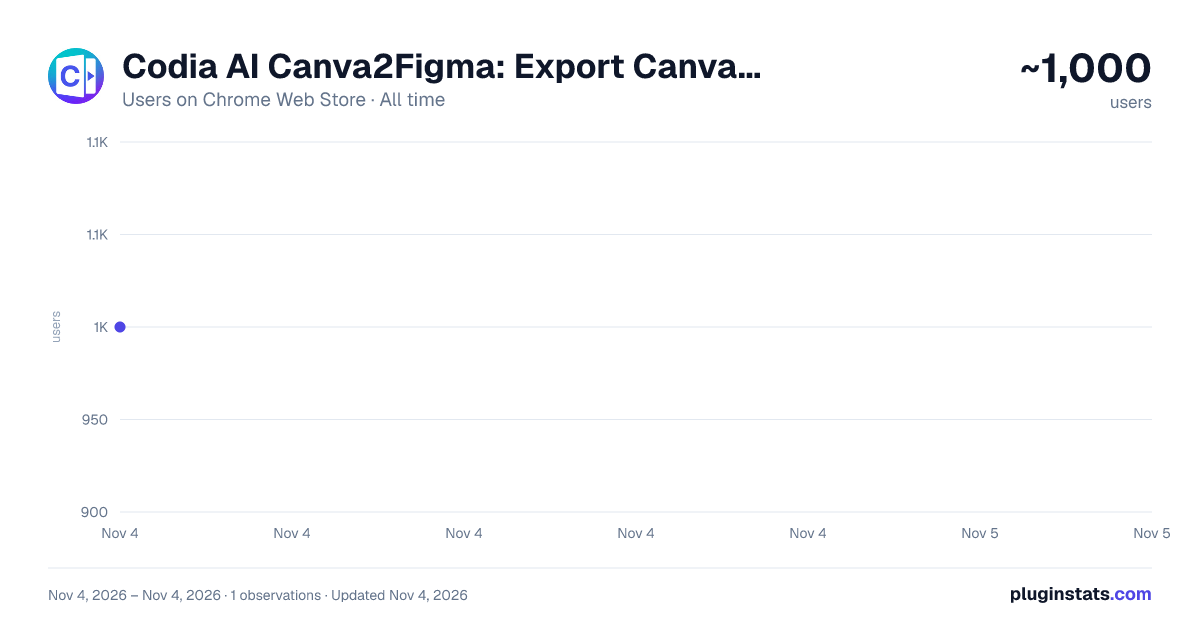
Codia AI Canva2Figma: Export Canva Design to Figma has approximately 1,000 recorded users on Chrome Web Store, ranking #2543 of 7,072 tracked listings.
About Codia AI Canva2Figma: Export Canva Design to Figma
Simplify Your Design Workflow with the Canva to Editable Figma Plugin
Simplify Your Design Workflow with the Canva to Editable Figma Plugin——The ideal solution for quickly converting your Canva files into fully editable Figma layers. This tool enhances efficiency, precision, and security when transitioning from Canva to Figma.
Key Features and Advantages
-
Fast Conversion Instantly import your Canva document into Figma with minimal loading times, speeding up your design process without sacrificing quality.
-
Fully Editable Layers Every element from your Canva document is converted into fully editable layers in Figma, ensuring you have complete control over adjustments and iterations.
-
High Compatibility & Perfect Conversion Enjoy seamless compatibility between Canva and Figma. The plugin ensures that all your design elements, including fonts, effects, and layer structures, are perfectly preserved during the transition.
-
Privacy Protection Your files are handled securely throughout the import process, ensuring that your designs remain private and protected.
-
Streamline Your Design Process Using the Canva to Editable Figma Plugin will revolutionize your workflow, saving you valuable time and effort. Instead of manually recreating designs in Figma or struggling with compatibility issues, this plugin automates the process, delivering pixel-perfect conversions with full layer editability.
Whether you’re part of a team collaborating on projects or working solo, the ability to instantly convert Canva document ensures smoother design handoffs and iterations. With fast, accurate, and secure file conversions, you can focus more on creativity and collaboration, knowing your designs are perfectly preserved across platforms.
Description from the Chrome Web Store listing.
README badge
Show your rank in a README or on your website. The badge updates automatically.
Charts
Images: 30d · 1y · all time · 1600×900 dark
Adoption over time
7/30/90-day growth
Ranking history
Ratings over time
Listing placement
Listing placement
Filled points are observed values; hollow points come from Internet Archive snapshots of the listing page. Dashed segments span periods with no observations — values between points are not interpolated.
Each band is one page of 20. Users on a linear scale. Placement is projected from users, so it can differ from the marketplace's own sort order. Hover a dot to see the listing.
Recent observations
Full history (1)Similar Chrome Web Store Developer Tools plugins
All 20 Codia AI Canva2Figma: Export Canva Design to Figma alternatives



Data source
Covers every Chrome Web Store extension with at least 100 users, found through the store's public sitemap. User counts are read from public listing pages. The 10% most-used extensions are refreshed daily, the next 40% weekly and the next 40% monthly; the least-used 10% are not refreshed. Google displays rounded user counts (and caps the display at 10,000,000+), so small changes may not be visible. Rating counts above 1,000 are rounded (e.g. 1.6K).
Listing: https://chromewebstore.google.com/detail/codia-ai-canva2figma-expo/daihdmeolhkdbhomjlneafdedlikhmdn. First seen Nov 4, 2026; last successful collection Nov 4, 2026. See the methodology.