 PluginStats
Keyboard & Mouse for Xbox Cloud Gaming (xCloud) users statistics
Play Xbox Cloud Gaming (xCloud) with your keyboard and mouse.
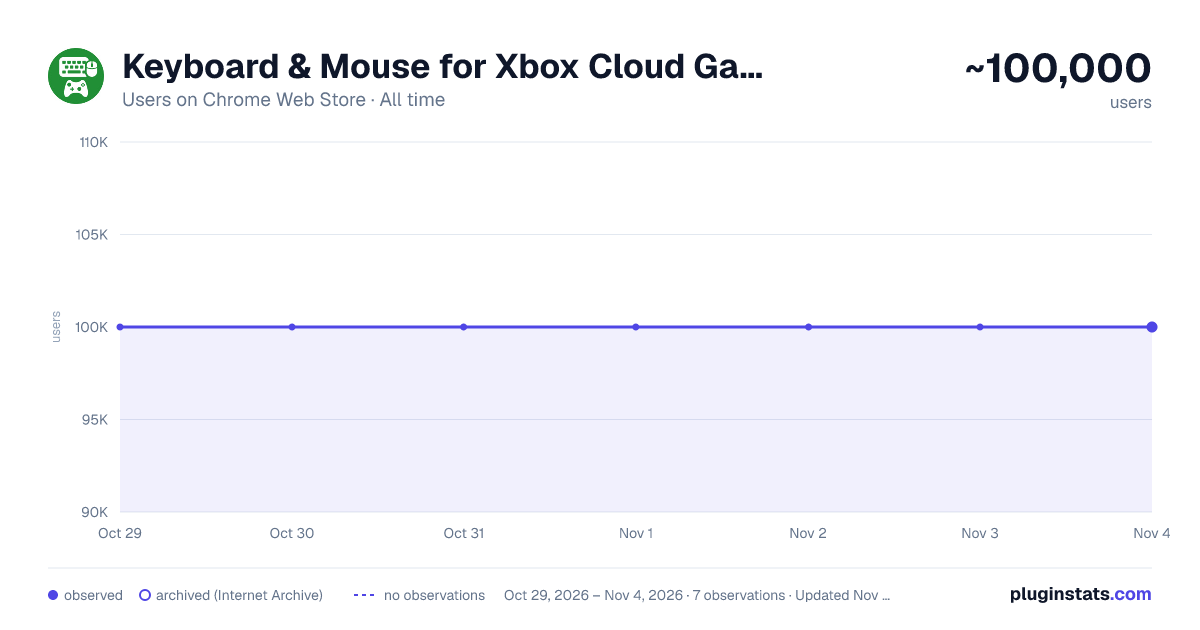
Keyboard & Mouse for Xbox Cloud Gaming (xCloud) has approximately 100,000 recorded users on Chrome Web Store, ranking #162 of 5,223 tracked listings.
Rating: 2.90 / 5 from 771 ratings
About Keyboard & Mouse for Xbox Cloud Gaming (xCloud)
Play Xbox Cloud Gaming (xCloud) with your keyboard and mouse.
A browser extension to control any game on Xbox Cloud Gaming (Project xCloud) with your keyboard and mouse.
✅ Works for every game
- Supports every game on Xbox Cloud Gaming - even if the game doesn’t natively support mouse and keyboard
✅ Large preset library
- Choose from 130+ ready-to-play presets, or build your own
- Fine-tune presets with the built-in editor
- Share your presets with the community
✅ One-click preset imports
- Import from the Preset Library with one click and start playing faster
✅ Auto switch
- Automatically switch presets when you launch a game
- Link one preset to multiple games to save setup time
✅ Fully configurable
- Bind multiple keyboard keys or mouse buttons to any controller button
- Adjust mouse movement sensitivity on a per-preset basis
- Keep presets organized with custom names and auto-switch (e.g. separate presets for FPS, RPG, racing, survival, platformer, fighting games)
✅ Quick enable/disable
- Disable the keyboard/mouse override and switch back to controller anytime with one click
✅ Dark mode
- Enjoy a dark theme that's easier on your eyes
- Switch to dark or light mode based on your browser theme
✅ Preset sync
- Sync your presets across devices using your browser account
- Access your presets anywhere
✅ Respects your privacy
- No keyboard/mouse data is ever recorded or sent anywhere from your computer
- The extension only runs on xCloud; not other sites you visit
If you have a feature request or found a bug to report, please contact us via email: support@modernkit.one
Unlock all features with a one-time payment (zero subscriptions). You can get Full Access directly inside the extension for less than the cost of a physical game controller. This helps us cover the development, maintenance, and support costs. Your paid account can be used on up to 5 browser profiles.
This extension works by acting as a "virtual" controller. It listens for keyboard presses and (optionally) mouse movement and translates these into what appear as controller button presses and analog stick movements.
There is no added input delay introduced by this extension - all keyboard/mouse input is instantly translated into virtual controller input immediately by the extension without any extra software or steps.
(NOTE: This is a fan project - it is not affiliated with Microsoft or Xbox in any way. All Microsoft, Xbox logos/icons/trademarks are copyright of their respective owners.)
Description from the Chrome Web Store listing.
README badge
Show your rank in a README or on your website. The badge updates automatically.
Charts
Images: 30d · 1y · all time · 1600×900 dark
Adoption over time
7/30/90-day growth
Ranking history
Ratings over time
Listing placement
Listing placement
Filled points are observed values; hollow points come from Internet Archive snapshots of the listing page. Dashed segments span periods with no observations — values between points are not interpolated.
Each band is one page of 20. Users on a linear scale. Placement is projected from users, so it can differ from the marketplace's own sort order. Hover a dot to see the listing.
Recent observations
Full history (1)Similar Chrome Web Store Games plugins
All 20 Keyboard & Mouse for Xbox Cloud Gaming (xCloud) alternatives



Data source
Covers every Chrome Web Store extension with at least 100 users, found through the store's public sitemap. User counts are read from public listing pages. The 10% most-used extensions are refreshed daily, the next 40% weekly and the next 40% monthly; the least-used 10% are not refreshed. Google displays rounded user counts (and caps the display at 10,000,000+), so small changes may not be visible. Rating counts above 1,000 are rounded (e.g. 1.6K).
Listing: https://chromewebstore.google.com/detail/keyboard-mouse-for-xbox-c/nmfedkijhhigaikbadoijiolmjjgoimd. First seen Oct 29, 2026; last successful collection Oct 29, 2026. See the methodology.