 PluginStats

태그바이 TAGby users statistics
By TAGby · Chrome Web Store · Tools
태그바이(TAGby)로 인스타그램·틱톡·유튜브 인플루언서를 탐색하고, 관심 크리에이터를 그룹으로 관리하며 추천받으세요.
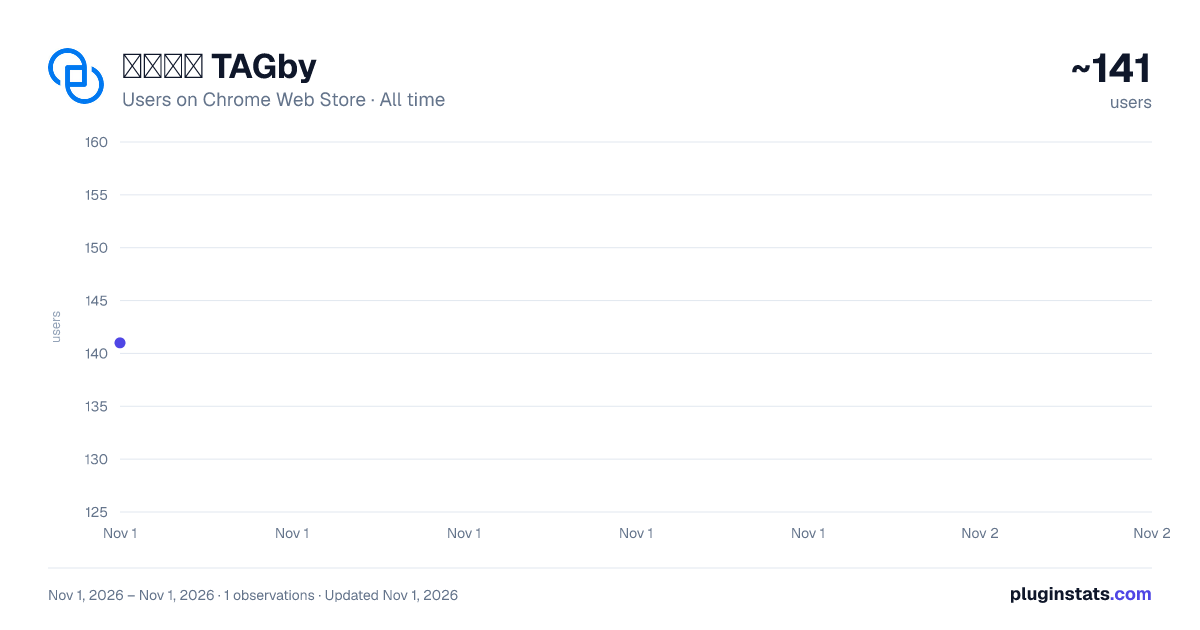
태그바이 TAGby has approximately 141 recorded users on Chrome Web Store, ranking #6145 of 7,072 tracked listings.
Rating: 5.00 / 5 from 1 ratings
About 태그바이 TAGby
태그바이(TAGby)로 인스타그램·틱톡·유튜브 인플루언서를 탐색하고, 관심 크리에이터를 그룹으로 관리하며 추천받으세요.
TAGby는 인플루언서 마케팅을 담당하는 마케터·매니저·크리에이터를 위한 브라우저 확장 프로그램입니다. 인스타그램·틱톡에서 콘텐츠를 관리하고, 관심 있는 인플루언서를 폴더별로 정리하고, TAGby 플랫폼의 핵심 기능을 한 화면에서 사용할 수 있습니다.
설치 및 시작 방법
- 우측 상단의 [Chrome에 추가] 버튼을 눌러주세요.
- 인스타그램·틱톡·유튜브에서 영상이나 게시물을 열어주세요.
- 게시물 위에 나타나는 TAGby 버튼을 클릭하면 모든 기능을 사용할 수 있습니다.
주요 기능
-
콘텐츠 저장 (인스타그램·틱톡) 워터마크 없이 원본 화질로 게시물·릴스를 저장합니다.
-
인플루언서 그룹 북마크 (인스타그램·유튜브) 관심 있는 인플루언서를 폴더별로 정리해 두고 캠페인 진행 시 바로 협업하세요.
-
유사 인플루언서 AI 추천 (인스타그램) 지금 보고 있는 인플루언서와 비슷한 후보를 AI가 자동으로 찾아드립니다.
-
협업 제안 DM 자동 발송 (인스타그램) 여러 인플루언서에게 캠페인 제안 메시지를 한 번에 보낼 수 있습니다.
-
성과 리포트 자동 생성 콘텐츠 성과 데이터를 자동으로 정리해 클릭 한 번으로 리포트를 만듭니다.
-
TAGby 계정 자동 연동 TAGby 플랫폼에 한 번 로그인하면 확장 프로그램과 자동으로 연결됩니다.
Description from the Chrome Web Store listing.
README badge
Show your rank in a README or on your website. The badge updates automatically.
Charts
Images: 30d · 1y · all time · 1600×900 dark
Adoption over time
7/30/90-day growth
Ranking history
Ratings over time
Listing placement
Listing placement
Filled points are observed values; hollow points come from Internet Archive snapshots of the listing page. Dashed segments span periods with no observations — values between points are not interpolated.
Each band is one page of 20. Users on a linear scale. Placement is projected from users, so it can differ from the marketplace's own sort order. Hover a dot to see the listing.
Recent observations
Full history (1)Similar Chrome Web Store Tools plugins
All 20 태그바이 TAGby alternatives



Data source
Covers every Chrome Web Store extension with at least 100 users, found through the store's public sitemap. User counts are read from public listing pages. The 10% most-used extensions are refreshed daily, the next 40% weekly and the next 40% monthly; the least-used 10% are not refreshed. Google displays rounded user counts (and caps the display at 10,000,000+), so small changes may not be visible. Rating counts above 1,000 are rounded (e.g. 1.6K).
Listing: https://chromewebstore.google.com/detail/태그바이-tagby/emhlhclhoacbchpoblnalmdloadamcph. First seen Nov 1, 2026; last successful collection Nov 1, 2026. See the methodology.