 PluginStats
100 Offline Games users statistics
Play 100 classic Genesis games instantly — no upload, no server, 100% local. Powered by Genesis Plus GX.
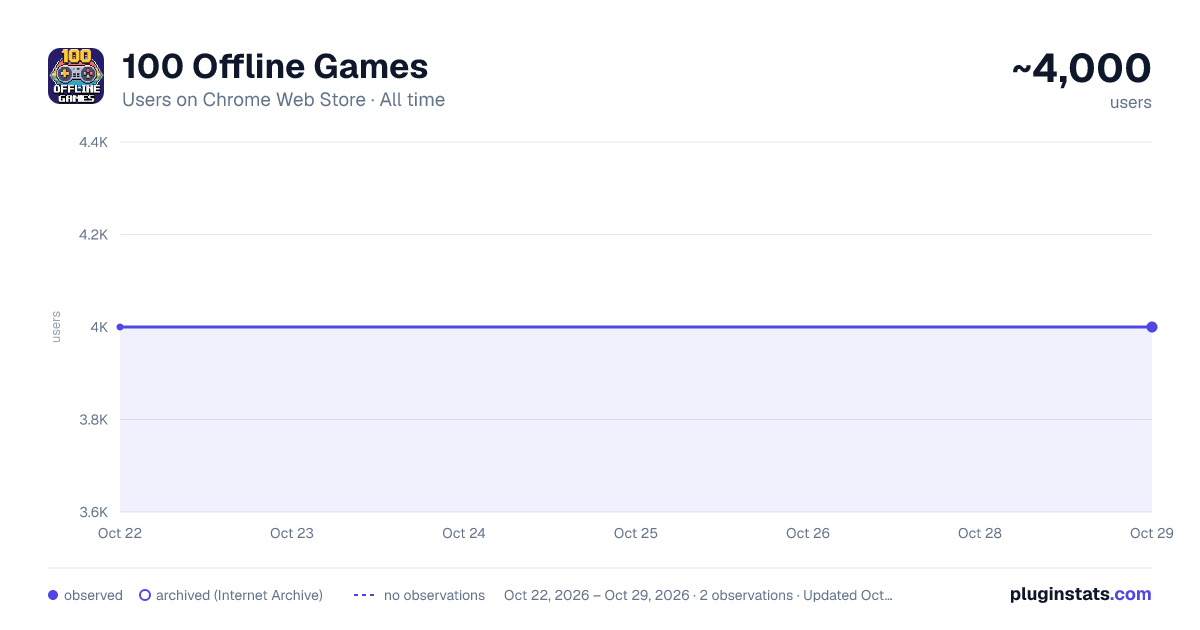
100 Offline Games has approximately 4,000 recorded users on Chrome Web Store, ranking #674 of 3,404 tracked listings.
Rating: 5.00 / 5 from 7 ratings
About 100 Offline Games
Play 100 classic Genesis games instantly — no upload, no server, 100% local. Powered by Genesis Plus GX.
100 Classic Games — Fully Offline, Right in Your Browser
Open the extension, pick a game, and play. No accounts. No downloads. No internet connection required. Everything runs locally inside Chrome.
HOW IT WORKS The extension bundles a compact, open-source emulation engine (Genesis Plus GX) together with 100 classic Genesis / Mega Drive games. When you click a game tile, the engine loads the game entirely from your local storage — nothing is fetched from any server. The emulated console runs inside a sandboxed HTML page, so gameplay starts in seconds without any installation wizard or extra software.
WHAT'S INSIDE • 100 hand-picked titles across 8 genres • Platformers — run-and-jump adventures spanning multiple sequels and studios • Beat Em Ups — side-scrolling brawlers for one or two players • Action — ninja warriors, robots, dolphins, and alien invasions • Fighting — legendary arcade one-on-one combat ports • Shooters — vertical and horizontal shoot-em-ups with intense bullet patterns • RPG — turn-based and action RPGs with rich storylines • Sports — basketball, football, and golf classics • Racing — motorbike road races and miniature car championships
CONTROLS The keyboard is mapped automatically: Arrow keys move your character, Z / X / A / S handle action buttons, Enter = Start, Shift = Select. Gamepad controllers connected via USB or Bluetooth are also supported through the standard browser Gamepad API — plug in and play.
BROWSING YOUR LIBRARY Use the search bar to filter games by name, or click the genre buttons (All · Platformer · Beat Em Up · Fighting · Action · Shooter · RPG · Sports · Racing) to narrow down the list. Click any game card to launch it. Press the Back button inside the player to return to your library.
PRIVACY This extension makes zero network requests. All game data, engine code, and artwork are bundled locally. No data is collected, stored, or transmitted.
SYSTEM REQUIREMENTS Chrome 88 or later (Manifest V3). Works on Windows, macOS, and Linux. No additional plugins or software needed.
Description from the Chrome Web Store listing.
README badge
Show your rank in a README or on your website. The badge updates automatically.
Charts
Images: 30d · 1y · all time · 1600×900 dark
Adoption over time
7/30/90-day growth
Ranking history
Ratings over time
Listing placement
Listing placement
Filled points are observed values; hollow points come from Internet Archive snapshots of the listing page. Dashed segments span periods with no observations — values between points are not interpolated.
Each band is one page of 20. Users on a linear scale. Placement is projected from users, so it can differ from the marketplace's own sort order. Hover a dot to see the listing.
Recent observations
Full history (1)Similar Chrome Web Store Games plugins
All 20 100 Offline Games alternatives



Data source
Covers every Chrome Web Store extension with at least 100 users, found through the store's public sitemap. User counts are read from public listing pages. The 10% most-used extensions are refreshed daily, the next 40% weekly and the next 40% monthly; the least-used 10% are not refreshed. Google displays rounded user counts (and caps the display at 10,000,000+), so small changes may not be visible. Rating counts above 1,000 are rounded (e.g. 1.6K).
Listing: https://chromewebstore.google.com/detail/100-offline-games/galmdbpidaldmjkblknnjoegipnoodna. First seen Oct 22, 2026; last successful collection Oct 22, 2026. See the methodology.