 PluginStats

AI Manga Translator — In-Page, Layout-Preserving users statistics
Translate manga & manhwa on any site. 50+ languages, vertical/horizontal OCR, layout-preserving typesetting, PDF & batch.
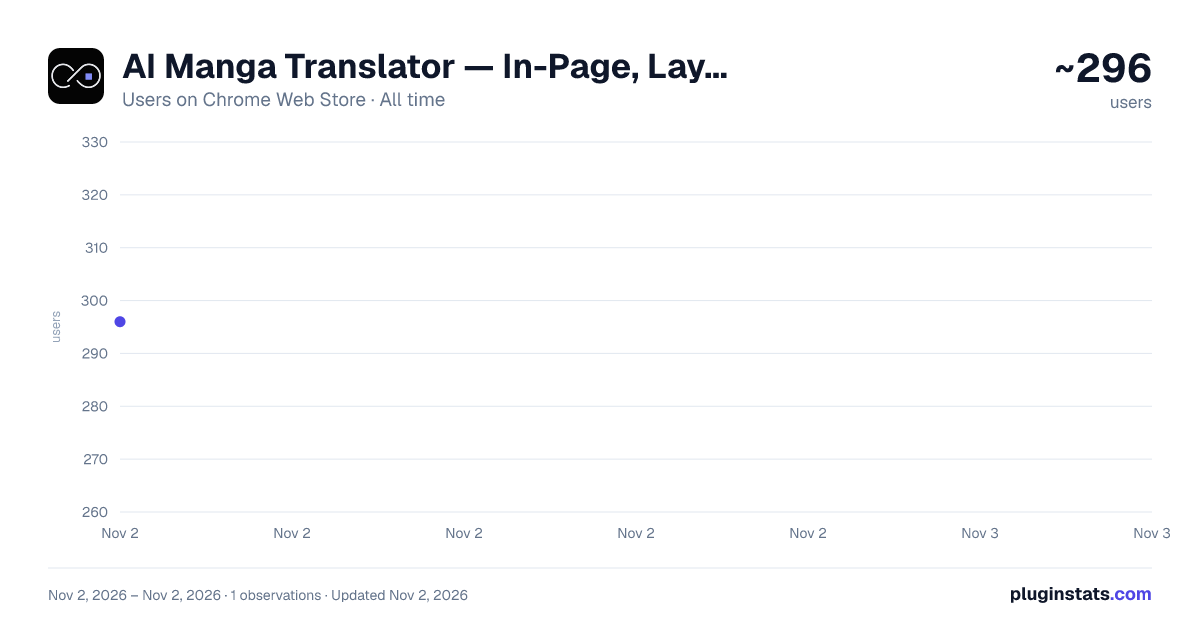
AI Manga Translator — In-Page, Layout-Preserving has approximately 296 recorded users on Chrome Web Store, ranking #4215 of 6,672 tracked listings.
About AI Manga Translator — In-Page, Layout-Preserving
Translate manga & manhwa on any site. 50+ languages, vertical/horizontal OCR, layout-preserving typesetting, PDF & batch.
AI Manga Translator — In-Page, Layout-Preserving
Translate manga and manhwa directly on the websites you already read. AI Manga Translator adds a “Translate” button overlay to images on the page, so you can view translations in place without switching tabs or downloading files. Choose your Language, Model, OCR, and Text orientation from a simple popup, save once, and then click the overlay button on each page to translate.
What makes it different
In-page translation: See translations where the comic lives. No copy-paste or manual cropping.
Layout-preserving typesetting: Keep the reading flow and bubble shapes for a natural result.
Robust OCR: Works with vertical and horizontal text commonly used in manga and manhwa.
Flexible models: Select a model that fits your language pair or style (set in the popup).
One-time setup: Pick Language / Model / OCR / Text orientation, then toggle the “Display a translation button on the web page” option.
Account & credits: Sign in, check credits, and open billing from the popup. How it works
1、Open the popup Click the extension’s icon to open the popup. Choose: Translation language (target language) Model selection Text orientation (Auto / Horizontal / Vertical) OCR model (Optional) Display a translation button on the web page
2、Save settings Click Save settings. The extension will inject the necessary scripts into the current tab only after you save.
3、Translate on the page A “Translate” overlay/button appears on images that look like comic pages. Click it to translate in place. On some sites you may see more than one overlay—choose the one at the top-right of the comic.
4、Manage your account Use Account in the popup to sign in or sign up, refresh your status, and open Recharge / Subscription if you need more credits.
Why in-page is better
Keeps context: Reading order, panel grouping, and local visual cues matter in comics; in-page viewing preserves context you’d lose in a separate viewer.
Fewer steps: No exporting images, no juggling extra tools or tabs, no manual stitching.
Faster iteration: Switch target language, OCR, or orientation and retry instantly.
Features at a glance
In-page translate button overlay on supported images
Layout-preserving text replacement and typesetting
OCR that supports vertical and horizontal writing systems
Model selection to tailor output quality and style
Text orientation: Auto, Horizontal, or Vertical
Popup controls for quick setup and a Save action
Account & credits panel with Sign In/Sign Up, Refresh, and Recharge / Subscription links
Note: Some advanced capabilities (such as bulk/PDF translation) are available on the website. This extension focuses on in-page translation on the sites you browse.
Designed for privacy and user control
Runs only when you act: The extension injects its scripts into the current tab after you click Save settings or otherwise interact.
No browsing history collection: The extension does not read or store your browsing history.
Scope-limited: It operates on the active page you choose; it does not passively crawl other tabs.
Transparent settings: Your Language/Model/OCR/Text orientation and the “Display translation button on the web page” toggle are stored with chrome.storage to keep your preferences.
Permissions explained (from the manifest)
activeTab — Allows working on the current active tab after you interact (e.g., Save settings).
scripting — Injects the extension’s scripts needed to show the in-page “Translate” button and process images.
storage — Saves your preferences (Language, Model, OCR, Text orientation, and the “Display translation button on the web page” toggle).
tabs — Opens or focuses tabs when you click help, account, or billing links in the popup.
Host access (https://aimangatranslate.com/*) — Connects to the service for account and credit checks and to perform translations.
We keep permissions minimal and aligned with what the extension actually does.
Getting started (1 minute)
Install the extension.
Open the popup → choose Language, Model, OCR, Text orientation.
Enable Display a translation button on the web page if you want in-page overlays.
Click Save settings.
On the comic page, click the Translate overlay button on the image.
Tip: If you don’t see the overlay on a site after you save, refresh the page once.
Common questions
Q: Will this work on every site? A: The extension is designed to work on standard web pages (HTTP/HTTPS). Browser-internal pages (like chrome://), local files (file://), or sites with strict content security policies may restrict injection or overlays. If a site blocks overlays, try another page or open the comic in a standard viewer tab.
Q: Does it read or store my browsing history? A: No. The extension does not collect your browsing history. It only runs on the page you’re viewing after you interact (save settings or click), and it stores only your feature preferences using chrome.storage.
Q: Do I need an account? A: You can open the Account section in the popup to sign in or sign up. Some translation features require credits; your status and billing links are available in the popup.
Q: What languages and models are supported? A: The popup allows you to select a target Language, a Model, and OCR options including Text orientation (Auto/Horizontal/Vertical). Choose what fits your content and try again if needed.
Q: Can I translate entire chapters or PDFs? A: The extension focuses on in-page translation for the websites you visit. For bulk/PDF workflows, use the features provided on the website.
Tips & troubleshooting
Refresh after saving: If overlays don’t appear right away, refresh the page after Save settings.
Site has multiple overlays: Some pages render multiple images per panel or lazy-load assets. Click the overlay at the top-right of the comic image.…
Description from the Chrome Web Store listing.
README badge
Show your rank in a README or on your website. The badge updates automatically.
Charts
Images: 30d · 1y · all time · 1600×900 dark
Adoption over time
7/30/90-day growth
Ranking history
Ratings over time
Listing placement
Listing placement
Filled points are observed values; hollow points come from Internet Archive snapshots of the listing page. Dashed segments span periods with no observations — values between points are not interpolated.
Each band is one page of 20. Users on a linear scale. Placement is projected from users, so it can differ from the marketplace's own sort order. Hover a dot to see the listing.
Recent observations
Full history (1)Similar Chrome Web Store Tools plugins
All 20 AI Manga Translator — In-Page, Layout-Preserving alternatives



Data source
Covers every Chrome Web Store extension with at least 100 users, found through the store's public sitemap. User counts are read from public listing pages. The 10% most-used extensions are refreshed daily, the next 40% weekly and the next 40% monthly; the least-used 10% are not refreshed. Google displays rounded user counts (and caps the display at 10,000,000+), so small changes may not be visible. Rating counts above 1,000 are rounded (e.g. 1.6K).
Listing: https://chromewebstore.google.com/detail/ai-manga-translator-—-in/cmbpcljebbnfnmfglmglghfeaojghcng. First seen Nov 2, 2026; last successful collection Nov 2, 2026. See the methodology.