 PluginStats
Bulk Edit Google Photos: Delete All, Enhance, Caption & Find Your Best users statistics
Chrome Web Store · Art & Design
Bulk delete Google Photos, or delete all Google Photos. Bulk enhance, caption, convert motion photos to stills & find your best.
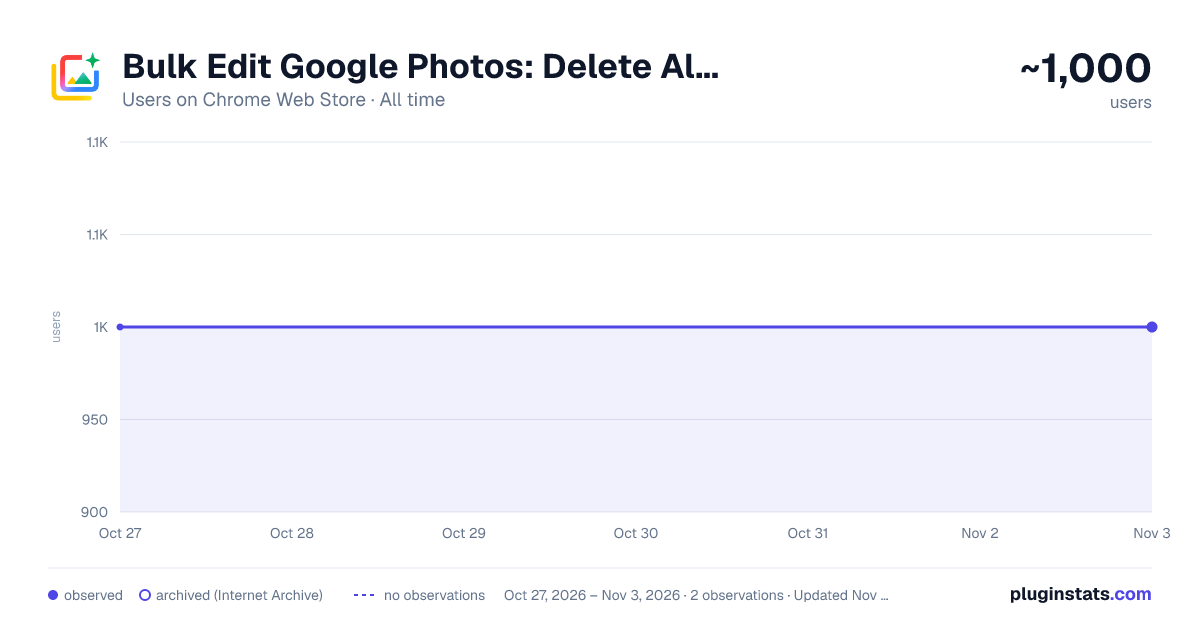
Bulk Edit Google Photos: Delete All, Enhance, Caption & Find Your Best has approximately 1,000 recorded users on Chrome Web Store, ranking #1639 of 4,553 tracked listings.
Rating: 4.80 / 5 from 58 ratings
About Bulk Edit Google Photos: Delete All, Enhance, Caption & Find Your Best
Bulk delete Google Photos, or delete all Google Photos. Bulk enhance, caption, convert motion photos to stills & find your best.
Bulk edit a whole album without repeating the same steps on every photo.
Batch brings bulk editing to Google Photos. Select photos, an album, or a date range, then enhance, filter, crop, rotate, or apply a saved preset across your selection using Google Photos' own editor. Add descriptions, watermark or upscale copies, convert motion photos to stills, download your library, or move photos to Trash.
Batch also helps you find your best photos. Come home from a trip or a kids' game with hundreds of shots, compare similar photos, and spot likely misses such as blur and closed eyes. Start with Batch's suggested picks or narrow and rate the photos yourself. Save your keepers to a new album, ready to enhance and share. You make the final call.
WHAT BATCH CAN DO
Edit and describe in bulk: ✨ Enhance photos in bulk 🎨 Apply filters in bulk 🖼️ Apply a crop ratio in bulk 🔄 Rotate photos left, right, or 180° in bulk 🔍 Upscale photo copies at 2x or 4x in bulk 🎛️ Apply Custom Presets in bulk, including brightness, warmth, shadows, saturation, vignette, and more 📋 Copy edits from one photo and paste them in bulk 📝 Add or replace descriptions in bulk 🤖 Generate AI photo descriptions in bulk, on your device 🏷️ Watermark photo copies with your logo or text in bulk ↩️ Revert edits in bulk
Find your best photos: ⭐ Compare photos from an album, search, or selection and save your keepers to a new album 🗓️ Weekly Best: automatically select and enhance your best recent photos for a weekly album
Clean up and reclaim storage: 📦 Convert live/motion photos to stills in bulk 🗑️ Move your entire photo and video library to Trash in one run
Download: ⬇️ Download your entire photo and video library to your computer
Select at scale: 📅 Select photos by date range or album without clicking each one
FIND YOUR BEST PHOTOS
Open an album, a search, or a selection. Batch analyzes focus, exposure, closed eyes, screenshots, and similar shots to help you choose what to keep.
Pick the guided path, Choose my best photos, to start with a suggested collection, or Narrow and rate myself to review the photos and assign stars. Compare close calls, change ratings, and adjust the selection to suit your taste.
Save your chosen photos to a new album, then enhance them in bulk. Saving to a new album does not delete anything. Afterward, Batch offers an optional cleanup that removes the photos you did not keep from the original album, leaving them in your library. Albums and favorites sync everywhere.
Photo scoring runs on your device. Your photos are never uploaded to Batch's servers.
WEEKLY BEST
Turn it on once to get a weekly album of selected highlights.
After each week ends, Batch runs in Chrome to find your best photos from that week, enhance the selected keepers, and add them to a Weekly Best album. Enable Chrome notifications to know when it is ready.
UPSCALE
Create AI-upscaled copies of selected photos at 2x or 4x. Preview a detail before and after to judge the result before committing.
Processing runs on your computer. Copies upload directly to your Google Photos account, use storage, and are larger than the source files. Allow about 1-2 minutes per photo, depending on your computer and the photos, and keep the tab open while the batch runs.
Each run lets you keep the originals or move them to Trash after their copies upload successfully. Originals remain restorable until the expiration shown in Google Photos Trash.
CUSTOM PRESETS
Save an editing look and apply it across a batch. Adjust brightness, warmth, shadows, saturation, vignette, and more, then reuse those settings across trips, weddings, property listings, product photos, or full albums.
COPY & PASTE EDITS
Edit one photo in Google Photos until it looks right, then copy those edits across your selection.
Batch uses Google Photos' own Copy edits and Paste edits actions to carry supported adjustments and filters from one photo to the others.
AI DESCRIPTIONS
Write descriptions in bulk using the names, places, and dates Google Photos already knows. When supported by your Chrome installation, Chrome's on-device AI adds scene details.
For example: "A photo of Maya and Sam at Yosemite National Park."
The first run may require a one-time setup in Chrome. Generated descriptions replace existing descriptions, and photos without names or a place to work from are skipped. AI generation runs on your device, without sending photos to Batch's servers.
WATERMARK
Add your logo or text to copies of selected photos. Choose the corner, size, and strength, with an optional drop shadow for readability.
Batch creates the watermark in your browser and uploads copies directly to Google Photos. Copies retain the original date and location so they appear alongside the originals in your timeline.
Choose whether to keep originals or move them to Trash after their copies upload successfully. Copies use additional storage. Watermarking re-encodes the image and removes HDR extras.
CONVERT TO STILLS
Keep the photo and remove the motion. Batch converts live/motion photos to still images in bulk to help reclaim storage.
In early testing, many files became roughly 70-80% smaller. Savings vary by photo.
Batch creates a still version and moves the original live/motion photo to Trash. The still keeps the original date, but some metadata, including location or camera details, may not carry over. Restore originals from Google Photos Trash before the expiration shown there.
MOVE PHOTOS TO TRASH
Move photos and videos to Google Photos Trash using the same action you would perform by hand. Batch can work through your entire library in one run.…
Description from the Chrome Web Store listing.
README badge
Show your rank in a README or on your website. The badge updates automatically.
Charts
Images: 30d · 1y · all time · 1600×900 dark
Adoption over time
7/30/90-day growth
Ranking history
Ratings over time
Listing placement
Listing placement
Filled points are observed values; hollow points come from Internet Archive snapshots of the listing page. Dashed segments span periods with no observations — values between points are not interpolated.
Each band is one page of 20. Users on a linear scale. Placement is projected from users, so it can differ from the marketplace's own sort order. Hover a dot to see the listing.
Recent observations
Full history (1)Similar Chrome Web Store Art & Design plugins
All 20 Bulk Edit Google Photos: Delete All, Enhance, Caption & Find Your Best alternatives



Data source
Covers every Chrome Web Store extension with at least 100 users, found through the store's public sitemap. User counts are read from public listing pages. The 10% most-used extensions are refreshed daily, the next 40% weekly and the next 40% monthly; the least-used 10% are not refreshed. Google displays rounded user counts (and caps the display at 10,000,000+), so small changes may not be visible. Rating counts above 1,000 are rounded (e.g. 1.6K).
Listing: https://chromewebstore.google.com/detail/bulk-edit-google-photos-d/fnhlolpmhhjdjdlialajdlmlfblchkkh. First seen Oct 27, 2026; last successful collection Oct 27, 2026. See the methodology.