 PluginStats

FlowDevKit users statistics
Chrome Web Store · Developer Tools
Inspect, copy, and debug Power Automate flows directly from your browser.
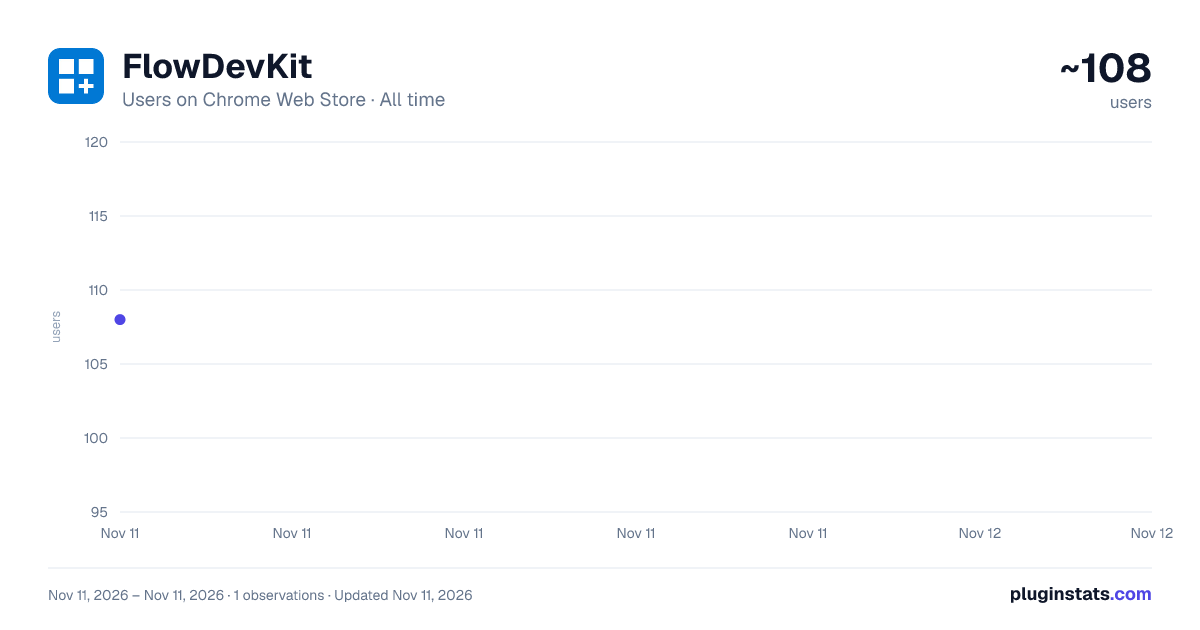
FlowDevKit has approximately 108 recorded users on Chrome Web Store, ranking #10004 of 10,388 tracked listings.
Rating: 5.00 / 5 from 1 ratings
About FlowDevKit
Inspect, copy, and debug Power Automate flows directly from your browser.
FlowDevKit is a developer toolkit for Power Automate cloud flows. Open it on any flow in the Power Automate or Power Apps maker portal and get instant access to tools that would otherwise take minutes of copy-pasting:
COPY & EXPORT • Copy JSON — copy the full flow definition or export it as a .json file • Copy Connection Refs — extract all connection reference keys in one click • Copy Trigger — grab just the trigger configuration • Quick Copy Action — search by name and copy any single action • Select Actions to Copy — multi-select with automatic dependency resolution
DEBUG & INSPECT • Run History & Errors — browse recent runs, inspect failures, copy error details • Action Performance View — see every action ranked by execution time with proportional timing bars (inside any run detail) • Expression Inspector — decode every Power FX / workflow expression in the flow • Variable Tracker — list all variables with init values and usage locations
ENVIRONMENT • Environment Variables — browse all Dataverse environment variables, see type and current value, copy @parameters('schemaname') references for use in flow expressions
ANALYSIS • Analyze Flow — 35 best-practice lint checks with three scores: Cyclomatic Complexity, Maintainability (0-100), and Reliability Risk
SIDE PANEL Works as a popup or as a docked side panel — switch with the sidebar button in the header. Keyboard shortcut: Alt+Shift+F.
PRIVACY No login required. No data leaves your browser. The extension uses your existing Microsoft browser session to call the Power Automate API on your behalf. Nothing is stored or sent to any third party.
Supports: make.powerautomate.com, make.powerapps.com, and Copilot Studio.
Description from the Chrome Web Store listing.
README badge
Show your rank in a README or on your website. The badge updates automatically.
Charts
Images: 30d · 1y · all time · 1600×900 dark
Adoption over time
7/30/90-day growth
Ranking history
Ratings over time
Listing placement
Listing placement
Filled points are observed values; hollow points come from Internet Archive snapshots of the listing page. Dashed segments span periods with no observations — values between points are not interpolated.
Each band is one page of 20. Users on a linear scale. Placement is projected from users, so it can differ from the marketplace's own sort order. Hover a dot to see the listing.
Recent observations
Full history (1)Similar Chrome Web Store Developer Tools plugins
All 20 FlowDevKit alternatives



Data source
Covers every Chrome Web Store extension with at least 100 users, found through the store's public sitemap. User counts are read from public listing pages. The 10% most-used extensions are refreshed daily, the next 40% weekly and the next 40% monthly; the least-used 10% are not refreshed. Google displays rounded user counts (and caps the display at 10,000,000+), so small changes may not be visible. Rating counts above 1,000 are rounded (e.g. 1.6K).
Listing: https://chromewebstore.google.com/detail/flowdevkit/njceaeijokpaejghjflfpedoekhlkjld. First seen Nov 11, 2026; last successful collection Nov 11, 2026. See the methodology.