 PluginStats
Fasterize Status users statistics
Chrome Web Store · Developer Tools
See detailed information on a fasterized page
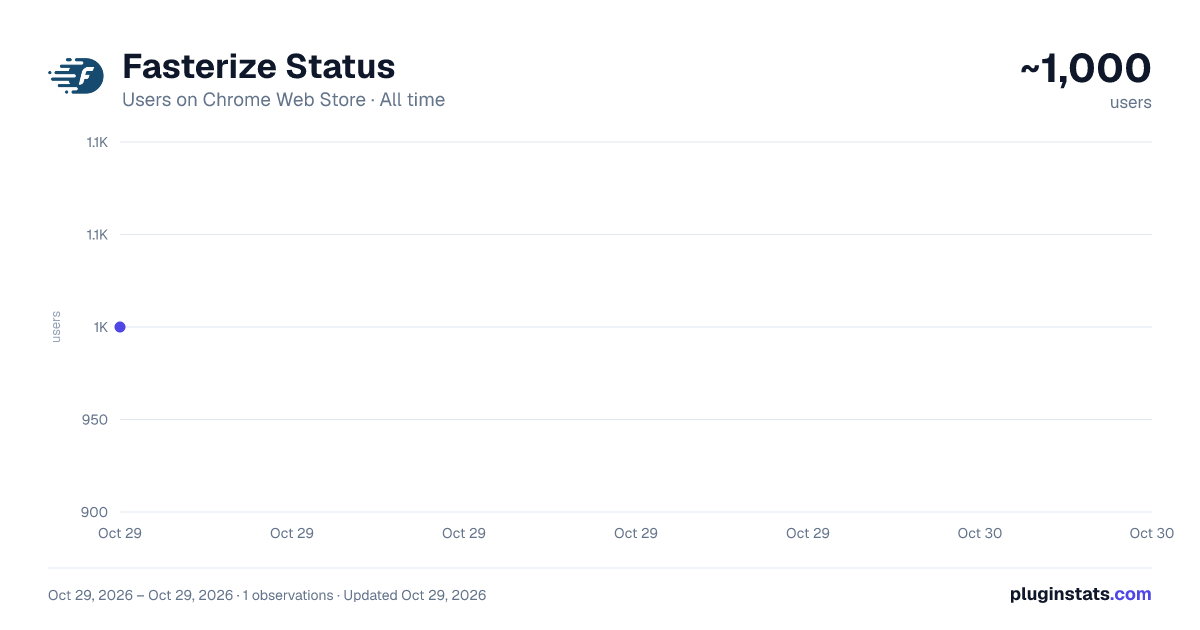
Fasterize Status has approximately 1,000 recorded users on Chrome Web Store, ranking #1931 of 5,223 tracked listings.
Rating: 5.00 / 5 from 1 ratings
About Fasterize Status
See detailed information on a fasterized page
The Fasterize browser extension is your essential companion to quickly diagnose the state of a page served by Fasterize. In this article we tell you everything about this must-have for all Fasterize users.
This extension allows to obtain several informations:
The protocol used to serve the page: HTTP / 1.1 or HTTP / 2.0
The toggle button: it allows to switch from the optimized version to the non-optimized version and thus to check if a page is broken by Fasterize.
The Debug section: it is particularly useful for the Fasterize team (when configuring client sites for example). It gives key information when opening a ticket to support.
The X-fstrz field: it gives details on the status of the optimization by Fasterize. The exact meaning of each letter is indicated on the flyby. The full list is available here (see the Header section).
The X-unique-id field: this one is a reference number. It allows the support team to easily find the logs associated with the optimization and reproduce the bugs faster.
The Fstrz cookie: particularly useful during an A / B test, it allows to know if the session is optimized or not (true: optimized, false: not optimized).
The cookie fstrz_vary: At Fasterize, we apply a segmentation of the hidden pages. Thus, each cached page has different hidden versions: according to the browsers, the terminals or according to a specific cookie (we use the value of a cookie in our cache key). Thanks to this "cookie fstrz_vary" field, we know if the page is hidden according to a particular segment.
The "enable trace" button is used to trace more debug information in the logs.
Description from the Chrome Web Store listing.
README badge
Show your rank in a README or on your website. The badge updates automatically.
Charts
Images: 30d · 1y · all time · 1600×900 dark
Adoption over time
7/30/90-day growth
Ranking history
Ratings over time
Listing placement
Listing placement
Filled points are observed values; hollow points come from Internet Archive snapshots of the listing page. Dashed segments span periods with no observations — values between points are not interpolated.
Each band is one page of 20. Users on a linear scale. Placement is projected from users, so it can differ from the marketplace's own sort order. Hover a dot to see the listing.
Recent observations
Full history (1)Similar Chrome Web Store Developer Tools plugins
All 20 Fasterize Status alternatives



Data source
Covers every Chrome Web Store extension with at least 100 users, found through the store's public sitemap. User counts are read from public listing pages. The 10% most-used extensions are refreshed daily, the next 40% weekly and the next 40% monthly; the least-used 10% are not refreshed. Google displays rounded user counts (and caps the display at 10,000,000+), so small changes may not be visible. Rating counts above 1,000 are rounded (e.g. 1.6K).
Listing: https://chromewebstore.google.com/detail/fasterize-status/pophpmnchlcddhhilmnopbahlaohdfig. First seen Oct 29, 2026; last successful collection Oct 29, 2026. See the methodology.