 PluginStats

Checkbot: SEO, Web Speed & Security Tester 🚀 users statistics
Chrome Web Store · Developer Tools
Test SEO/speed/security of 100s of pages in a click! Check broken links, HTML/JavaScript/CSS, URL redirects, duplicate titles...
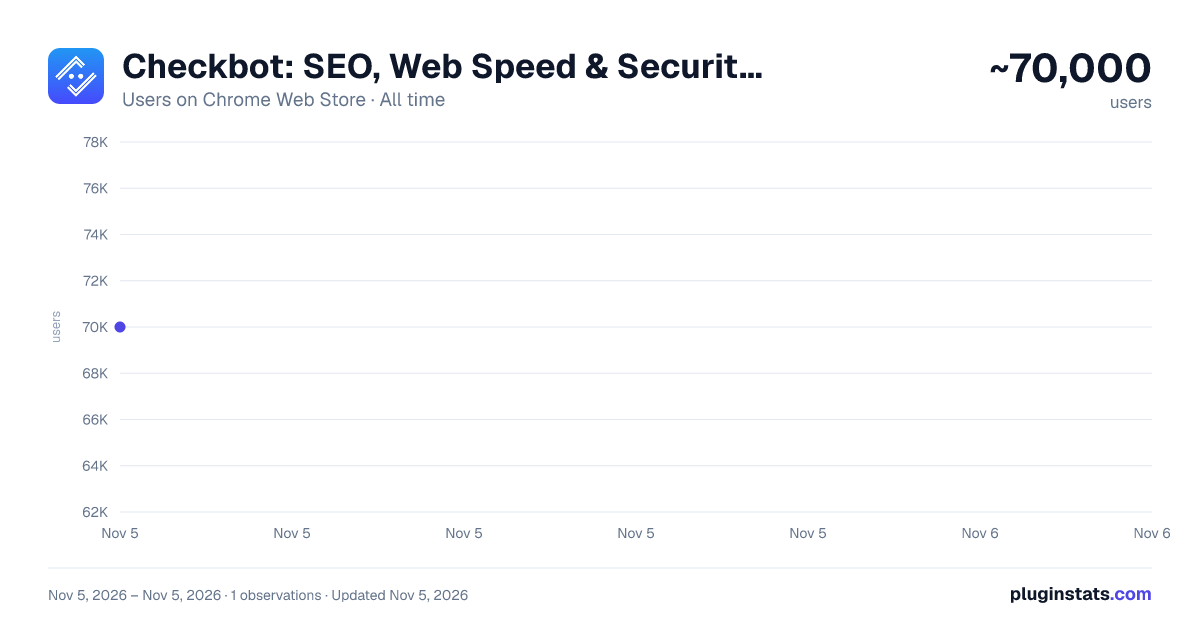
Checkbot: SEO, Web Speed & Security Tester 🚀 has approximately 70,000 recorded users on Chrome Web Store, ranking #279 of 7,342 tracked listings.
Rating: 4.90 / 5 from 956 ratings
About Checkbot: SEO, Web Speed & Security Tester 🚀
Test SEO/speed/security of 100s of pages in a click! Check broken links, HTML/JavaScript/CSS, URL redirects, duplicate titles...
Checkbot is a powerful website testing tool that tells you how to improve the SEO, page speed and security of your website. Checkbot crawls 100s of pages at the same time checking for 50+ common website problems based on web best practices recommended by Google and Mozilla. These checks include:
📊 SEO TESTS: Broken link checker, missing or long page titles/descriptions/headings, duplicate page content, HTML/CSS/JavaScript validator, canonical URLs, image ALT tags, robots.txt, URL naming, mobile friendly pages, deprecated web features, 404 pages, meta tags, temporary/meta redirects, thin pages & sitemap setup.
🚀 PAGE SPEED TESTS: Minification, network compression, resource caching, render blocking or duplicate CSS/JavaScript, excessive inlining of CSS/JavaScript, redirecting URLs & redirect chains.
🔒 WEB SECURITY TESTS: Security headers, HTTPS and mixed content checker, HSTS with preloading, content sniffing, iframe restrictions & password forms security.
See https://www.checkbot.io/guide/ for the 50+ web best practices Checkbot will test for you to help make your site faster, more secure and rank higher in search results.
★ REVIEWS ★
🏆 HubSpot, Best Chrome Extensions 2021 - "Checkbot combines technical SEO with modern security to help you analyze both how safe and how optimized a website is for search engines" https://blog.hubspot.com/marketing/best-chrome-extensions
🏆 Enleaf, Andy Drinkwater: "I honestly believe every SEO should have this in their SEO toolbox" https://enleaf.com/blog/free-seo-tools/
🏆 Einstein Marketer, "11 Must-Have Google Chrome Extensions (for Marketers, Entrepreneurs and Businesses)...If you own a website, this Chrome extension is going to help you supercharge your load speed, rank higher in Google and improve the security" https://www.einsteinmarketer.com/chrome-extensions-marketers/
🏆 Product Hunt, #3 Product of the Day award https://www.producthunt.com/posts/checkbot-for-chrome
★ PAID FEATURES ★
The free version lets you check unlimited small websites as often as you want but you need to upgrade to run website audits with these features:
-
Check localhost sites
-
PDF audit reports
-
Export crawl results to CSV
-
Advanced crawl settings to exclude pages by URL pattern, type, folder and subdomain
-
Crawling websites behind HTTP Auth passwords
See https://www.checkbot.io/#pricing for more.
★ SOCIAL ★
Follow Checkbot for updates:
https://twitter.com/GetCheckbot https://facebook.com/GetCheckbot https://www.checkbot.io/newsletter/
★ SUPPORT ★
Visit https://www.checkbot.io/faq/ for support, answers to frequently asked questions and to give feedback.
★ PERMISSIONS ★
Checkbot will ask for the "Read and change all your data..." permission for the sole purpose of crawling and testing the websites you ask Checkbot to check. This is currently the most restrictive permission we can ask for that allows this and Google has also reviewed this extension to check it follows best practices on requesting permissions. Your regular browsing will be unaffected: Checkbot does not observe or modify anything outside of the Checkbot tab. If you still have concerns, you can opt to create a new Chrome user profile to install Checkbot inside of to isolate it from your regular browsing.
Description from the Chrome Web Store listing.
README badge
Show your rank in a README or on your website. The badge updates automatically.
Charts
Images: 30d · 1y · all time · 1600×900 dark
Adoption over time
7/30/90-day growth
Ranking history
Ratings over time
Listing placement
Listing placement
Filled points are observed values; hollow points come from Internet Archive snapshots of the listing page. Dashed segments span periods with no observations — values between points are not interpolated.
Each band is one page of 20. Users on a linear scale. Placement is projected from users, so it can differ from the marketplace's own sort order. Hover a dot to see the listing.
Recent observations
Full history (1)Similar Chrome Web Store Developer Tools plugins
All 20 Checkbot: SEO, Web Speed & Security Tester 🚀 alternatives



Data source
Covers every Chrome Web Store extension with at least 100 users, found through the store's public sitemap. User counts are read from public listing pages. The 10% most-used extensions are refreshed daily, the next 40% weekly and the next 40% monthly; the least-used 10% are not refreshed. Google displays rounded user counts (and caps the display at 10,000,000+), so small changes may not be visible. Rating counts above 1,000 are rounded (e.g. 1.6K).
Listing: https://chromewebstore.google.com/detail/checkbot-seo-web-speed-se/dagohlmlhagincbfilmkadjgmdnkjinl. First seen Nov 5, 2026; last successful collection Nov 5, 2026. See the methodology.