 PluginStats

Better Ruler users statistics
By paul · Chrome Web Store · Developer Tools
A page ruler which can snaps around web elements for easier measurement. Provide convenience for front-end development and ui design
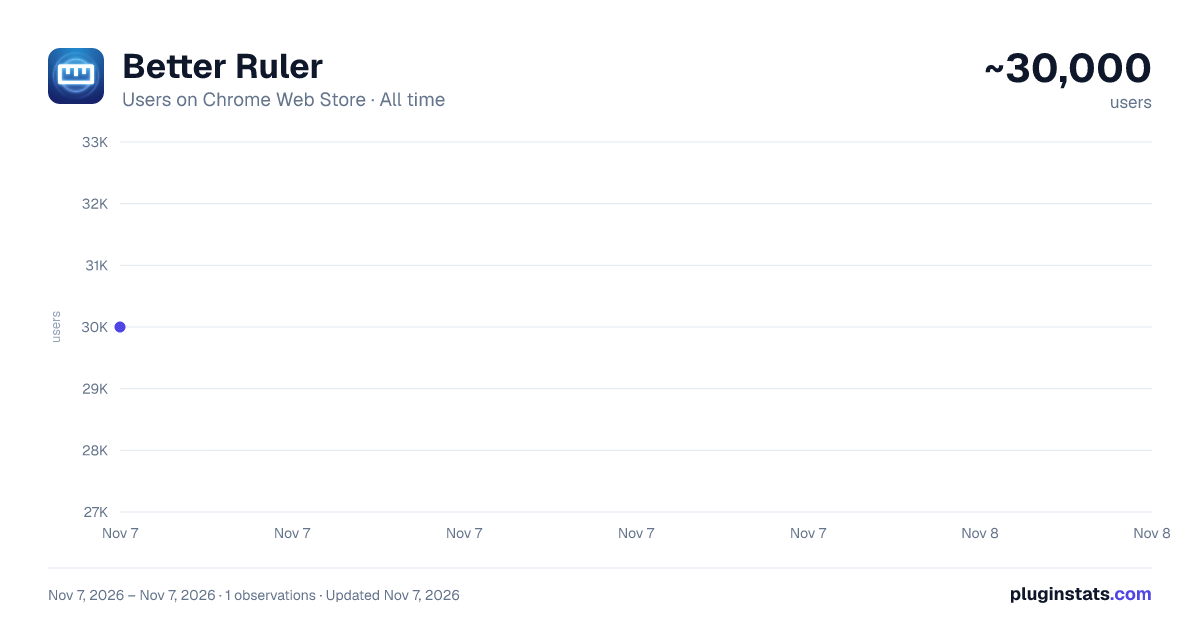
Better Ruler has approximately 30,000 recorded users on Chrome Web Store, ranking #497 of 7,934 tracked listings.
Rating: 4.80 / 5 from 57 ratings
About Better Ruler
A page ruler which can snaps around web elements for easier measurement. Provide convenience for front-end development and ui design
A smart web ruler with element snapping for easier frontend development and UI design.
✨ Features
- Smart Snapping: Hold
Alt(orOptionon Mac) while moving the cursor to automatically detect and snap to web elements. Supports snapping to edges, 4 corners, and 4 edge midpoints, displaying dimensions instantly. The snap preview uses a contrasting color to distinguish from measurement boxes. - Easy Measurement: Click and drag to create a measurement layer that snaps to element edges automatically.
- Flexible Editing: Double-click any layer to enter edit mode: move, resize, or fine-tune.
- Arrow keys: Nudge position by 1px (
Shiftfor ×10,Alt+ arrows to resize) - Esc: Exit edit mode
- Backspace: Delete the selected layer
- Box-to-Box Snapping: While drawing or dragging, boxes snap to the edges of other measurement boxes, making it easy to continue measuring from a previous boundary.
- Auto Restore: Re-activating the extension after a page reload restores the measurements drawn on that page (within the browser session).
- Status Indicator: The extension icon changes based on status (colored = active, gray = inactive) for easy identification.
- Shortcuts Help: Hover over the
?button in the toolbar to view all available shortcuts. - Customization:
- Individual Colors & Opacity: Each measurement box can have its own color and opacity; editing when selected only affects the current item
- Global Mode: When enabled, changing color or opacity affects all existing measurement boxes simultaneously
- Single Mode: When enabled, only one measurement box can exist at a time; new boxes automatically clear old ones
- Size Position: Configure where dimension labels appear (center, corners, etc.)
- Dashed Background: Choose between solid or dashed background for measurement boxes
- Reference Lines: Automatic horizontal and vertical reference lines with X, Y coordinate labels
- Crosshair Display: Configure mouse crosshair display mode
- Quick Controls:
- Press
f(configurable): Toggle toolbar visibility - Press
r(configurable): Toggle reference lines - Press
s(configurable): Toggle snap mode (when on, snapping is always active without holding Alt; Alt temporarily disables snapping) - Press
Shift: Toggle dimension labels Ctrl+Z/Cmd+Z: Undo (supports draw, delete, move, resize operations)Ctrl+Shift+Z/Cmd+Shift+Z: RedoAlt + z(customizable): Global shortcut to toggle the extension- Double-press
z(configurable): Quickly activate/deactivate within the page (after first launch) - Copy Dimensions: Click the dimension label on any measurement box to copy its size to clipboard, with configurable format (
320 x 180/ CSS / with position / rem). - Toolbar Hint: A toast notification shows how to restore the toolbar after hiding it.
- Shadow Color: The snap preview color is independently configurable, no longer derived from the measurement box color.
- Local File Support: Enable "Allow access to file URLs" in
chrome://extensionsto measure local HTML files. - Mobile Simulation: Works in DevTools mobile simulation mode (ensure
device typeis set tono touch).
Description from the Chrome Web Store listing.
README badge
Show your rank in a README or on your website. The badge updates automatically.
Charts
Images: 30d · 1y · all time · 1600×900 dark
Adoption over time
7/30/90-day growth
Ranking history
Ratings over time
Listing placement
Listing placement
Filled points are observed values; hollow points come from Internet Archive snapshots of the listing page. Dashed segments span periods with no observations — values between points are not interpolated.
Each band is one page of 20. Users on a linear scale. Placement is projected from users, so it can differ from the marketplace's own sort order. Hover a dot to see the listing.
Recent observations
Full history (1)Similar Chrome Web Store Developer Tools plugins
All 20 Better Ruler alternatives



Data source
Covers every Chrome Web Store extension with at least 100 users, found through the store's public sitemap. User counts are read from public listing pages. The 10% most-used extensions are refreshed daily, the next 40% weekly and the next 40% monthly; the least-used 10% are not refreshed. Google displays rounded user counts (and caps the display at 10,000,000+), so small changes may not be visible. Rating counts above 1,000 are rounded (e.g. 1.6K).
Listing: https://chromewebstore.google.com/detail/better-ruler/ilcnadaaninblgbekoaihdhoiecaflie. First seen Nov 7, 2026; last successful collection Nov 7, 2026. See the methodology.