 PluginStats

Split View users statistics
By Mario.E · Chrome Web Store · Accessibility
Split your Chrome window to view multiple tabs side by side. You can control the size of the panels and the tabs individually.
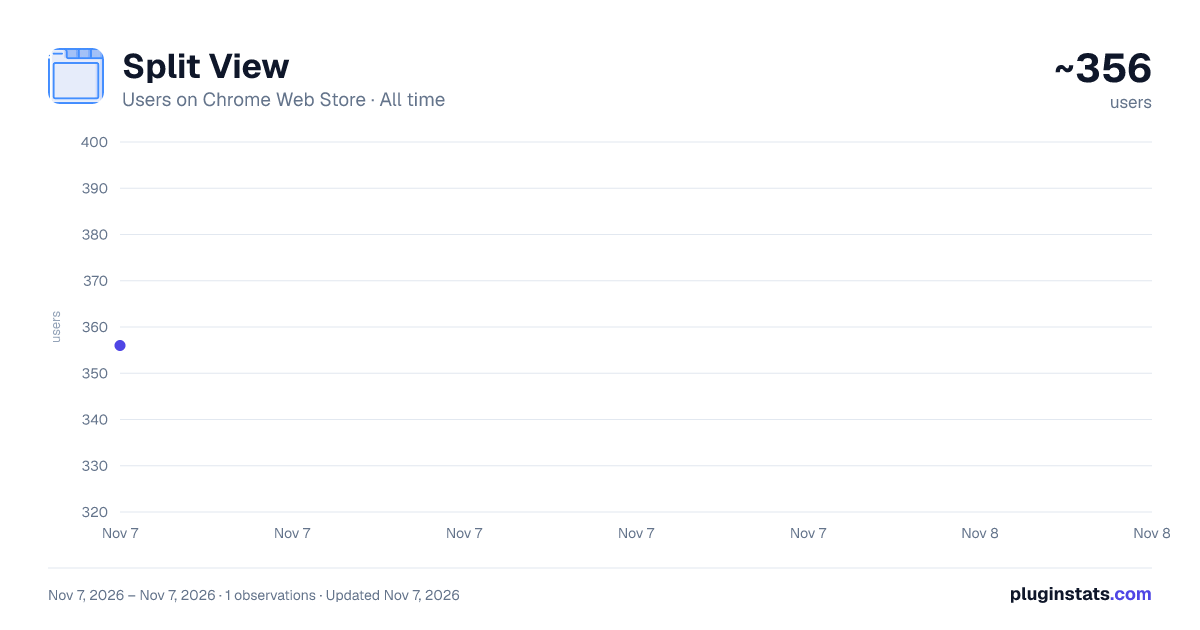
Split View has approximately 356 recorded users on Chrome Web Store, ranking #4629 of 7,934 tracked listings.
Rating: 3.00 / 5 from 1 ratings
About Split View
Split your Chrome window to view multiple tabs side by side. You can control the size of the panels and the tabs individually.
🚀 Transform your browsing experience with Split View - the ultimate Chrome extension for viewing multiple websites side by side!
✨ KEY FEATURES: • Split your browser window into 2, 3, or 4 panels • Individual panel controls - resize each panel independently • Responsive grid system - panels automatically adjust without overlapping • Multiple control modes: Global Only, Individual Only, Both Controls, or No Controls • Perfect 2x2 matrix layout for 4-panel view • YouTube embed support with timestamp preservation • Keyboard shortcut (Alt + A) for quick access
🎯 PERFECT FOR: • Developers comparing code and documentation • Students researching multiple sources • Traders monitoring different markets • Content creators managing multiple platforms • Anyone who needs to view multiple websites simultaneously
💡 ADVANCED CONTROLS: • Global controls: Adjust all panels together • Individual controls: Fine-tune each panel separately • No Controls mode: Clean viewing without distractions • Responsive design: Panels push each other instead of overlapping • Space optimization: No wasted empty space
🔧 HOW TO USE:
- Click the extension icon or press Alt + A
- Choose your layout (2, 3, or 4 panels)
- Enter URLs for each panel
- Use control modes to customize your experience
- Resize panels individually or globally
⚡ TECHNICAL HIGHLIGHTS: • CSS Grid-based responsive layout system • Dynamic space redistribution • Cross-origin iframe support with fallback options • Lightweight and fast performance • No data collection or privacy concerns
🎨 USER EXPERIENCE: • Modern, dark-themed interface • Intuitive control modes • Smooth animations and transitions • Mobile-responsive design • Professional typography (Inter font)
🔒 PRIVACY FIRST: • No data collection • No external servers • All processing happens locally • Open source friendly
Transform your productivity today with Split View - the smart way to browse multiple websites!
Note: Some websites (Google, Facebook, etc.) may not display in iframes due to their security policies. The extension provides helpful fallback options for these cases.
Description from the Chrome Web Store listing.
README badge
Show your rank in a README or on your website. The badge updates automatically.
Charts
Images: 30d · 1y · all time · 1600×900 dark
Adoption over time
7/30/90-day growth
Ranking history
Ratings over time
Listing placement
Listing placement
Filled points are observed values; hollow points come from Internet Archive snapshots of the listing page. Dashed segments span periods with no observations — values between points are not interpolated.
Each band is one page of 20. Users on a linear scale. Placement is projected from users, so it can differ from the marketplace's own sort order. Hover a dot to see the listing.
Recent observations
Full history (1)Similar Chrome Web Store Accessibility plugins
All 20 Split View alternatives



Data source
Covers every Chrome Web Store extension with at least 100 users, found through the store's public sitemap. User counts are read from public listing pages. The 10% most-used extensions are refreshed daily, the next 40% weekly and the next 40% monthly; the least-used 10% are not refreshed. Google displays rounded user counts (and caps the display at 10,000,000+), so small changes may not be visible. Rating counts above 1,000 are rounded (e.g. 1.6K).
Listing: https://chromewebstore.google.com/detail/split-view/pfheoimljghjimamgpkbgppcdajpiggn. First seen Nov 7, 2026; last successful collection Nov 7, 2026. See the methodology.