 PluginStats

Bulk URL Opener - Tab Manager users statistics
By YTuong.me · Chrome Web Store · Workflow & Planning
Open multiple URLs & links at once. Bulk URL opener with tab manager to organize, save & manage browser tabs. Open all links fast.
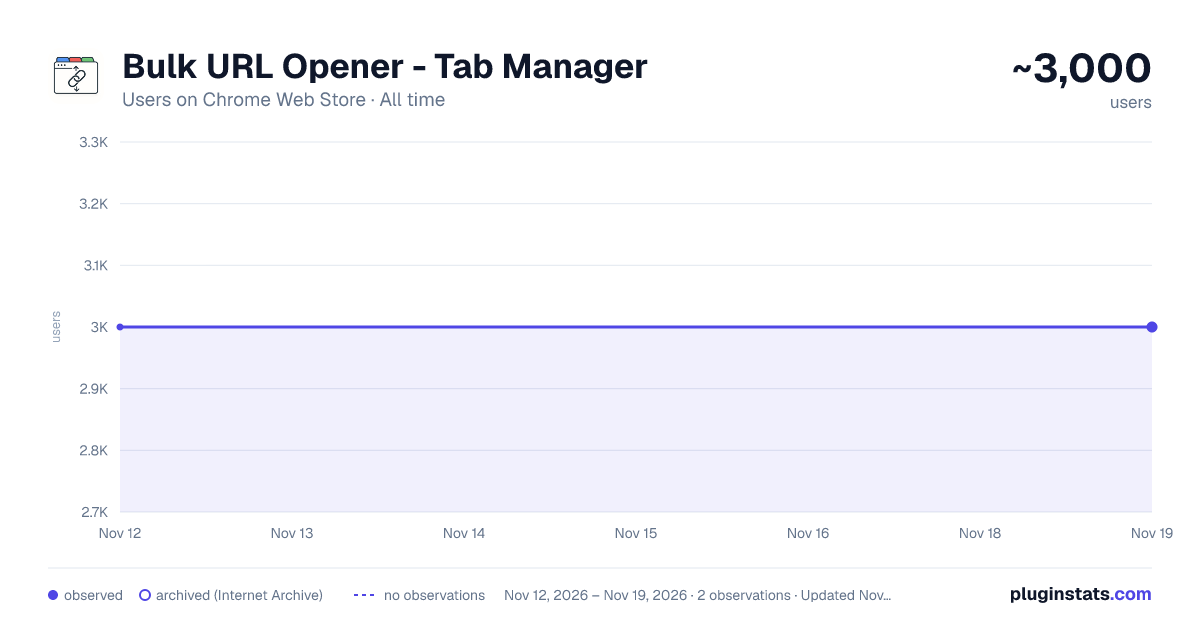
Bulk URL Opener - Tab Manager has approximately 3,000 recorded users on Chrome Web Store, a change of 0.0% over the past 7 days, ranking #2194 of 10,523 tracked listings.
Rating: 4.20 / 5 from 5 ratings
About Bulk URL Opener - Tab Manager
Open multiple URLs & links at once. Bulk URL opener with tab manager to organize, save & manage browser tabs. Open all links fast.
Bulk URL Opener is a free Chrome extension that opens multiple links at once. Paste a list of URLs, click open, and watch them load — in new tabs, a new window, or one by one in a single tab. Open links from any text, spreadsheet, or file in seconds.
How It Works:
- Paste your links or any text containing URLs
- Choose your mode — new tabs, new window, or single tab
- Click Open and watch your links load
Key Features:
• Open multiple links at once — paste your list and open everything with a single click • Batch processing — set batch size and delay between groups to prevent browser overload • Single tab mode — cycle through links sequentially in one tab • Save link lists — store your collections with custom names and settings • Tab manager — auto-close tabs after a set time, remove opened entries, set a maximum tab limit • Smart handling — automatic validation, duplicate removal, and link extraction from mixed text • Pause & resume — pause opening mid-process and pick up right where you left off • Progress tracking — real-time progress bar showing what's been opened and batch count • Text to search — convert plain text into Google searches automatically • Side panel mode — use as a persistent sidebar while you browse
Who It's For:
• SEO professionals — check backlinks, audit pages, and verify links across multiple sites • Researchers — open batches of reference links, citations, and source pages • QA testers — verify entries from spreadsheets and test environments • Social media managers — open multiple profiles, posts, and campaign pages • Developers — test API endpoints, staging environments, and deployment targets • Anyone who regularly works with lists of links
Privacy & Security: All processing happens locally in your browser. No data is sent to external servers. No account required. Your saved lists stay on your device.
Install Bulk URL Opener — free, private, and works offline.
Description from the Chrome Web Store listing.
README badge
Show your rank in a README or on your website. The badge updates automatically.
Charts
Images: 30d · 1y · all time · 1600×900 dark
Adoption over time
7/30/90-day growth
Ranking history
Ratings over time
Listing placement
Listing placement
Filled points are observed values; hollow points come from Internet Archive snapshots of the listing page. Dashed segments span periods with no observations — values between points are not interpolated.
Each band is one page of 20. Users on a linear scale. Placement is projected from users, so it can differ from the marketplace's own sort order. Hover a dot to see the listing.
Recent observations
Full history (2)Similar Chrome Web Store Workflow & Planning plugins
All 20 Bulk URL Opener - Tab Manager alternatives



Data source
Covers every Chrome Web Store extension with at least 100 users, found through the store's public sitemap. User counts are read from public listing pages. The 10% most-used extensions are refreshed daily, the next 40% weekly and the next 40% monthly; the least-used 10% are not refreshed. Google displays rounded user counts (and caps the display at 10,000,000+), so small changes may not be visible. Rating counts above 1,000 are rounded (e.g. 1.6K).
Listing: https://chromewebstore.google.com/detail/bulk-url-opener-tab-manag/nipkhjpemhflobkeegjpflbfmplpndje. First seen Nov 12, 2026; last successful collection Nov 19, 2026. See the methodology.