 PluginStats

Tabatha: Visual Tab Switcher with Live Previews users statistics
Chrome Web Store · Workflow & Planning
Alt+Tab for Chrome tabs with live previews: find any tab in a second, reopen what you closed, see how you got there. Private.
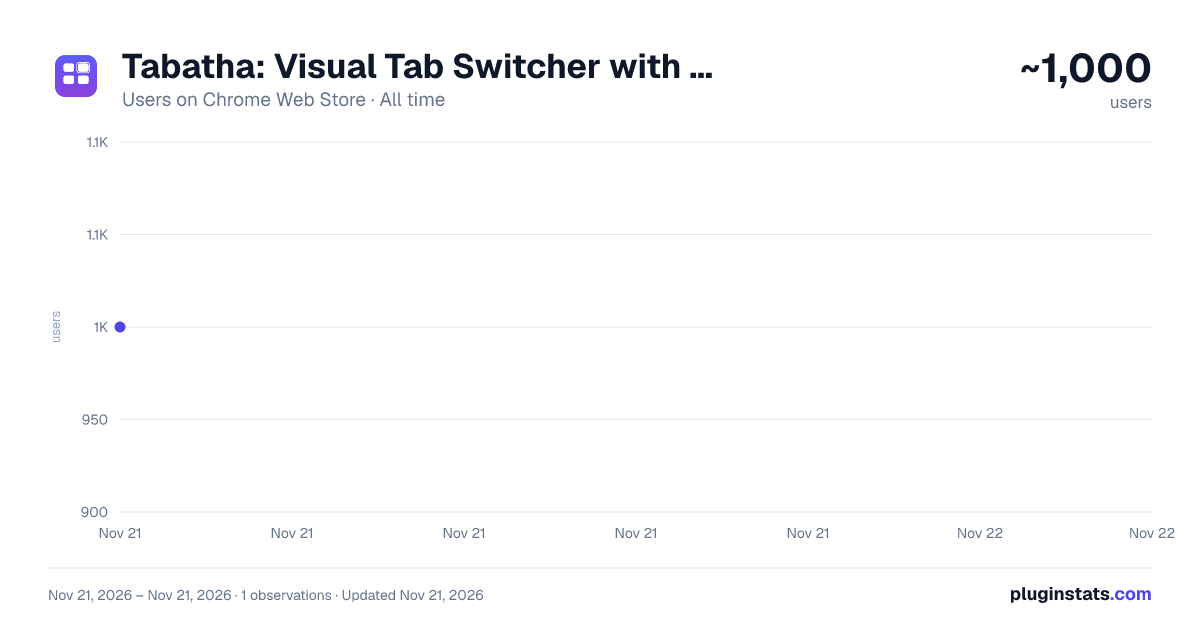
Tabatha: Visual Tab Switcher with Live Previews has approximately 1,000 recorded users on Chrome Web Store, ranking #3799 of 10,523 tracked listings.
Rating: 5.00 / 5 from 10 ratings
About Tabatha: Visual Tab Switcher with Live Previews
Alt+Tab for Chrome tabs with live previews: find any tab in a second, reopen what you closed, see how you got there. Private.
Too many tabs? See them all, find any one in a second, and get back to where you were.
Tabatha is a visual tab switcher for Chrome. Press Alt+Q (Option+Q on a Mac) and every open tab appears as a live preview, across all your windows. Type a few letters to find one, press Enter to go there. It's Alt+Tab for your browser, and the tab manager for people who keep a lot of tabs open.
WHY PEOPLE KEEP IT • Find any tab in a second: by its title, its address, or (if you turn it on) the words on the page. Forgot what it was called? Search inside pages finds "that article about ferries" by what it said. • Never lose a tab you closed: tabs and whole windows you closed come back with a click, with a picture of what they looked like. Chrome restarted without your windows? Tabatha offers them back. • Clean up hundreds of tabs in a minute: close duplicates in one click, see the tabs you haven't touched in a week, act on everything a search finds (close, bookmark, group, move, sleep). • See how you got there: switch Tabs to Trails and each trail shows the pages you clicked through and the tabs they opened, in order, so a rabbit hole is one click to retrace. Free shows each trail's first and last page; Pro all of it. • Private by design: your tabs, previews and history stay on your computer. No account needed, no ads, no tracking.
HOW IT WORKS • Tap Alt+Q and Tabatha stays open: arrow keys or the mouse to move, type to search, Enter to open, Esc to close. • Prefer Alt+Tab style? Hold Alt and tap Q to step through your tabs, most recently used first, then let go. • Tap Alt+Q twice, fast, to jump straight back to the tab you were just on. • Nothing matches? Shift+Enter searches the web with your own search engine.
FREE • Live previews of every tab, in every window, sorted by most recently used (or newest, oldest, A–Z, time spent), grouped by tab group or site. • Search open tabs and tabs closed in the last 7 days; search inside pages 3 times a day. • Recently closed tabs and your two latest closed windows, with previews; bring back the windows Chrome forgot (two at a time). • Close duplicates, bulk actions, stars, filters, your Chrome tab groups and bookmarks in a side panel. • Trails: each trail's first and last page, 7 days back. • Your numbers: tabs open, opened today, and how many windows. • Name your windows (until Chrome quits). • Every note Tabatha shows can be switched off in Settings; Settings → Sites keeps any site out entirely.
PRO (one-time purchase, from the website) • Full trails: every page of every trail, 90 days back, found by search; open a trail as tabs, a tab group or bookmarks; remove pages you don't want kept. • Filters by when a tab was opened or closed: today, yesterday, the last 7 days or a date. • Window names that survive a restart. • Search inside pages without a limit, and your Chrome history in search if you want it. • A long memory: closed tabs and windows for 90 days, earlier sessions, every window you had after a restart. • Insights: time per site over a day, a week or a month, your top sites, the oldest tab you still have open, forgotten tabs, and a playful clutter score. All counted on your computer. Everything that is free stays free.
PRIVACY, IN PLAIN WORDS • Chrome will say Tabatha can "read and change all your data on all websites". That's Chrome's wording for the two things Tabatha needs: a small picture of the tab on screen (for its preview) and Alt+Q on every page. It never changes your pages. It reads a page's text only if you turn on search inside pages, and never on banking, email, payment or sign-in sites. • Previews, closed tabs, windows, trails and page text are kept on your computer only, and deleted when you uninstall Tabatha. • Nothing leaves your computer. The one exception is your choice: if you say yes to "Help Tabatha improve", it sends counts of feature use once a week (never addresses, titles, sites or text). • Tabatha doesn't run in Incognito windows.
KEYBOARD SHORTCUTS Alt+Q: open Tabatha / next tab · Alt+Shift+Q: previous tab · Alt+W: one window · Alt+S: star · Alt+P: capture a preview · Enter: open · Delete (Mac: Cmd+Backspace): close · Ctrl/Cmd+click: select · Shift+Enter: search the web · Esc: clear or close. Change the shortcut at chrome://extensions/shortcuts.
QUESTIONS
- Why does a tab have no preview? Chrome only lets extensions picture the tab on screen, so a tab gets its preview the first time you look at it. "Capture all" in the toolbar does the rest in a few seconds.
- Alt+Q does nothing? Another extension may have it. Open chrome://extensions/shortcuts and set it for Tabatha; Tabatha's Settings tells you when it isn't set.
- Is Pro a subscription? No. Pro is a one-time purchase.
- Does it work on Windows and Mac? Yes. On a Mac, Alt is the Option key.
Help, the manual and a feedback form: https://viewtabatha.com The code is public: https://github.com/Vajrayu/tabatha
Description from the Chrome Web Store listing.
README badge
Show your rank in a README or on your website. The badge updates automatically.
Charts
Images: 30d · 1y · all time · 1600×900 dark
Adoption over time
7/30/90-day growth
Ranking history
Ratings over time
Listing placement
Listing placement
Filled points are observed values; hollow points come from Internet Archive snapshots of the listing page. Dashed segments span periods with no observations — values between points are not interpolated.
Each band is one page of 20. Users on a linear scale. Placement is projected from users, so it can differ from the marketplace's own sort order. Hover a dot to see the listing.
Recent observations
Full history (1)Similar Chrome Web Store Workflow & Planning plugins
All 20 Tabatha: Visual Tab Switcher with Live Previews alternatives



Data source
Covers every Chrome Web Store extension with at least 100 users, found through the store's public sitemap. User counts are read from public listing pages. The 10% most-used extensions are refreshed daily, the next 40% weekly and the next 40% monthly; the least-used 10% are not refreshed. Google displays rounded user counts (and caps the display at 10,000,000+), so small changes may not be visible. Rating counts above 1,000 are rounded (e.g. 1.6K).
Listing: https://chromewebstore.google.com/detail/tabatha-visual-tab-switch/edjglhlabdmgacehahfdjjffapbkaekk. First seen Nov 21, 2026; last successful collection Nov 21, 2026. See the methodology.