 PluginStats

WhichKanji - Japanese Text Capture users statistics
Capture Japanese text from any screen using OCR. Get readings, meanings & save words to cloud-synced vocabulary lists.
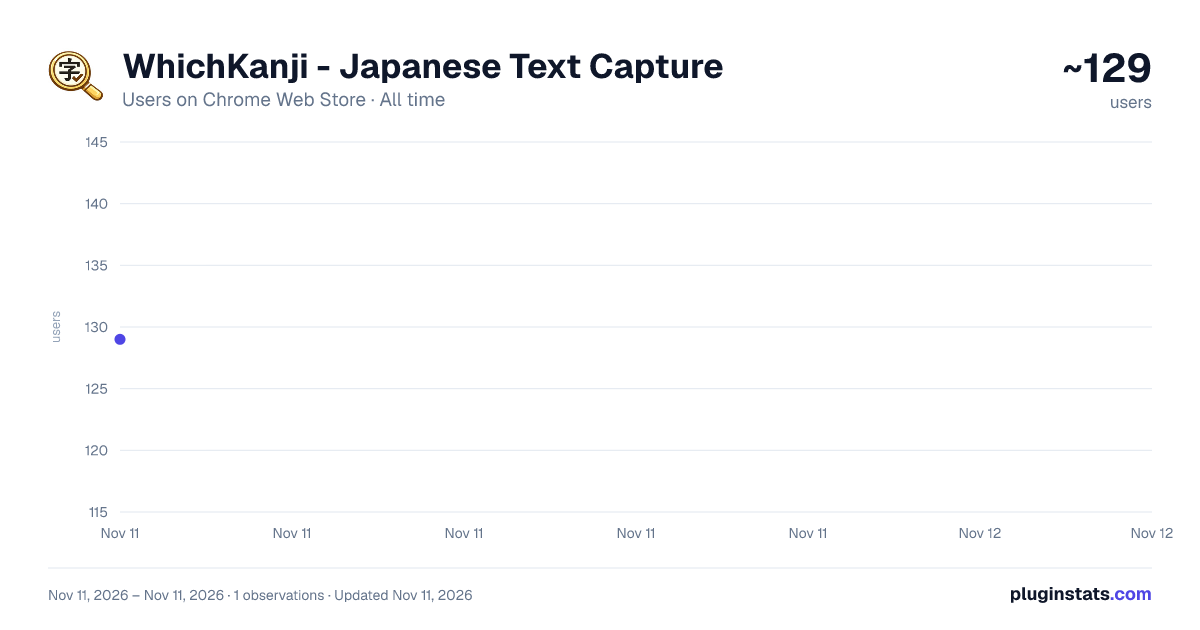
WhichKanji - Japanese Text Capture has approximately 129 recorded users on Chrome Web Store, ranking #9299 of 10,388 tracked listings.
Rating: 5.00 / 5 from 2 ratings
About WhichKanji - Japanese Text Capture
Capture Japanese text from any screen using OCR. Get readings, meanings & save words to cloud-synced vocabulary lists.
WhichKanji - Japanese OCR Dictionary & Vocabulary Builder 🎌
Look up Japanese words inside manga, anime, and games - even text you can't select or copy. WhichKanji reads Japanese right off your screen with OCR, gives you instant furigana readings and meanings, and builds a vocabulary list you can study in Anki.
Most popup dictionaries only work on selectable text. WhichKanji works on images / videos too, so nothing you're reading is off-limits.
HOW IT WORKS 🖱️
- Click the WhichKanji icon in Chrome
- Draw a box around any Japanese text on screen
- See each word broken down with its reading and meaning
- Save the words you want to learn — one click
Works on manga, anime, visual novels, games, news sites, and social media — anywhere Japanese appears.
FEATURES ✨
- Screen-capture OCR — grab text from images and games, not just selectable text
- 250 free scans a day, no setup or API key required
- Automatic word segmentation with furigana readings and meanings
- Powered by the JMdict and KANJIDIC open dictionaries
- Organize words into named lists ("Manga words", "Netflix words"…)
- Cloud sync — reach your lists at whichkanji.com from any device
- One-click CSV export, ready for Anki
OCR OPTIONS 🔍
- Standard — 250 scans/day, works instantly, no key needed
- Google Vision — bring your own key for unlimited scans (Google has a free tier)
PRIVACY 🔐
- Your Google Vision key stays in your browser — never sent to our servers
- No tracking or ad analytics, just basic usage counts
POWERED BY ⚙️ Manga OCR · Google Cloud Vision (optional) · UniDic · JMdict · KANJIDIC
SUPPORT 💬 Hit "Report bug" on your dashboard or email oliver@whichkanji.com
Turn what you read into what you actually remember 🚀
Description from the Chrome Web Store listing.
README badge
Show your rank in a README or on your website. The badge updates automatically.
Charts
Images: 30d · 1y · all time · 1600×900 dark
Adoption over time
7/30/90-day growth
Ranking history
Ratings over time
Listing placement
Listing placement
Filled points are observed values; hollow points come from Internet Archive snapshots of the listing page. Dashed segments span periods with no observations — values between points are not interpolated.
Each band is one page of 20. Users on a linear scale. Placement is projected from users, so it can differ from the marketplace's own sort order. Hover a dot to see the listing.
Recent observations
Full history (1)Similar Chrome Web Store Education plugins
All 20 WhichKanji - Japanese Text Capture alternatives



Data source
Covers every Chrome Web Store extension with at least 100 users, found through the store's public sitemap. User counts are read from public listing pages. The 10% most-used extensions are refreshed daily, the next 40% weekly and the next 40% monthly; the least-used 10% are not refreshed. Google displays rounded user counts (and caps the display at 10,000,000+), so small changes may not be visible. Rating counts above 1,000 are rounded (e.g. 1.6K).
Listing: https://chromewebstore.google.com/detail/whichkanji-japanese-text/niooheokgdhmaljmlcmjnfcmpbafmacg. First seen Nov 11, 2026; last successful collection Nov 11, 2026. See the methodology.