 PluginStats

Nebulearn: AI Flashcard Maker users statistics
Instantly create flashcards on websites with AI Generations, customizable Keybinds, image editing, copy & pasting, latex, and more!
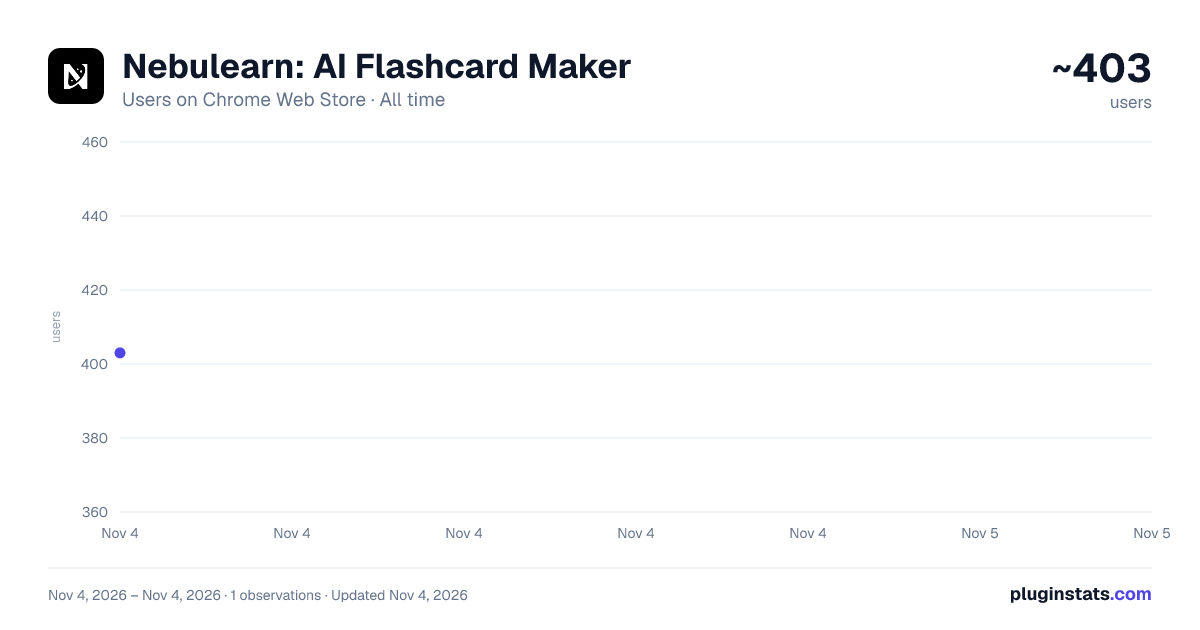
Nebulearn: AI Flashcard Maker has approximately 403 recorded users on Chrome Web Store, ranking #4063 of 7,342 tracked listings.
Rating: 5.00 / 5 from 66 ratings
About Nebulearn: AI Flashcard Maker
Instantly create flashcards on websites with AI Generations, customizable Keybinds, image editing, copy & pasting, latex, and more!
The fastest and most seamless flashcard creation and spaced repetition tool.
Nebulearn saves you as much time as possible creating and memorizing flashcards.
Built by a busy student who believes that time is truly your most valuable asset, I firmly assert that if you take the time to learn and use Nebulearn, you will improve your workflow and optimize your memory retention.
Here's how Nebulearn saves you hours of time:
🟦 [ 𝗙𝗿𝗶𝗰𝘁𝗶𝗼𝗻𝗹𝗲𝘀𝘀 𝗖𝗮𝗿𝗱 𝗖𝗿𝗲𝗮𝘁𝗶𝗼𝗻 ] 🟦
» Zero Tab Switching: Type, paste text, or paste images directly into the extension sidebar without leaving your current webpage to create flashcards. Format your flashcards any way you want.
» Rapid Keybinds: Highlight text and hit Alt+Shift+Q to send it to the question side of a card, or Alt+Shift+A for the answer.
» PDF Support: Extract text and create questions directly from PDFs in your browser.
» Quick-Action Toolbar: Highlight any text on a page to trigger a floating toolbar. Click "Flashcard" or "Quiz" to instantly generate a card from your selection.
» Total Keyboard Control: Speed up your workflow with 10+ fully customizable keybinds for saving cards, swapping from term to definition, clearing fields, triggering AI generation, and more.
🟦 [ 𝗦𝗺𝗮𝗿𝘁 𝗔𝗜 𝗚𝗲𝗻𝗲𝗿𝗮𝘁𝗶𝗼𝗻 ] 🟦
» Custom AI Profiles: Give the AI specific instructions on exactly how you want your cards formatted and generated. Every AI action runs through your active profile.
» Instant Definitions and Quizzes: Highlight a block of text, apply your active AI profile, and let Nebulearn automatically generate clean definitions or multiple choice questions based on your custom rules.
» Snip and Create: Screenshot any diagram, slide, or image on your screen. It gets sent to AI along with your active profile, which generates the card content automatically. The image is attached to the finished card.
» Quick-Action AI: Highlight any text on a page and hit "Flashcard" or "Quiz" from the floating toolbar to instantly generate a card using your active profile.
🟦 [ 𝗩𝗶𝘀𝘂𝗮𝗹𝘀 𝗮𝗻𝗱 𝗜𝗺𝗮𝗴𝗲 𝗢𝗰𝗰𝗹𝘂𝘀𝗶𝗼𝗻 ] 🟦
» Attach Images: Paste or drag and drop images directly onto your cards. You can add an image to the front and back of the card.
» Built-in Image Editor: Draw, add shapes, or create image occlusion flashcards right inside the extension. Use this to cover things or edit images!
🟦 [ 𝗢𝗿𝗴𝗮𝗻𝗶𝘇𝗮𝘁𝗶𝗼𝗻 𝗮𝗻𝗱 𝗦𝗽𝗮𝗰𝗲𝗱 𝗥𝗲𝗽𝗲𝘁𝗶𝘁𝗶𝗼𝗻 ] 🟦
» Tagging and Folders: Categorize your standard and multiple choice questions on the fly so your library stays organized without manual sorting later.
» Instant Sync: Every card, tag, and image is immediately synced to cloud storage and your Nebulearn library.
» Science-Backed Scheduling: Cards are prioritized using customizable spaced repetition algorithms including SM2 and FSRS, so you study what matters most, right when you need to.
This extension pairs seamlessly with the full Nebulearn web app, where you can study with multiple study modes, share decks, edit your library, and customize how you want to be tested. Everything is in one place.
On a side note: this extension has been two years in the making, built by me (an engineering student) who needed a better way to study. I personally use Nebulearn in all my courses and am constantly working on improving it. If you're a learner who want to actually understand and retain what they study, without burning hours memorizing information and making and organizing flashcards, then try Nebulearn. You won't regret it :)
Description from the Chrome Web Store listing.
README badge
Show your rank in a README or on your website. The badge updates automatically.
Charts
Images: 30d · 1y · all time · 1600×900 dark
Adoption over time
7/30/90-day growth
Ranking history
Ratings over time
Listing placement
Listing placement
Filled points are observed values; hollow points come from Internet Archive snapshots of the listing page. Dashed segments span periods with no observations — values between points are not interpolated.
Each band is one page of 20. Users on a linear scale. Placement is projected from users, so it can differ from the marketplace's own sort order. Hover a dot to see the listing.
Recent observations
Full history (1)Similar Chrome Web Store Education plugins
All 20 Nebulearn: AI Flashcard Maker alternatives



Data source
Covers every Chrome Web Store extension with at least 100 users, found through the store's public sitemap. User counts are read from public listing pages. The 10% most-used extensions are refreshed daily, the next 40% weekly and the next 40% monthly; the least-used 10% are not refreshed. Google displays rounded user counts (and caps the display at 10,000,000+), so small changes may not be visible. Rating counts above 1,000 are rounded (e.g. 1.6K).
Listing: https://chromewebstore.google.com/detail/nebulearn-ai-flashcard-ma/ingmbfgiilinohhllmgaifjjinhheopp. First seen Nov 4, 2026; last successful collection Nov 4, 2026. See the methodology.