 PluginStats
Cebian · Open-Source AI Side Panel Agent users statistics
Chrome Web Store · Developer Tools
Side panel AI agent. BYO key (OpenAI/Anthropic/Google), no account. Element picker, MCP tools, skills. AGPL-3.0, local-first.
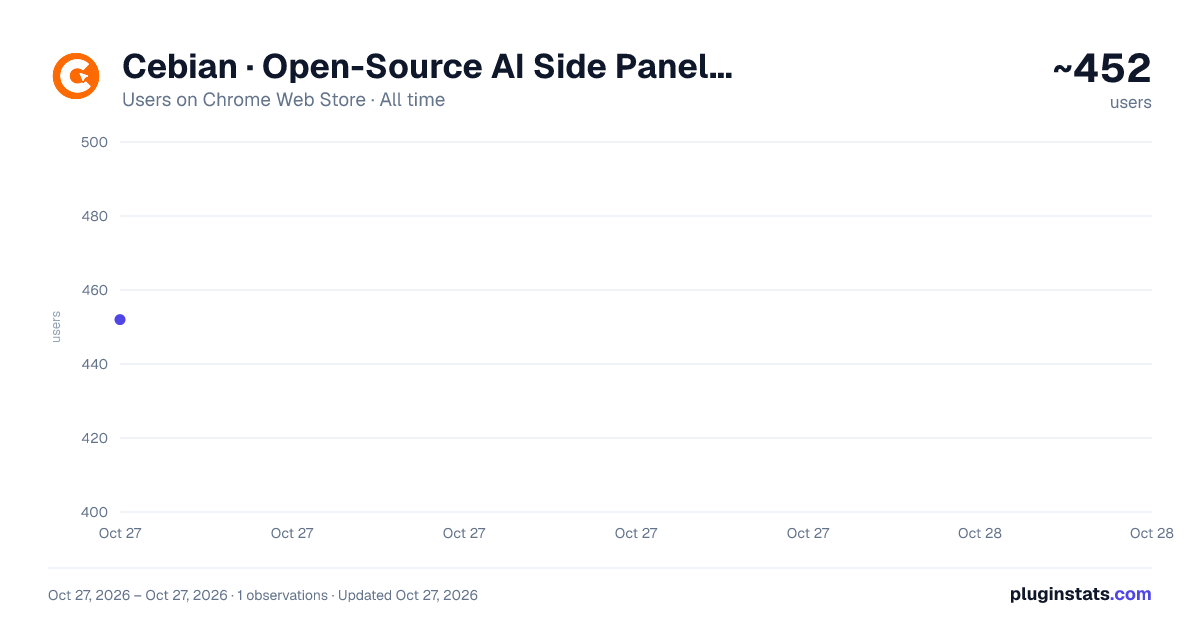
Cebian · Open-Source AI Side Panel Agent has approximately 452 recorded users on Chrome Web Store, ranking #2564 of 4,880 tracked listings.
Rating: 5.00 / 5 from 7 ratings
About Cebian · Open-Source AI Side Panel Agent
Side panel AI agent. BYO key (OpenAI/Anthropic/Google), no account. Element picker, MCP tools, skills. AGPL-3.0, local-first.
Cebian is an open-source AI agent that lives in your browser's side panel. Bring your own API key from OpenAI, Anthropic, Google, or any OpenAI-compatible provider — no account, no subscription, no middleman. Your chats, prompts, and files stay in your browser; only the messages you actually send leave, and they go straight to the provider you picked.
It's a real agent, not a chat box: it can read the page you're on, pick any element off the screen as context, call external tools through MCP, run reusable Skills, attach screenshots and files, and switch between models mid-conversation without losing context.
──────────────────────────────────────── KEY FEATURES ────────────────────────────────────────
• Page-aware chat — Ask about the article, docs page, or search result you're looking at. The AI sees the page title, URL, and full text as context.
• Element picker — Click any element on the page (a table, a code block, an error message) to attach it precisely to your next message.
• Slash prompts — Build a personal library of prompt templates with variables like {{selected_text}}, {{page_url}}, {{clipboard}}. Trigger with /sum, /translate, and so on.
• Skills — Package multi-step workflows or domain knowledge into reusable Skills the agent invokes on demand. Local files, importable and exportable.
• MCP tools — Built-in Model Context Protocol client. Plug in a local MCP server (database, filesystem, internal API) and the agent can call it from chat.
• Mobile-device emulation — Toggle responsive-design emulation on the active tab with one click. Uses Chrome DevTools Protocol, no separate setup.
• Multi-model — Works with OpenAI, Anthropic, Google Gemini, GitHub Copilot (via OAuth), and any OpenAI-compatible endpoint. Switch providers or models mid-session without losing context.
• Attach anything — Drag, drop, paste, or upload images and files into any message.
──────────────────────────────────────── WHO IT'S FOR ────────────────────────────────────────
• Developers — ask about a GitHub issue, a Stack Overflow answer, or a docs page in place; attach screenshots of UI bugs; toggle mobile emulation without opening DevTools.
• Writers and researchers — summarize, translate, or rewrite anything you're reading without leaving the page.
• People who already pay for multiple AI providers — pick the right model per task instead of being locked into one.
• Privacy-conscious users — nothing leaves your machine except the messages you explicitly choose to send.
──────────────────────────────────────── PRIVACY & OPEN SOURCE ────────────────────────────────────────
Cebian has no backend. Chat history, API keys, prompt templates, Skills, attachments, and MCP configurations all live in your browser's local storage. The only outbound network traffic is the message content you send, going directly to the AI provider you configured under that provider's privacy terms.
Licensed under AGPL-3.0. Full source code on GitHub. Uninstall the extension and every byte of your data is gone — by design.
──────────────────────────────────────── LINKS ────────────────────────────────────────
Source code: https://github.com/maotoumao/Cebian Issues & ideas: https://github.com/maotoumao/Cebian/issues
Description from the Chrome Web Store listing.
README badge
Show your rank in a README or on your website. The badge updates automatically.
Charts
Images: 30d · 1y · all time · 1600×900 dark
Adoption over time
7/30/90-day growth
Ranking history
Ratings over time
Listing placement
Listing placement
Filled points are observed values; hollow points come from Internet Archive snapshots of the listing page. Dashed segments span periods with no observations — values between points are not interpolated.
Each band is one page of 20. Users on a linear scale. Placement is projected from users, so it can differ from the marketplace's own sort order. Hover a dot to see the listing.
Recent observations
Full history (1)Similar Chrome Web Store Developer Tools plugins
All 20 Cebian · Open-Source AI Side Panel Agent alternatives



Data source
Covers every Chrome Web Store extension with at least 100 users, found through the store's public sitemap. User counts are read from public listing pages. The 10% most-used extensions are refreshed daily, the next 40% weekly and the next 40% monthly; the least-used 10% are not refreshed. Google displays rounded user counts (and caps the display at 10,000,000+), so small changes may not be visible. Rating counts above 1,000 are rounded (e.g. 1.6K).
Listing: https://chromewebstore.google.com/detail/cebian-·-open-source-ai-s/dnfmklmdbipiahdjiogaoemjaiodomdf. First seen Oct 27, 2026; last successful collection Oct 27, 2026. See the methodology.