 PluginStats

SeeThePoints users statistics
See the points price of flights on Google Flights, Skyscanner and other booking sites, and which of your cards can pay.
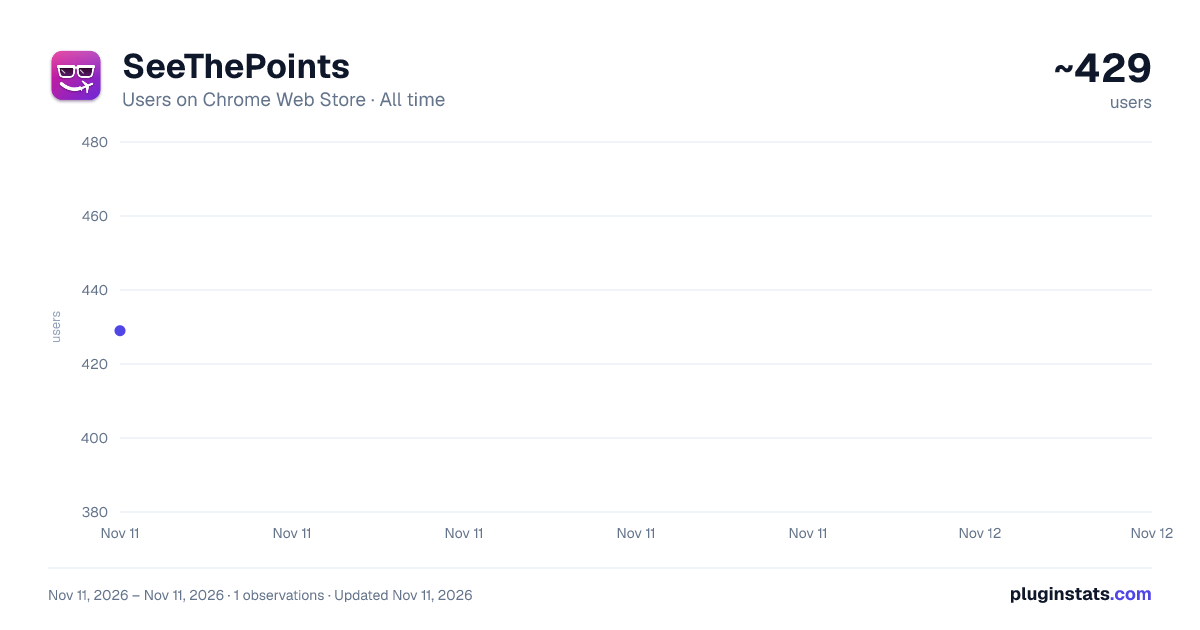
SeeThePoints has approximately 429 recorded users on Chrome Web Store, ranking #5597 of 10,388 tracked listings.
Rating: 5.00 / 5 from 3 ratings
About SeeThePoints
See the points price of flights on Google Flights, Skyscanner and other booking sites, and which of your cards can pay.
See what any flight costs in airline points, right next to the cash fare.
SeeThePoints adds a small pill under every fare on Google Flights, Skyscanner and other flight search sites. It shows the fewest points that exact flight and cabin costs. A gold pill means the flight is a great use of your points. Click it to see every loyalty programme that can book the flight, the fees to expect and which of your credit cards can pay.
NEW IN 2.0
- Works on 24 flight search sites and their country versions
- Cards from 46 countries, from India and the UK to the US, Japan, Brazil and South Africa (now including Rove Miles)
- Available in 21 languages, including Arabic and Hebrew
- Every price explains how it was worked out
- Award charts and transfer partners update automatically
FREE
- The points pill on every fare
- Economy estimates
- The 3 cheapest programmes for each flight
- The gold pill for great-value flights
PRO – ONE PAYMENT, YOURS FOR LIFE
- No subscription and no renewals, ever
- Premium economy, business and first class
- Every programme for every flight
- Which of your cards transfer, and at what ratio
- What your points are worth after fees
- One click to each programme's award search
- Use it on up to 3 of your browsers
PRIVATE BY DESIGN No account and no tracking. Everything is worked out in your browser.
Estimates come from published award charts. Award seats are limited and prices can change, so always confirm on the programme's site before transferring points. SeeThePoints isn't affiliated with any airline, bank or booking site. The full list of supported sites, programmes and cards is at seethepoints.com.
Description from the Chrome Web Store listing.
README badge
Show your rank in a README or on your website. The badge updates automatically.
Charts
Images: 30d · 1y · all time · 1600×900 dark
Adoption over time
7/30/90-day growth
Ranking history
Ratings over time
Listing placement
Listing placement
Filled points are observed values; hollow points come from Internet Archive snapshots of the listing page. Dashed segments span periods with no observations — values between points are not interpolated.
Each band is one page of 20. Users on a linear scale. Placement is projected from users, so it can differ from the marketplace's own sort order. Hover a dot to see the listing.
Recent observations
Full history (1)Similar Chrome Web Store Travel plugins
All 20 SeeThePoints alternatives



Data source
Covers every Chrome Web Store extension with at least 100 users, found through the store's public sitemap. User counts are read from public listing pages. The 10% most-used extensions are refreshed daily, the next 40% weekly and the next 40% monthly; the least-used 10% are not refreshed. Google displays rounded user counts (and caps the display at 10,000,000+), so small changes may not be visible. Rating counts above 1,000 are rounded (e.g. 1.6K).
Listing: https://chromewebstore.google.com/detail/seethepoints/nippmkemfncajichbpidipdbfjbmgepl. First seen Nov 11, 2026; last successful collection Nov 11, 2026. See the methodology.