 PluginStats

Pixel Perfect by Workflow.design users statistics
Chrome Web Store · Art & Design
Make sure your websites are pixel perfect with your designs
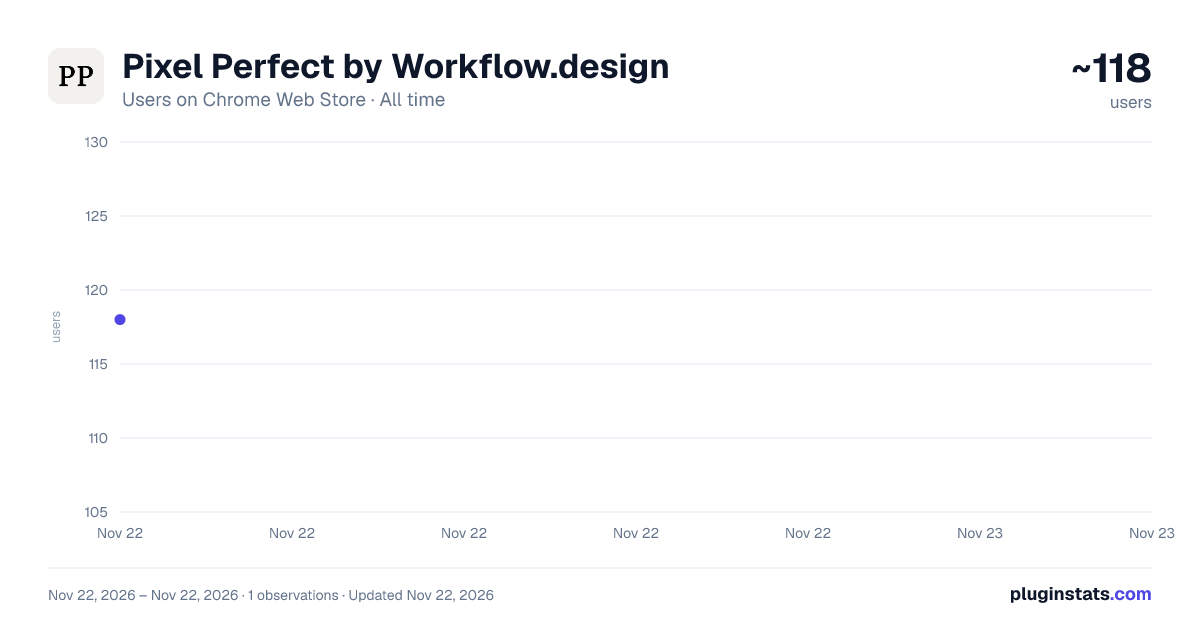
Pixel Perfect by Workflow.design has approximately 118 recorded users on Chrome Web Store, ranking #9759 of 10,523 tracked listings.
Rating: 5.00 / 5 from 1 ratings
About Pixel Perfect by Workflow.design
Make sure your websites are pixel perfect with your designs
PIXEL PERFECT DESIGN OVERLAY Make your web development pixel-perfect with this essential design overlay tool for developers and designers.
Built by the team at workflow.design - the tool that lets you easily collect design feedback, markup, and annotations from clients and team members on your live websites, Figma, videos, presentations and images. Check it out at https://workflow.design
🎯 KEY FEATURES: • Overlay design images on any webpage with precise positioning • Real-time opacity and scale controls with live preview • Automatic Retina display detection for perfect sizing • Keyboard shortcuts for precise movement (hold Shift for large steps) • Click-to-edit scale percentages for exact values • Persistent settings - remembers your preferences across sessions • Clean, professional greyscale interface
🔧 HOW IT WORKS:
- Upload or paste your design image
- Click "Insert" to overlay it on any webpage
- Use the floating control panel to adjust position, opacity, and scale
- Move with arrow keys or on-screen controls
- Settings automatically save for future use
⚡ PERFECT FOR: • Frontend developers comparing designs to implementation • UI/UX designers checking pixel-perfect accuracy • Web designers ensuring layout precision • QA testers validating design specifications • Anyone who needs precise design-to-code comparison
🛡️ PRIVACY & SECURITY: • No data collection or tracking • No external network requests • Works entirely locally in your browser • Minimal permissions for maximum security • Open source friendly architecture
🚀 PROFESSIONAL FEATURES: • Supports all image formats (PNG, JPG, SVG, etc.) • High-DPI display optimization (Retina support) • Non-destructive overlay - doesn't affect webpage functionality • Smooth animations and transitions • Intuitive keyboard controls
Transform your design workflow and achieve pixel-perfect results every time. Essential for any developer or designer who cares about precision.
Love this extension? Check out workflow.design to make getting design feedback effortless.
Description from the Chrome Web Store listing.
README badge
Show your rank in a README or on your website. The badge updates automatically.
Charts
Images: 30d · 1y · all time · 1600×900 dark
Adoption over time
7/30/90-day growth
Ranking history
Ratings over time
Listing placement
Listing placement
Filled points are observed values; hollow points come from Internet Archive snapshots of the listing page. Dashed segments span periods with no observations — values between points are not interpolated.
Each band is one page of 20. Users on a linear scale. Placement is projected from users, so it can differ from the marketplace's own sort order. Hover a dot to see the listing.
Recent observations
Full history (1)Similar Chrome Web Store Art & Design plugins
All 20 Pixel Perfect by Workflow.design alternatives



Data source
Covers every Chrome Web Store extension with at least 100 users, found through the store's public sitemap. User counts are read from public listing pages. The 10% most-used extensions are refreshed daily, the next 40% weekly and the next 40% monthly; the least-used 10% are not refreshed. Google displays rounded user counts (and caps the display at 10,000,000+), so small changes may not be visible. Rating counts above 1,000 are rounded (e.g. 1.6K).
Listing: https://chromewebstore.google.com/detail/pixel-perfect-by-workflow/ifbbnagfdempcoomkdejonbkdnkjopmg. First seen Nov 22, 2026; last successful collection Nov 22, 2026. See the methodology.