Name the color you have in your clipboard directly inside your color resource file in Android Studio. Copy the color in your clipboard and go to your color resources...
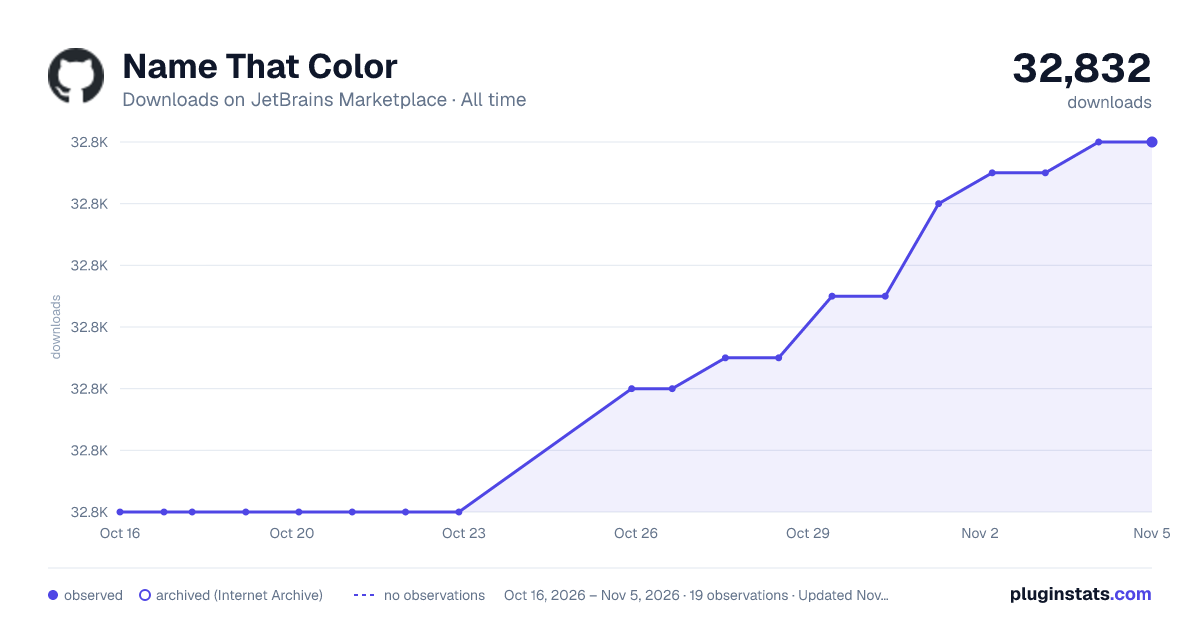
Name That Color has 32,820 recorded downloads on JetBrains Marketplace, ranking #1634 of 2,502 tracked listings.
Rating: 5.00 / 5 from 6 ratings
About Name That Color
Name the color you have in your clipboard directly inside your color resource file in Android Studio.
Copy the color in your clipboard and go to your color resources files (usually colors.xml), then open the auto complete pop-up. You'll see there
two suggestions go generate the whole (material) color item, with the name of the (material swatch) color.
Description from the JetBrains Marketplace listing.
Android
README badge
Show your rank in a README or on your website. The badge updates automatically.
Filled points are observed values; hollow points come from Internet Archive snapshots of the listing page. Dashed segments span periods with no observations — values between points are not interpolated.
Each band is one page of 20. Downloads on a linear scale. Placement is projected from downloads, so it can differ from the marketplace's own sort order. Hover a dot to see the listing.
Cumulative download counts come from the public JetBrains Marketplace API. JetBrains reports downloads, not active installs. Ratings are the mean of public votes.
 PluginStats