 PluginStats
Hackrate (Issues and Security Advisories) installs statistics
By Hackrate · GitHub Marketplace
Create and sync GitHub Issues from Hackrate bug bounty reports, with automatic status updates on close/reopen
Hackrate (Issues and Security Advisories) has 3 recorded installs on GitHub Marketplace.
It ranks #1208 of 1,393 tracked GitHub Marketplace listings by installs.
PluginStats has 1 daily observations since Oct 16, 2026; the latest is from Oct 16, 2026.
About Hackrate (Issues and Security Advisories)
Hackrate GitHub Integration connects your bug bounty program to GitHub so you can turn security reports into actionable engineering work—fast. Create a GitHub issue from any report, choose an approved repository, and keep report status aligned with issue lifecycle (close/reopen) via webhook-driven sync.
Hackrate’s GitHub Issues Integration helps security and engineering teams collaborate seamlessly by bridging Hackrate bug bounty reports and GitHub Issues. Convert validated findings into trackable work items in the right repo, keep everything linked, and maintain workflow hygiene with automatic status synchronization.
Capabilities
• Create GitHub Issues from Hackrate reports • Generate an issue directly from a report with pre-filled title/body and optional labels. • Program-scoped repository allowlisting • Customers install the GitHub App and select which repositories are available for issue creation. • Issue ↔ report linking • Each created issue is linked back to the report for traceability and auditability. • Status synchronization • When a GitHub issue is closed or reopened, Hackrate updates the report status automatically (via GitHub webhooks). • Multi-tenant safe by design • Each customer uses their own GitHub App installation; actions are scoped to the selected repositories only.
Getting Started
Requirements:
• Plan: Available for Hackrate programs with Integrations enabled (contact Hackrate if unsure). • User Permissions: Program admins (SuperAdmin / StandardAdmin) can connect GitHub and manage repository selection. • Availability: GA. • Onboarding Video: Optional (not required for setup).
Setup Process:
1. In Hackrate, open your Program → Manage → Integrations → GitHub.
2. Click Connect GitHub and install the GitHub App into your GitHub organization/account.
3. Select the repositories you want to allow for issue creation.
4. Return to Hackrate—allowed repositories will appear under the GitHub integration.
5. Open any report and click Create GitHub Issue to create and link an issue.
Description from the GitHub Marketplace listing.
- Security
- Continuous integration
Where Hackrate (Issues and Security Advisories) sits in the listing
Each band is one page of 20. Installs on a log scale. Placement is projected from installs, so it can differ from the marketplace's own sort order. Hover a dot to see the listing.


Charts
Images: 30d · 1y · all time · 1600×900 dark


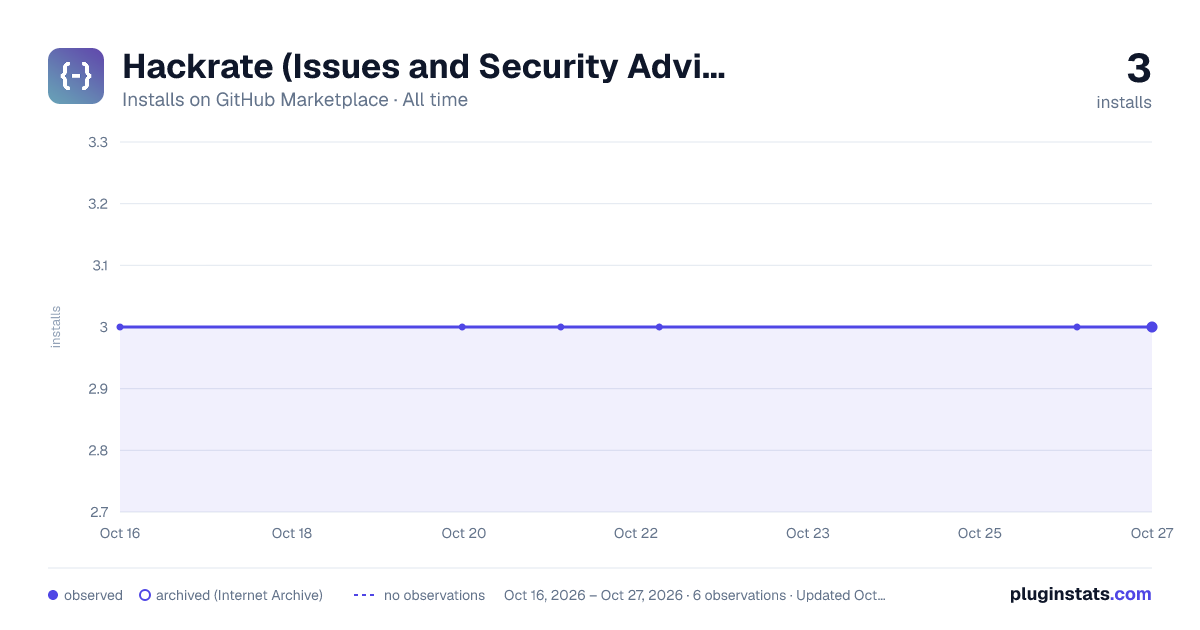

Adoption over time


7/30/90-day growth


Filled points are observed values; hollow points come from Internet Archive snapshots of the listing page. Dashed segments span periods with no observations — values between points are not interpolated.
Recent observations
Full history (1)Similar GitHub Marketplace plugins
Data source
Install counts (installations of each GitHub App across accounts and organizations) are read from public GitHub Marketplace listing pages. GitHub does not publish ratings. Category positions reflect GitHub's own popularity sort.
Listing: https://github.com/marketplace/hackrate-issues. First seen Oct 16, 2026; last successful collection Oct 16, 2026. See the methodology.